---
title: Checkbox
description: >-
Use this component when you want to provide users with a clear selection
option, such as for agreeing to terms and conditions or selecting multiple
options from a list.
api_version: 2025-07
api_name: admin-extensions
source_url:
html: >-
https://shopify.dev/docs/api/admin-extensions/2025-07/components/forms/checkbox
md: >-
https://shopify.dev/docs/api/admin-extensions/2025-07/components/forms/checkbox.md
---
# Checkbox
Use this component when you want to provide users with a clear selection option, such as for agreeing to terms and conditions or selecting multiple options from a list.
## CheckboxProps
* accessibilityLabel
string
A label that describes the purpose or contents of the element. When set, it will be announced to users using assistive technologies and will provide them with more context. When set, any children or `label` supplied will not be announced to screen readers.
* checked
boolean
Whether the checkbox is active.
* disabled
boolean
Whether the checkbox can be changed.
* error
string
Indicate an error to the user. The field will be given a specific stylistic treatment to communicate problems that have to be resolved immediately.
* id
string
A unique identifier for the field. When no `id` is set, a globally unique value will be used instead.
* label
string
Visual content to use as the checkbox label.
* name
string
An identifier for the checkbox that is unique within the nearest containing `Form` component.
* onChange
(value: boolean) => void
A callback that is run whenever the checkbox is changed. This callback is called with a boolean indicating whether the checkbox should now be active or inactive. This component is [controlled](https://reactjs.org/docs/forms.html#controlled-components), so you must store this value in state and reflect it back in the `checked` or `value` props.
* value
boolean
Whether the checkbox is active. This prop is an alias for `checked`, and can be useful in form libraries that provide a normalized API for dealing with both `boolean` and `string` values. If both `value` and `checked` are set, `checked` takes precedence.
Examples
## Preview
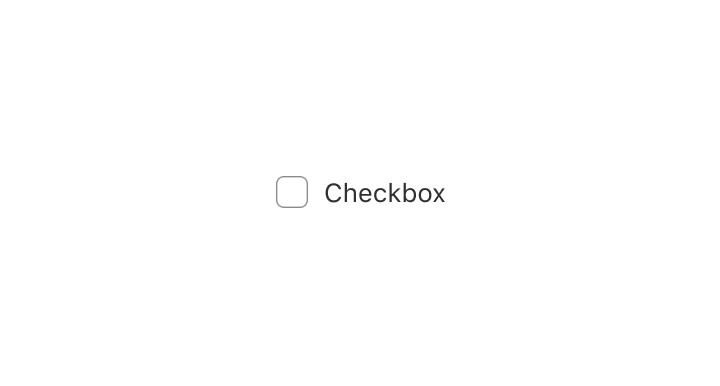
### Examples
* #### Add a simple Checkbox
##### React
```tsx
import {render, Checkbox} from '@shopify/ui-extensions-react/admin';
render('Playground', () => );
function App() {
return (
Save this information for next time
);
}
```
##### JS
```js
import {extend, Checkbox} from '@shopify/ui-extensions/admin';
extend('Playground', (root) => {
const checkbox = root.createComponent(
Checkbox,
{id: 'checkbox', name: 'checkbox'},
'Save this information for next time',
);
root.appendChild(checkbox);
});
```