Toast API
App Bridge isn't versioned with Polaris. App Bridge APIs and web components are identical in every App Home reference version.
App Bridge isn't versioned with Polaris. App Bridge APIs and web components are identical in every App Home reference version.
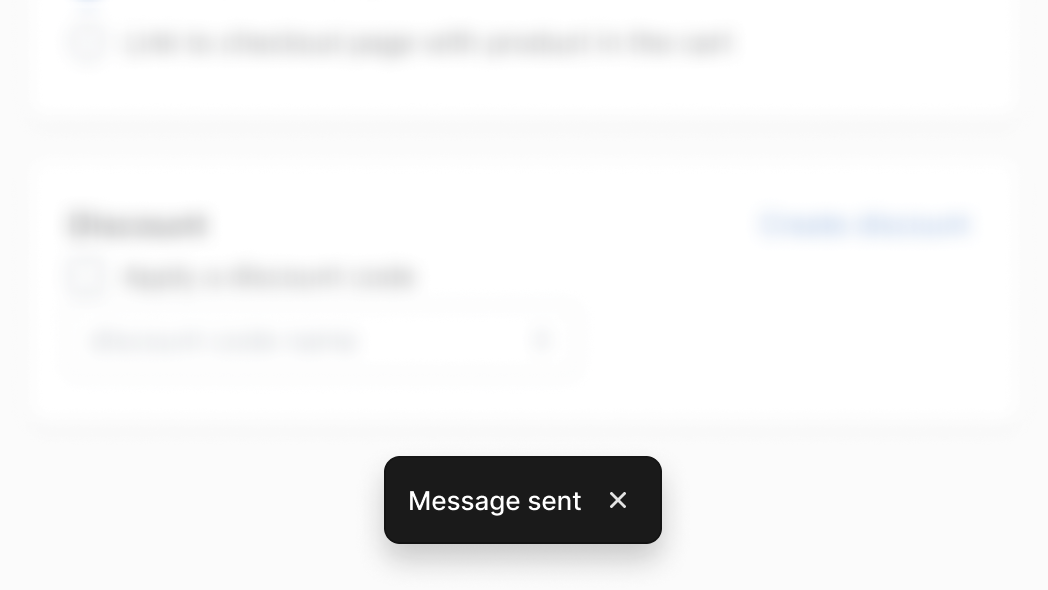
The Toast API displays a non-disruptive message that appears at the bottom of the interface to provide quick and short feedback on the outcome of an action. This API is modeled after the Web Notification API.
Anchor to Use casesUse cases
- Success feedback: Show confirmation messages after successful save, create, or update operations.
- Error notification: Display non-blocking error messages when operations fail.
- Action buttons: Include action buttons in toasts for quick follow-up actions like undoing changes.
- Temporary alerts: Communicate brief, time-limited messages that don't require user acknowledgment.
Anchor to MethodsMethods
The Toast.show method displays a toast notification in the Shopify admin. It accepts a variety of options to customize the behavior.
- Anchor to hidehidehideToastHideToastHiderequiredrequired
Hides a Toast notification in the Shopify admin.
- Anchor to showshowshowToastShowToastShowrequiredrequired
Displays a Toast notification in the Shopify admin.
ToastHide
The `Toast.hide` method hides a Toast notification. This is not required to be called as the Toast notification will automatically hide after the `duration` has elapsed.
- id
string
voidToastShow
The `Toast.show` method displays a Toast notification in the Shopify admin. It accepts a variety of options to customize the behavior.
- message
string - opts
ToastOptions
stringToastOptions
- action
Content of an action button.
string - duration
The length of time in milliseconds the toast message should persist.
number - isError
Display an error-styled toast.
boolean - onAction
Callback fired when the action button is clicked.
() => void - onDismiss
Callback fired when the dismiss icon is clicked.
() => void
js
Preview
Examples
Show a basic toast
Description
Show a basic toast. This example displays a minimal toast notification with only a message string. Use this for simple confirmations like saving a product, sending a message, or completing a quick action.
js
shopify.toast.show('Message sent');Set a custom duration
Description
Set a custom duration. This example displays a toast with a custom `duration` option set to 5000 milliseconds. Use this when the default display time is too short for the message content, such as longer confirmation messages or status updates that merchants need more time to read.
js
shopify.toast.show('Product saved', {
  duration: 5000,
});
Add an action button
Description
Add an action button. This example displays a toast with an `action` label and an `onAction` callback. Use this to offer an undo option after destructive actions, a retry option after failed operations, or a navigation shortcut to view the result of a completed action.
js
shopify.toast.show('Product saved', {
  action: 'Undo',
  onAction: () => {}, // Undo logic
});
Handle dismiss
Description
Handle dismiss. This example displays a toast with an `onDismiss` callback that fires when the toast is closed. Use this to trigger follow-up logic after the notification disappears, such as refreshing data, logging analytics events, or advancing a multi-step workflow.
js
shopify.toast.show('Product saved', {
  onDismiss: () => {}, // Dismiss logic
});