View
A View is a generic container component. Its contents will always be their
"natural" size, so this component can be useful in layout components (like Layout, Tiles,
BlockStack, InlineStack) that would otherwise stretch their children to fit.
Anchor to ExampleExample
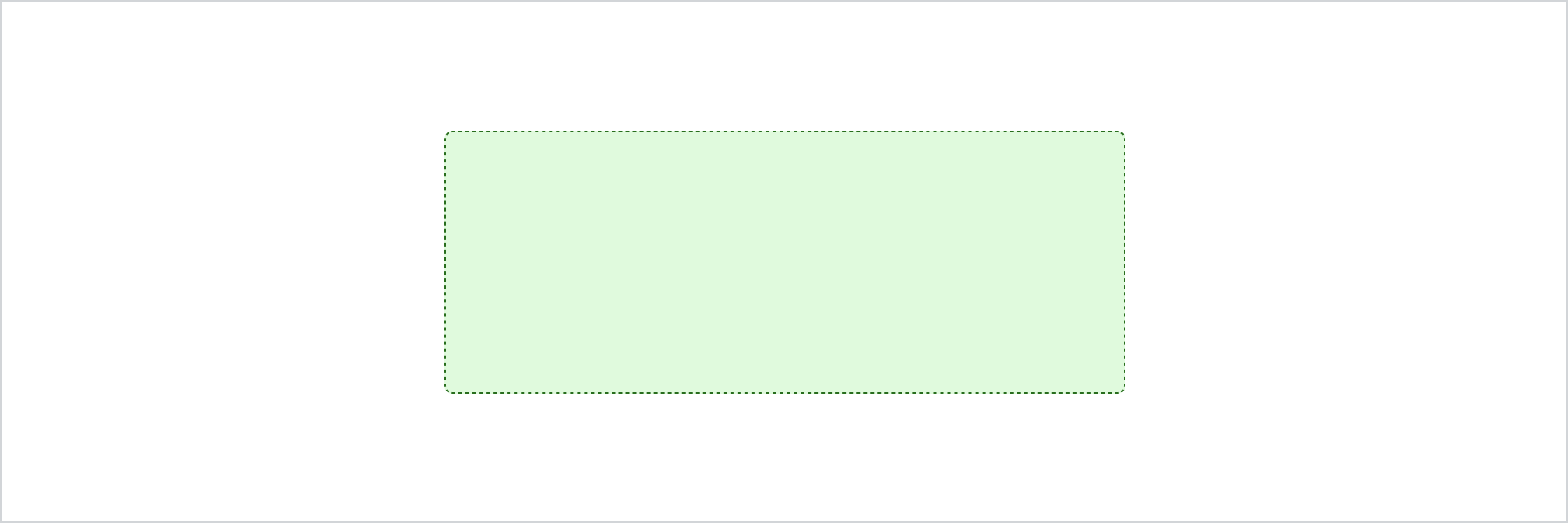
import {extend, View} from '@shopify/post-purchase-ui-extensions';

extend('Checkout::PostPurchase::Render', (root) => {
  const view = root.createComponent(View, undefined, 'View');

  root.appendChild(view);
});
import {render, View} from '@shopify/post-purchase-ui-extensions-react';

render('Checkout::PostPurchase::Render', () => <App />);

function App() {
  return (
    <View background="surfaceSecondary" padding="base" border="base">
      View
    </View>
  );
}
JS
import {extend, View} from '@shopify/post-purchase-ui-extensions';
extend('Checkout::PostPurchase::Render', (root) => {
const view = root.createComponent(View, undefined, 'View');
root.appendChild(view);
});React
import {render, View} from '@shopify/post-purchase-ui-extensions-react';
render('Checkout::PostPurchase::Render', () => <App />);
function App() {
return (
<View background="surfaceSecondary" padding="base" border="base">
View
</View>
);
}Anchor to PropsProps
optional = ?
| Name | Type | Description |
|---|---|---|
| inlinePadding? | "xtight" | "tight" | "loose" | "xloose" | Adjust the inline padding |
| blockPadding? | "xtight" | "tight" | "loose" | "xloose" | Adjust the block padding |
Was this page helpful?