Link
The link component makes text interactive, allowing buyers to navigate to other pages or perform specific actions. Use link for navigation, external references, or triggering actions with built-in accessibility support.
Links support standard URLs, custom protocols, navigation within Shopify admin pages, and can open in new windows for external destinations. For prominent actions or form submissions, use button instead.
Links don't support a disabled state. If you need a disableable interactive element, use a button instead.
Supported targets
- purchase.
checkout. actions. render-before - purchase.
checkout. block. render - purchase.
checkout. cart-line-item. render-after - purchase.
checkout. cart-line-list. render-after - purchase.
checkout. contact. render-after - purchase.
checkout. delivery-address. render-after - purchase.
checkout. delivery-address. render-before - purchase.
checkout. footer. render-after - purchase.
checkout. header. render-after - purchase.
checkout. payment-method-list. render-after - purchase.
checkout. payment-method-list. render-before - purchase.
checkout. pickup-location-list. render-after - purchase.
checkout. pickup-location-list. render-before - purchase.
checkout. pickup-location-option-item. render-after - purchase.
checkout. pickup-point-list. render-after - purchase.
checkout. pickup-point-list. render-before - purchase.
checkout. reductions. render-after - purchase.
checkout. reductions. render-before - purchase.
checkout. shipping-option-item. details. render - purchase.
checkout. shipping-option-item. render-after - purchase.
checkout. shipping-option-list. render-after - purchase.
checkout. shipping-option-list. render-before - purchase.
thank-you. announcement. render - purchase.
thank-you. block. render - purchase.
thank-you. cart-line-item. render-after - purchase.
thank-you. cart-line-list. render-after - purchase.
thank-you. customer-information. render-after - purchase.
thank-you. footer. render-after - purchase.
thank-you. header. render-after
Supported targets
- purchase.
checkout. actions. render-before - purchase.
checkout. block. render - purchase.
checkout. cart-line-item. render-after - purchase.
checkout. cart-line-list. render-after - purchase.
checkout. contact. render-after - purchase.
checkout. delivery-address. render-after - purchase.
checkout. delivery-address. render-before - purchase.
checkout. footer. render-after - purchase.
checkout. header. render-after - purchase.
checkout. payment-method-list. render-after - purchase.
checkout. payment-method-list. render-before - purchase.
checkout. pickup-location-list. render-after - purchase.
checkout. pickup-location-list. render-before - purchase.
checkout. pickup-location-option-item. render-after - purchase.
checkout. pickup-point-list. render-after - purchase.
checkout. pickup-point-list. render-before - purchase.
checkout. reductions. render-after - purchase.
checkout. reductions. render-before - purchase.
checkout. shipping-option-item. details. render - purchase.
checkout. shipping-option-item. render-after - purchase.
checkout. shipping-option-list. render-after - purchase.
checkout. shipping-option-list. render-before - purchase.
thank-you. announcement. render - purchase.
thank-you. block. render - purchase.
thank-you. cart-line-item. render-after - purchase.
thank-you. cart-line-list. render-after - purchase.
thank-you. customer-information. render-after - purchase.
thank-you. footer. render-after - purchase.
thank-you. header. render-after
Anchor to Use casesUse cases
- Policy navigation: Direct buyers to privacy policies, terms of service, or return policy pages.
- External references: Link to external resources like tracking pages, support articles, or partner sites.
- Modal triggers: Open overlays or modals using the
commandForandcommandattributes without navigating away from checkout. - New-tab navigation: Open external pages in a separate tab with
target="_blank"so buyers don't lose their checkout progress.
Anchor to PropertiesProperties
Configure the following properties on the link component.
- Anchor to accessibilityLabelaccessibility
Labelaccessibility Label stringstring A label that describes the purpose or content of the link for users of assistive technologies such as screen readers.
- Anchor to commandcommandcommand'--auto' | '--show' | '--hide' | '--toggle' | '--copy''--auto' | '--show' | '--hide' | '--toggle' | '--copy'Default: '--auto'Default: '--auto'
Sets the action the
target should take when this component is activated. Available options:'--auto': Performs the default action appropriate for the target component.'--show': Displays the target component if it's currently hidden.'--hide': Conceals the target component from view.'--toggle': Alternates the target component between visible and hidden states.'--copy': Copies the target clipboard item.
The supported actions vary by target component type. Learn more about the
commandattribute.- Anchor to commandForcommand
Forcommand For stringstring The ID of the component to control when this component is activated. Pair with the
commandproperty to specify what action to perform on the target component. Learn more about theattribute.When both
andhrefare set,takes precedence. The command runs and the link doesn't navigate.- Anchor to hrefhrefhrefstringstring
The URL to navigate to when clicked, including
mailto:andtel:URLs. Theclickevent fires first, then navigation occurs. Ifis also set, the command executes instead of navigation.- Anchor to idididstringstring
A unique identifier for the element. Use this to reference the element in JavaScript, link labels to form controls, or target specific elements for styling or scripting.
- Anchor to interestForinterest
Forinterest For stringstring The ID of the component to show when users hover over or focus on this component. Pair with a target component that supports interest-based interactions. Learn more about the interestFor attribute.
- Anchor to langlanglangstringstring
The language of the link's text content. Use this when the link text is in a different language than the rest of the page.
- Anchor to targettargettarget'auto' | '_blank''auto' | '_blank'Default: 'auto'Default: 'auto'
Specifies where to display the linked URL. Learn more about the target attribute.
'auto': Opens the URL in the current frame or a new tab, depending on the context.'_blank': Opens the URL in a new tab or window.
- Anchor to tonetonetone'auto' | 'neutral''auto' | 'neutral'Default: 'auto'Default: 'auto'
The semantic meaning and color treatment of the link.
'auto': Automatically determined based on context.'neutral': Removes the default link color, inheriting the surrounding text style.
Anchor to EventsEvents
The link component provides event callbacks for handling user interactions. Learn more about handling events.
- Anchor to clickclickclickCallbackEventListener<typeof tagName>CallbackEventListener<typeof tagName>
A callback fired when the link is clicked, before navigating to the location specified by
href.Learn more about the click event.
CallbackEventListener
A typed event listener for custom element events. The listener receives a `CallbackEvent` with the correct `currentTarget` type for the associated custom element tag.
(EventListener & {
    (event: CallbackEvent<TTagName, Event> & TData): void;
}) | null
CallbackEvent
An event type that narrows the `currentTarget` to the specific HTML element associated with the custom element tag. This provides type-safe event handling in callback listeners.
TEvent & {
    currentTarget: HTMLElementTagNameMap[TTagName];
}
Anchor to ExamplesExamples
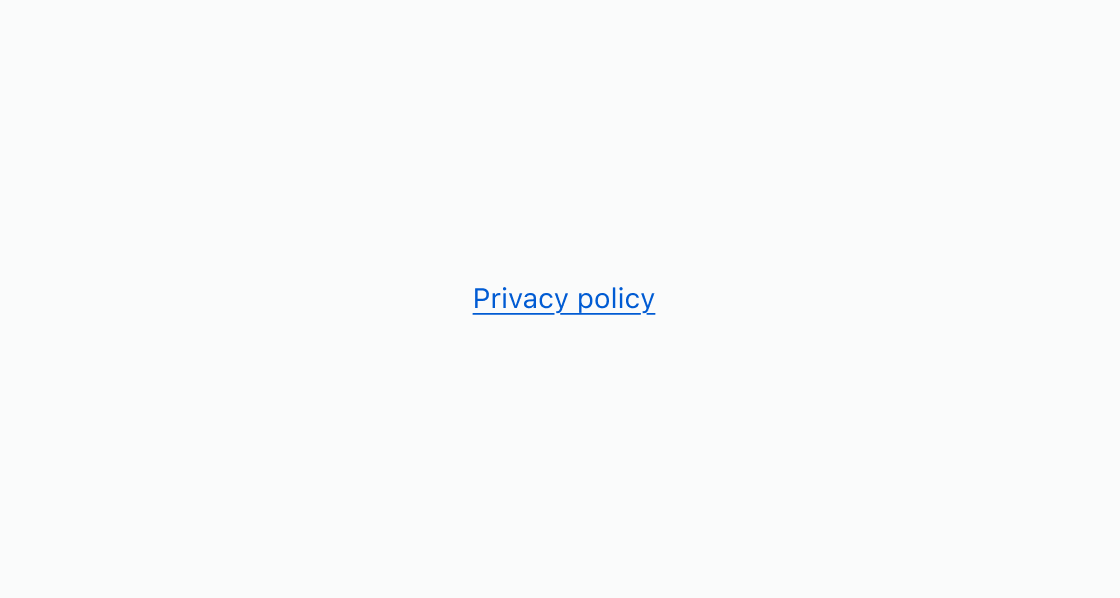
Anchor to Link to a privacy policyLink to a privacy policy
Add a text link that navigates to an external page. This example displays an s-link pointing to a privacy policy URL.Link to a privacy policy
html
Anchor to Open a link in a new tabOpen a link in a new tab
Navigate to an external page without leaving checkout by opening it in a separate tab. This example shows an s-link with target="_blank" for a terms of service page.html
Anchor to Trigger a modal from a linkTrigger a modal from a link
Open a modal without navigating away from checkout. This example uses an s-link with commandFor and command="--show" connected to a modal's id.html
Anchor to Best practicesBest practices
- Use links for navigation: Reserve links for actions that navigate. For state-changing actions, use button instead.
- Open external URLs in new tabs: Set
target="_blank"for external destinations so buyers don't lose their checkout progress. - Write descriptive text: Use link text that describes the destination, such as "Privacy policy" rather than "Click here."
- Choose link or button intentionally: Use link for navigation and button for state-changing actions. The link component may render as a
<button>element depending on the properties set, but it's styled as a text link.