---
title: Progress
description: Use to visually represent the completion of a task or process.
api_version: 2025-07
api_name: checkout-ui-extensions
source_url:
html: >-
https://shopify.dev/docs/api/checkout-ui-extensions/2025-07/components/feedback/progress
md: >-
https://shopify.dev/docs/api/checkout-ui-extensions/2025-07/components/feedback/progress.md
---
# Progress
Use to visually represent the completion of a task or process.
## ProgressProps
* accessibilityLabel
string
A label to use for the Progress that will be used for buyers using assistive technologies like screen readers. It will also be used to replace the animated loading indicator when buyers prefer reduced motion.
* id
string
A unique identifier for the component.
* max
number
Default: 1
Define the maximum limit of the progress element. It must have a value greater than 0 and be a valid floating point number.
* tone
Tone
Default: 'auto'
Set the color of the progress bar.
* value
number
Specify how much of the task that has been completed. It must be a valid floating point number between 0 and max, or between 0 and 1 if max is omitted. When undefined, the progress bar is indeterminate; this indicates that an activity is ongoing with no indication of how long it is expected to take.
### Tone
```ts
'auto' | 'critical'
```
### Examples
* #### Indeterminate state
##### React
```tsx
import {
reactExtension,
Progress,
} from '@shopify/ui-extensions-react/checkout';
export default reactExtension(
'purchase.checkout.block.render',
() => ,
);
function Extension() {
return (
);
}
```
##### JS
```js
import {extension, Progress} from '@shopify/ui-extensions/checkout';
export default extension('purchase.checkout.block.render', (root) => {
const baseProgress = root.createComponent(Progress, {
accessibilityLabel: 'Loading',
});
root.appendChild(baseProgress);
});
```
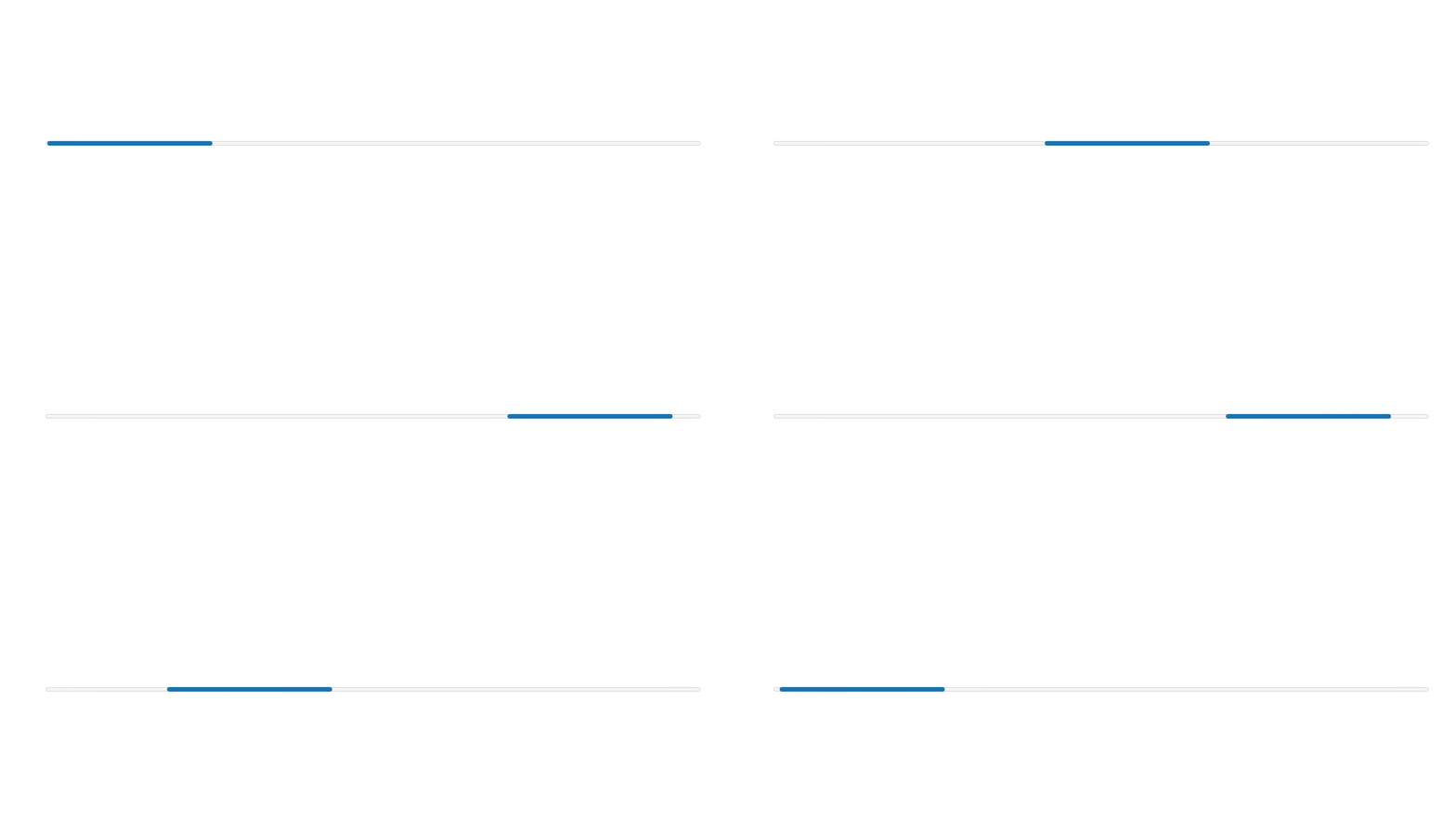
## Preview
## Best Practices
Use components like [TextBlock](../titles-and-text/textblock) or [Text](../titles-and-text/text), along with the Progress component, to display text indicating the status of the progress bar.
### Loading states
For loading states, add text to reassure the user that the progress bar is not frozen.

### Error states
For error states, add text or a [Banner](./banner) to describe the error and next steps. Use the `critical` tone property to convey urgency.

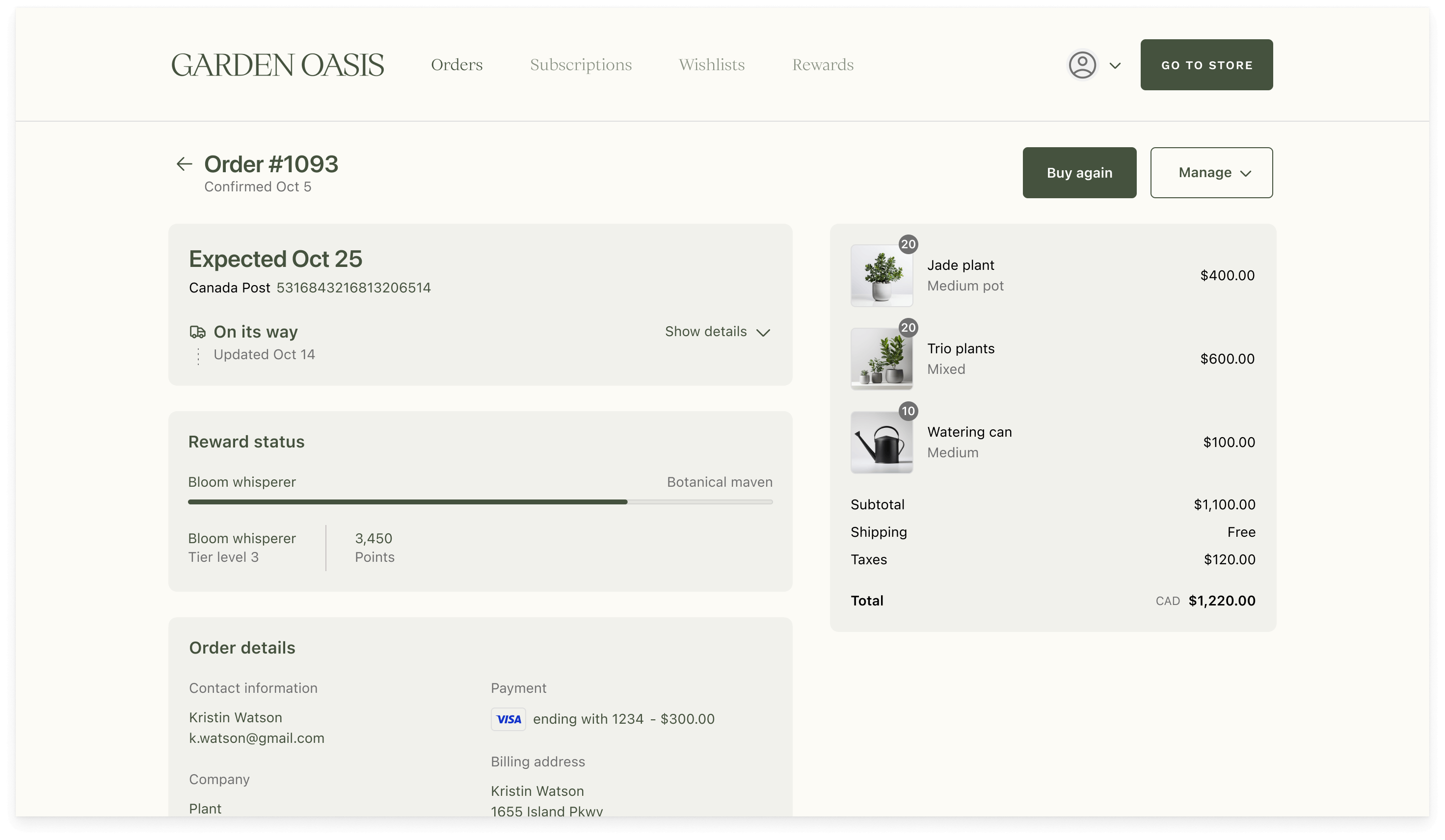
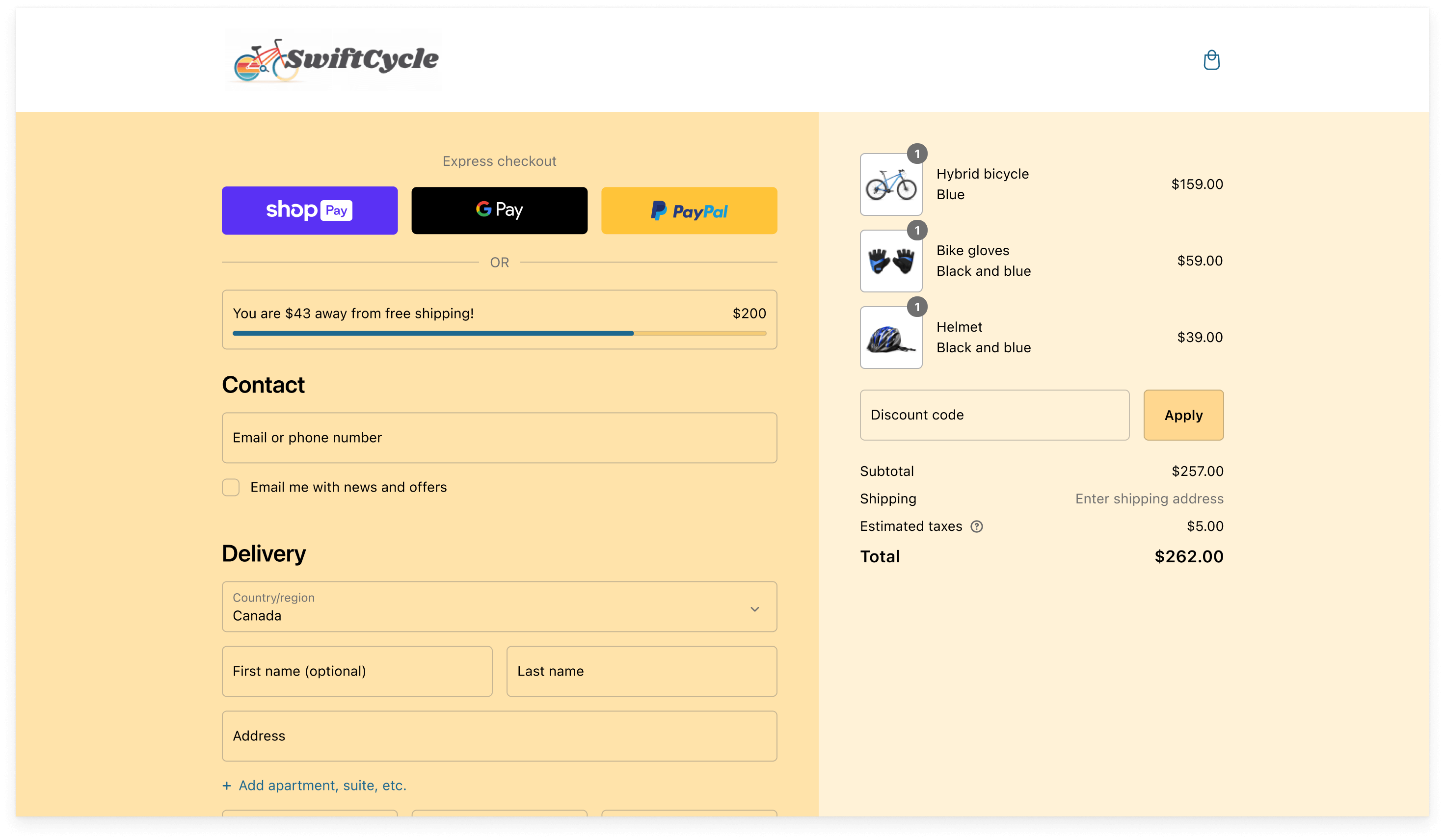
### Visualize a goal
Use the Progress component to visualize a goal that's valuable to the customer.
Here's an example of using a progress bar to show a customer's progress toward the next rewards tier:
Here's an example of using a progress bar to show how much more a customer needs to spend to get free shipping:
## Examples
### Examples
* #### Determinate state
##### Description
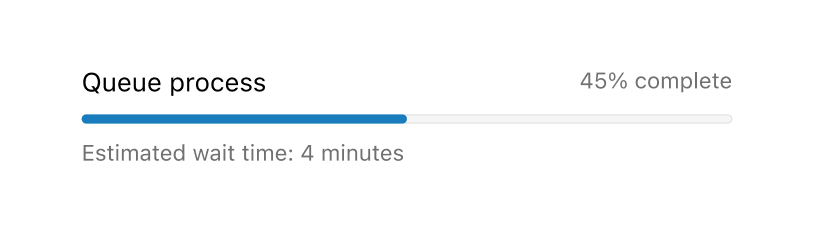
In a determinate state, \[TextBlock]\(../titles-and-text/textblock) or \[Text]\(../titles-and-text/text) components can be used to communicate what the progress bar is tracking, and to set clear expectations about the current progress.
##### React
```jsx
import {
reactExtension,
BlockStack,
Grid,
Progress,
Text,
TextBlock,
} from '@shopify/ui-extensions-react/checkout';
export default reactExtension(
'purchase.checkout.footer.render-after',
() => ,
);
function Extension() {
const label = 'Queue process';
return (
{label}
45% completed
Estimated wait time: 4 minutes
);
}
```
##### JavaScript
```js
import {
extension,
BlockStack,
Grid,
Progress,
Text,
TextBlock,
} from '@shopify/ui-extensions/checkout';
export default extension(
'purchase.checkout.block.render',
(root) => {
const label = 'Queue process';
const progress = root.createComponent(
BlockStack,
null,
[
root.createComponent(
Grid,
{
columns: ['fill', 'auto'],
},
[
root.createComponent(
Text,
null,
label,
),
root.createComponent(
Text,
{
appearance: 'subdued',
},
'45% completed',
),
],
),
root.createComponent(Progress, {
value: 45,
max: 100,
accessibilityLabel: label,
}),
root.createComponent(
TextBlock,
{
appearance: 'subdued',
},
'Estimated wait time: 4 minutes',
),
],
);
root.appendChild(progress);
},
);
```
## Preview
## Related
[Component - Spinner](spinner)