---
title: Time
description: >-
Represents a specific datetime or time duration. Use to display dates, times,
or durations clearly and consistently.
api_version: 2026-04
source_url:
html: >-
https://shopify.dev/docs/api/customer-account-ui-extensions/latest/web-components/typography-and-content/time
md: >-
https://shopify.dev/docs/api/customer-account-ui-extensions/latest/web-components/typography-and-content/time.md
---
# Time
The time component represents a specific date, time, or duration. Use time to display delivery estimates, order dates, or scheduling information with both a human-readable format and a machine-readable value.
The text between the tags controls the visible display format. For general text content, use [text](https://shopify.dev/docs/api/customer-account-ui-extensions/latest/web-components/typography-and-content/text).
### Support Targets (24)
### Supported targets
* [customer-account.footer.render-after](https://shopify.dev/docs/api/customer-account-ui-extensions/2026-04/targets/footer#footer-render-after-)
* [customer-account.order-index.announcement.render](https://shopify.dev/docs/api/customer-account-ui-extensions/2026-04/targets/order-actions#order-index-announcement-)
* [customer-account.order-index.block.render](https://shopify.dev/docs/api/customer-account-ui-extensions/2026-04/targets/order-actions#order-index-block-)
* [customer-account.order-status.announcement.render](https://shopify.dev/docs/api/customer-account-ui-extensions/2026-04/targets/order-status#order-status-announcement-)
* [customer-account.order-status.block.render](https://shopify.dev/docs/api/customer-account-ui-extensions/2026-04/targets/order-status#order-status-block-)
* [customer-account.order-status.cart-line-item.render-after](https://shopify.dev/docs/api/customer-account-ui-extensions/2026-04/targets/order-status#cart-line-item-render-after-)
* [customer-account.order-status.cart-line-list.render-after](https://shopify.dev/docs/api/customer-account-ui-extensions/2026-04/targets/order-status#cart-line-list-render-after-)
* [customer-account.order-status.customer-information.render-after](https://shopify.dev/docs/api/customer-account-ui-extensions/2026-04/targets/order-status#customer-information-render-after-)
* [customer-account.order-status.fulfillment-details.render-after](https://shopify.dev/docs/api/customer-account-ui-extensions/2026-04/targets/fulfillment-status#fulfillment-status-targets)
* [customer-account.order-status.payment-details.render-after](https://shopify.dev/docs/api/customer-account-ui-extensions/2026-04/targets/payments-and-returns#payments-and-returns-targets)
* [customer-account.order-status.return-details.render-after](https://shopify.dev/docs/api/customer-account-ui-extensions/2026-04/targets/payments-and-returns#return-details-render-after-)
* [customer-account.order-status.unfulfilled-items.render-after](https://shopify.dev/docs/api/customer-account-ui-extensions/2026-04/targets/fulfillment-status#unfulfilled-items-render-after-)
* [customer-account.order.action.menu-item.render](https://shopify.dev/docs/api/customer-account-ui-extensions/2026-04/targets/order-actions#order-action-menu-item-)
* [customer-account.order.action.render](https://shopify.dev/docs/api/customer-account-ui-extensions/2026-04/targets/order-actions#order-action-)
* [customer-account.order.page.render](https://shopify.dev/docs/api/customer-account-ui-extensions/2026-04/targets/full-page#order-specific-full-page-)
* [customer-account.page.render](https://shopify.dev/docs/api/customer-account-ui-extensions/2026-04/targets/full-page#customer-account-full-page-)
* [customer-account.profile.addresses.render-after](https://shopify.dev/docs/api/customer-account-ui-extensions/2026-04/targets/profile-page-default#profile-page-default-targets-)
* [customer-account.profile.announcement.render](https://shopify.dev/docs/api/customer-account-ui-extensions/2026-04/targets/profile-page-default#profile-announcement-)
* [customer-account.profile.block.render](https://shopify.dev/docs/api/customer-account-ui-extensions/2026-04/targets/profile-page-default#profile-block-)
* [customer-account.profile.company-details.render-after](https://shopify.dev/docs/api/customer-account-ui-extensions/2026-04/targets/profile-page-b2b#profile-page-b2b-targets-)
* [customer-account.profile.company-location-addresses.render-after](https://shopify.dev/docs/api/customer-account-ui-extensions/2026-04/targets/profile-page-b2b#company-location-addresses-render-after-)
* [customer-account.profile.company-location-payment.render-after](https://shopify.dev/docs/api/customer-account-ui-extensions/2026-04/targets/profile-page-b2b#company-location-payment-render-after-)
* [customer-account.profile.company-location-staff.render-after](https://shopify.dev/docs/api/customer-account-ui-extensions/2026-04/targets/profile-page-b2b#company-location-staff-render-after-)
* customer-account.profile.payment.render-after
#### Use cases
* **Order timestamps**: Display the date and time an order was placed with machine-readable markup.
* **Delivery estimates**: Present estimated arrival dates alongside human-friendly labels.
* **Pickup windows**: Format same-day or scheduled pickup times for quick scanning.
***
## Properties
Configure the following properties on the time component.
* **dateTime**
**string**
**Default: ''**
The machine-readable date and/or time value for the element. Use this to provide a datetime string that browsers, search engines, and assistive technologies can parse for improved semantics and functionality.
The value must be a [valid datetime string](https://developer.mozilla.org/en-US/docs/Web/HTML/Reference/Elements/time#valid_datetime_values), such as `2024-01-15`, `14:30`, or `2024-01-15T14:30:00`.
* **id**
**string**
A unique identifier for the element. Use this to reference the element in JavaScript, link labels to form controls, or target specific elements for styling or scripting.
***
## Examples
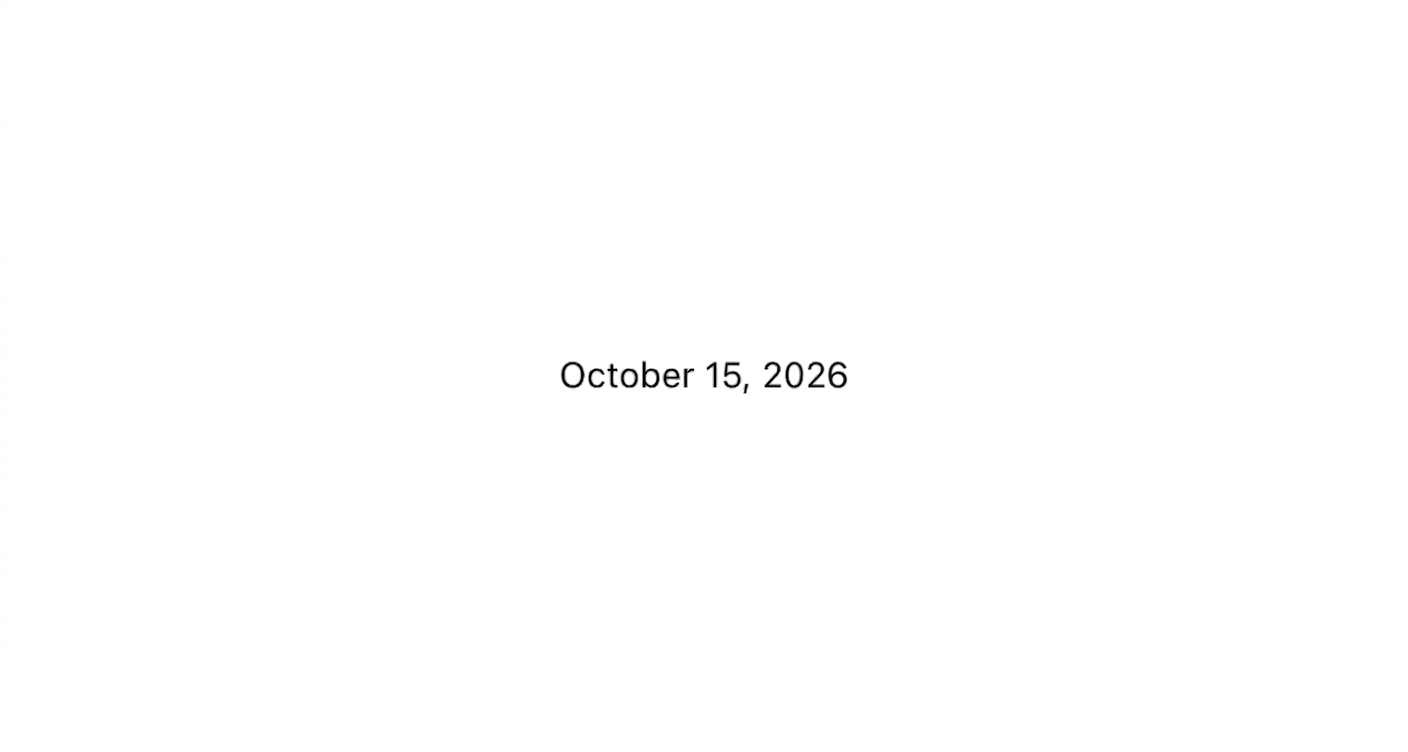
### Show a date with a machine-readable label
Format a date for display with human-friendly text and machine-readable markup. This example renders an `s-time` element with a `dateTime` attribute for accessibility and a formatted date string.
## Show a date with a machine-readable label
## html
```html
October 15, 2026
```
### Show a timestamp
Display a time-of-day value with an ISO 8601 timestamp for machine readability. This example shows a "last updated" indicator with both a human-friendly label and a full datetime value.
## html
```html
Last updated: Today, 2:30 PM
```
### Display a date alongside text
Combine a short label with the date customers care about most. This example uses `s-time` with `dateTime` for a parseable delivery estimate and readable surface text.
## html
```html
Estimated delivery: Wednesday, October 20
```
***
## Best practices
* **Always set dateTime**: Provide a valid [ISO 8601](https://en.wikipedia.org/wiki/ISO_8601) `dateTime` property so assistive technology and search engines can parse the value.
* **Use human-friendly display text**: Write the visible text in a format customers expect, such as "October 15, 2026" or "Today, 2:00 PM."
* **Include timezone context**: When the time is relative to a location, mention the timezone or use UTC to avoid ambiguity.
* **Keep formatting consistent**: Use the same date and time format across your extension so customers don't have to interpret multiple styles.
***