Version 2025-07 is the last API version to support React-based UI components. Later versions use web components, native UI elements with built-in accessibility, better performance, and consistent styling with Shopify's design system. Check out the upgrade guide to upgrade your extension.
Targets
Targets define where your POS UI extensions appear within Shopify's Point of Sale interface and what capabilities they receive.
Targets serve specific purposes: some render persistent UI elements within existing screens, others provide interactive menu items or buttons, and some launch full-screen modal experiences for complex workflows.
Use this reference to explore all available targets and understand where they appear in the POS interface.
Anchor to Cart detailsCart details
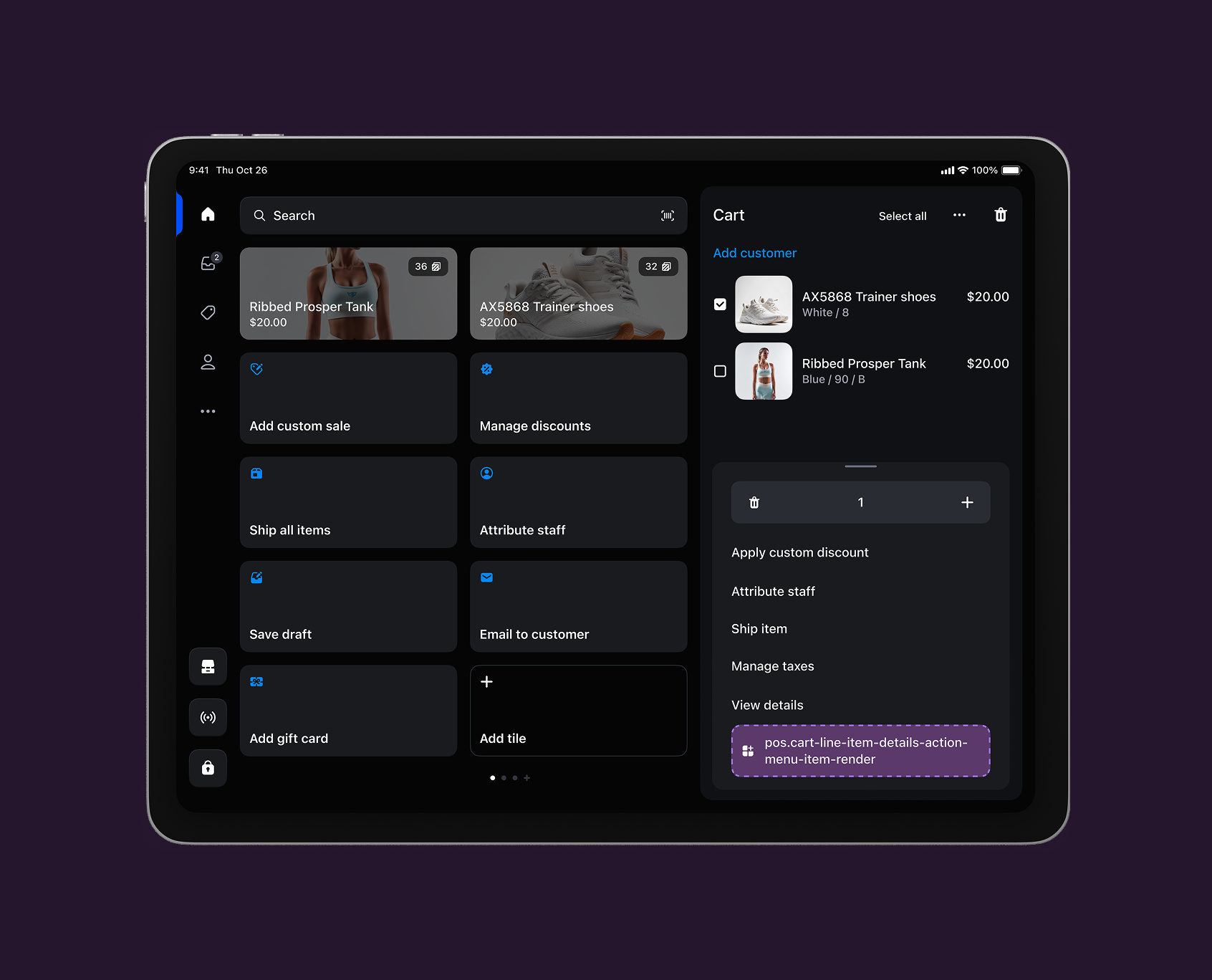
The cart details screen appears when customers select items in a transaction to modify quantities, apply discounts, or access item-specific tools. This screen provides control over individual products during transaction building.
Use cases: Item-specific customizations, cart monitoring, or product configuration tools that improve line item management.
Cart details action (modal)
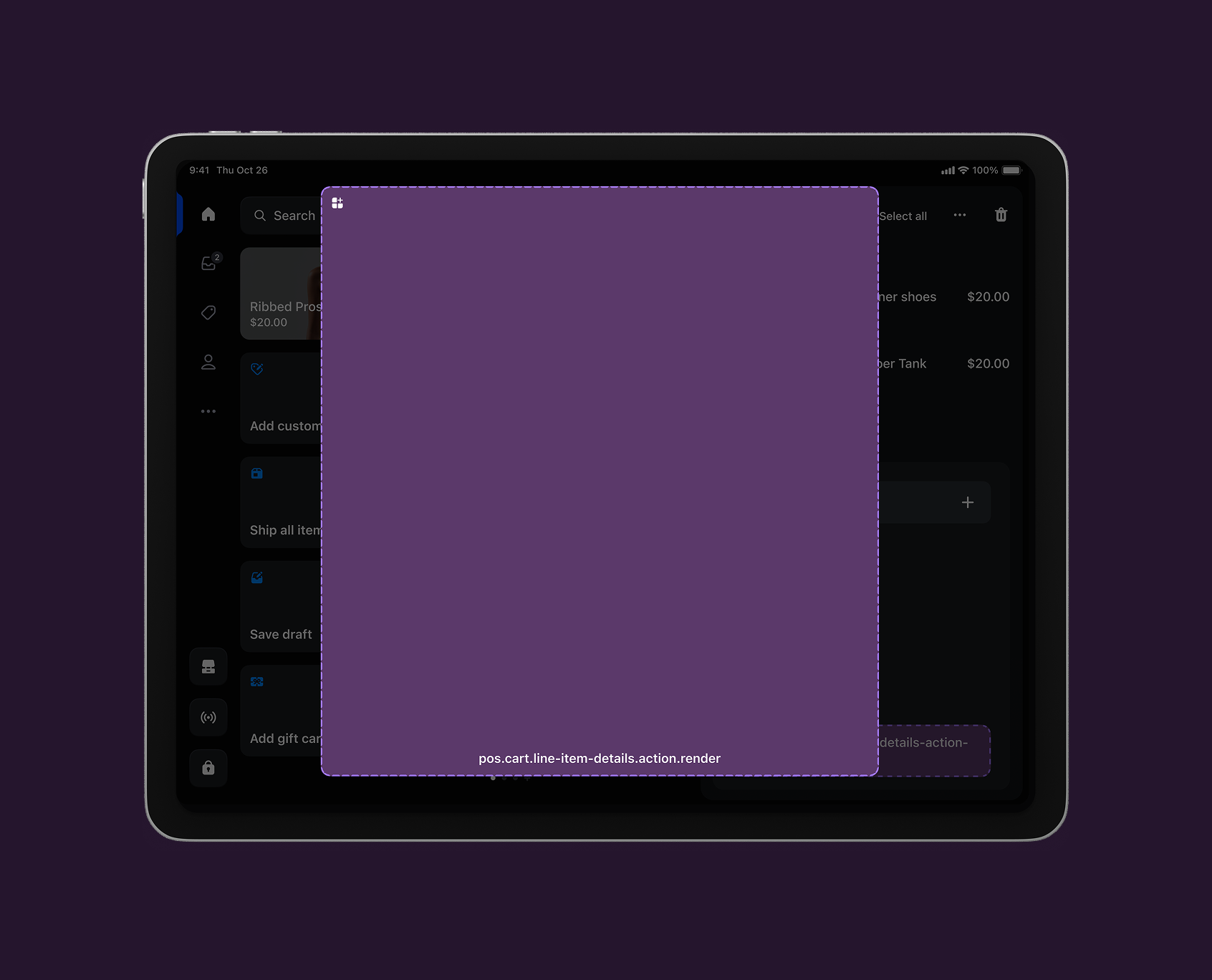
pos.cart.line-item-details.action.render
An action target that displays as a modal when a cart line item action menu item is tapped.
Anchor to Customer detailsCustomer details
The customer details screen appears when merchants look up a customer during checkout or need to access customer history and profile information. This screen serves as the hub for customer management within POS, displaying customer data, purchase history, and contact details.
Use cases: Customer service capabilities, loyalty program integration, or tools for customer engagement and support during transactions.
View customer details targets →
Customer details block
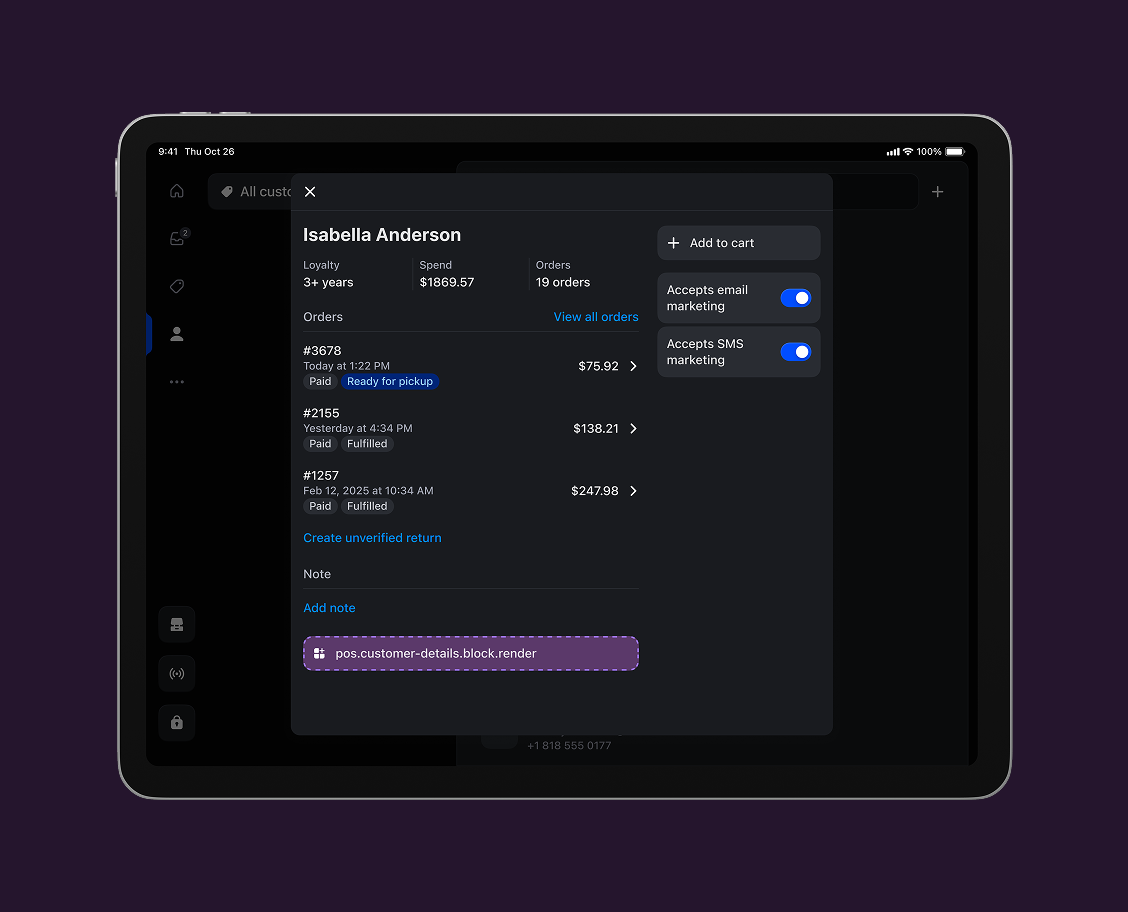
pos.customer-details.block.render
A block target that displays inline content within the customer details screen.
Customer details action (modal)
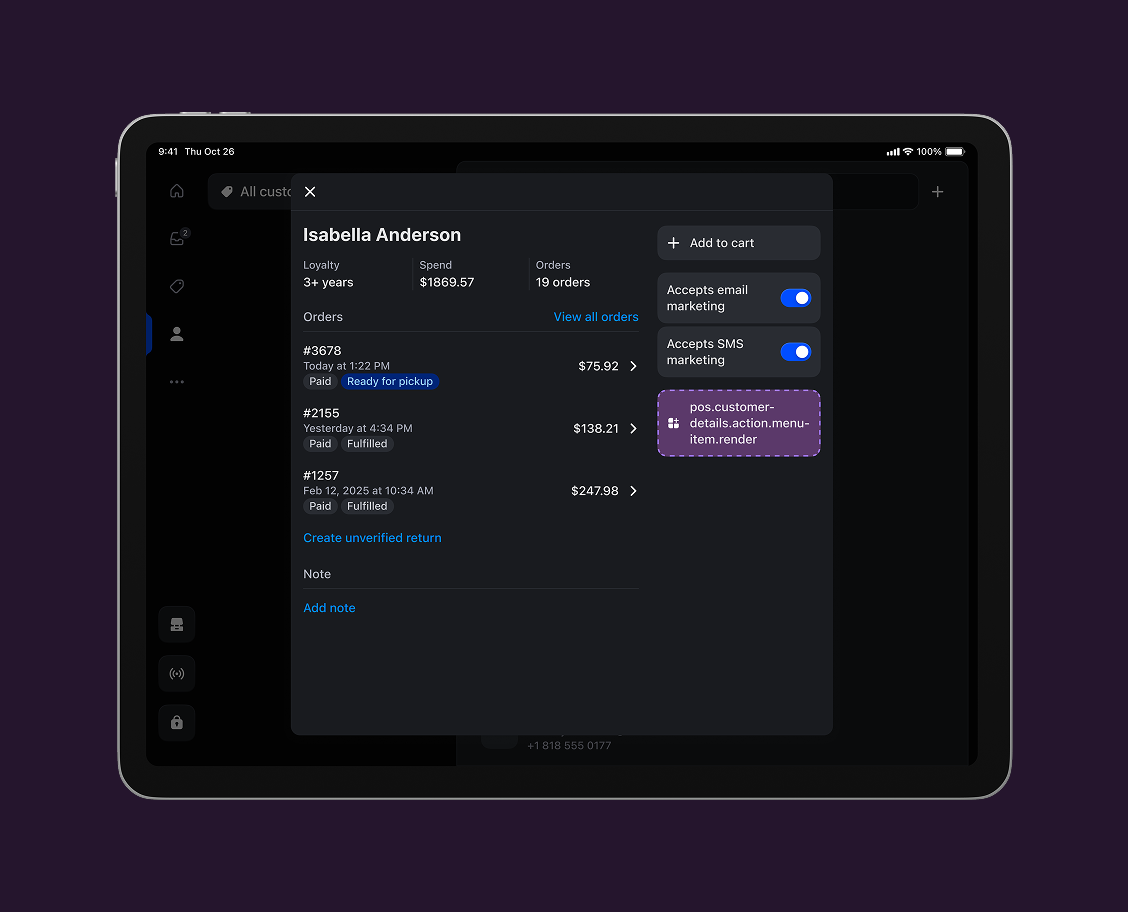
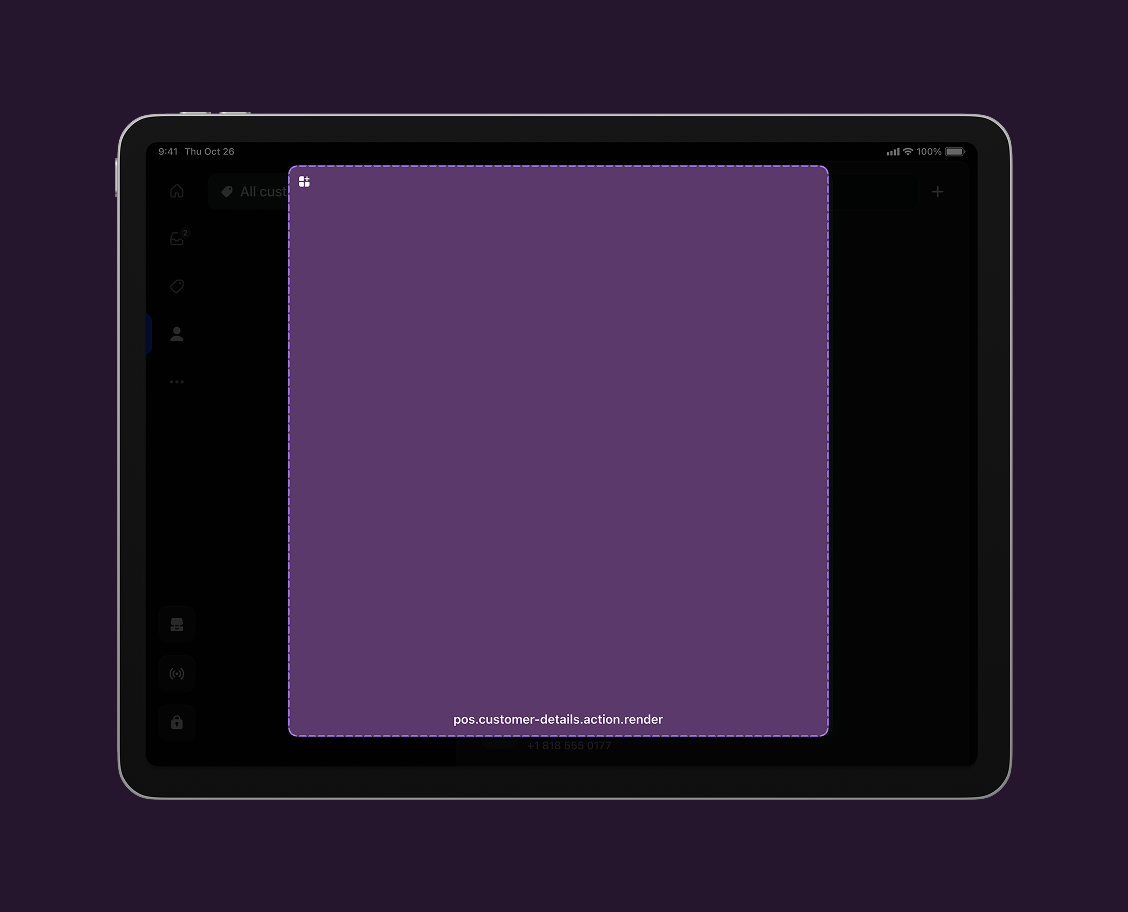
pos.customer-details.action.render
An action target that displays as a modal when a customer details action menu item is tapped.
Anchor to Draft order detailsDraft order details
The draft order details screen appears when merchants access saved orders, quotes, or incomplete transactions that need to be finalized later. This screen displays draft order information, customer details, and line items for sales that haven't been completed.
Use cases: Quote management, approval workflows, or integration with external systems for draft order processing and completion.
View draft order details targets →
Draft order details block
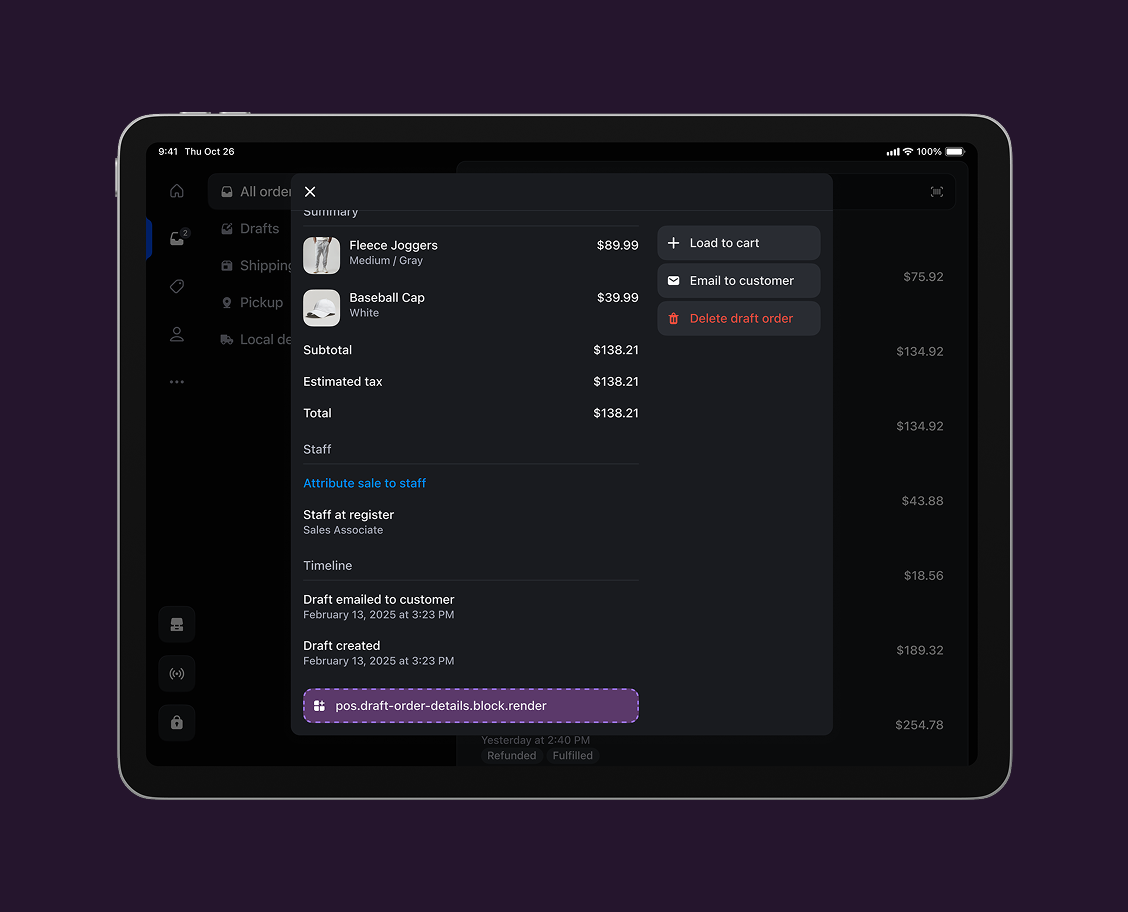
pos.draft-order-details.block.render
A block target that displays inline content within the draft order details screen.
Draft order details action (modal)
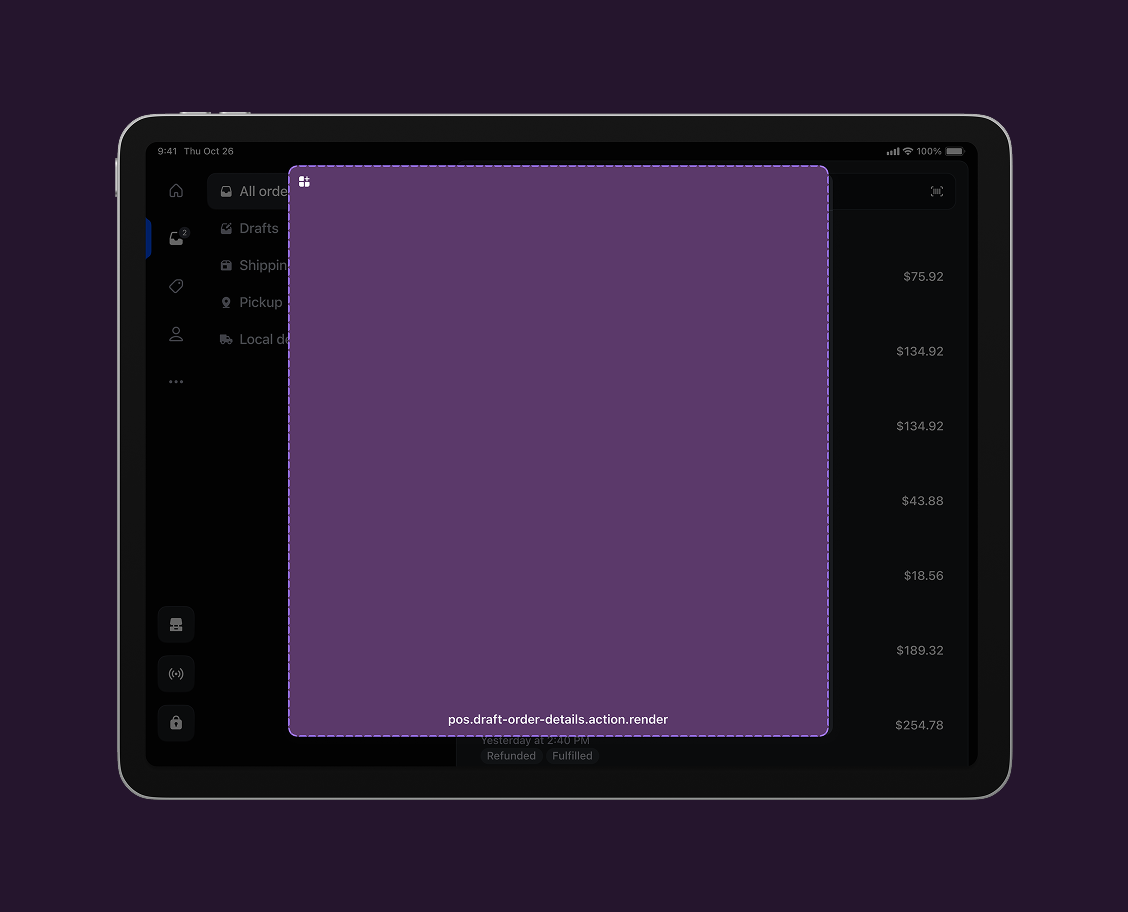
pos.draft-order-details.action.render
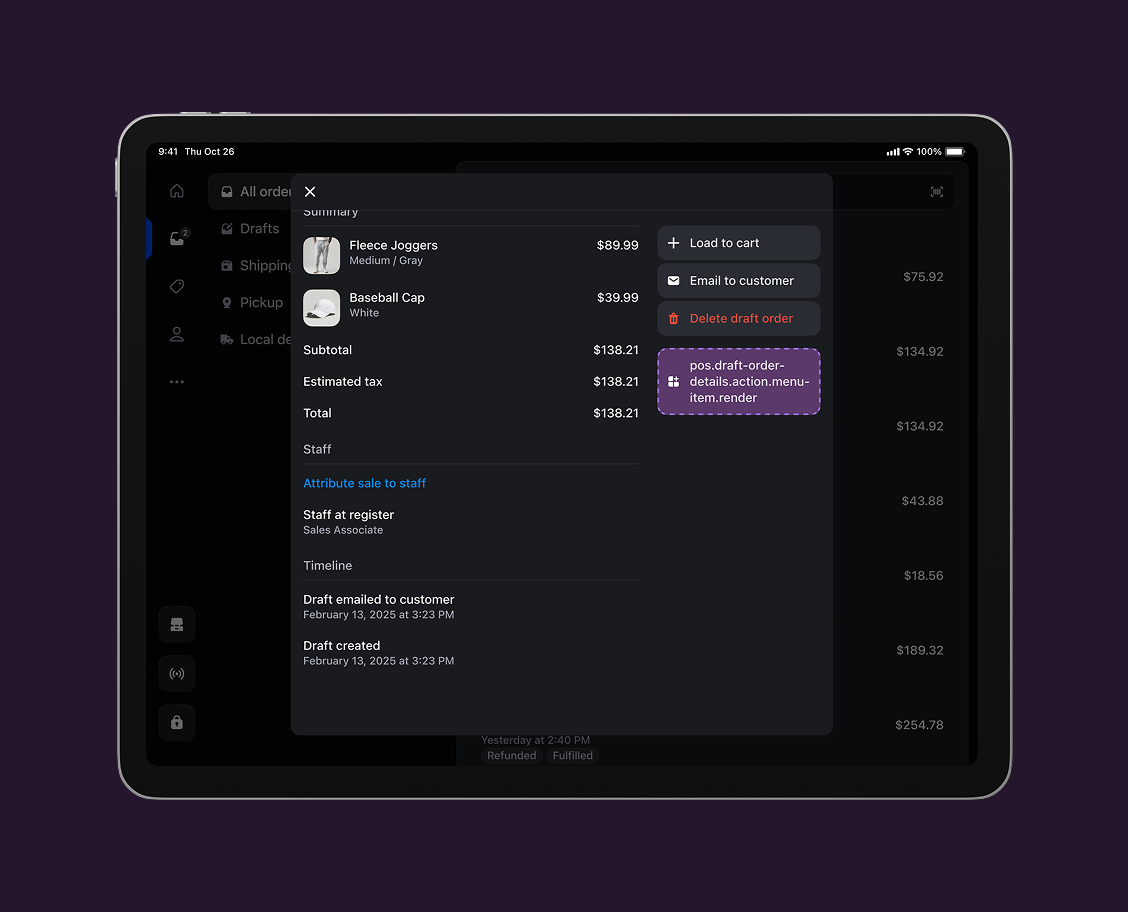
An action target that displays as a modal when a draft order details action menu item is tapped.
Anchor to Home screen (smart grid)Home screen (smart grid)
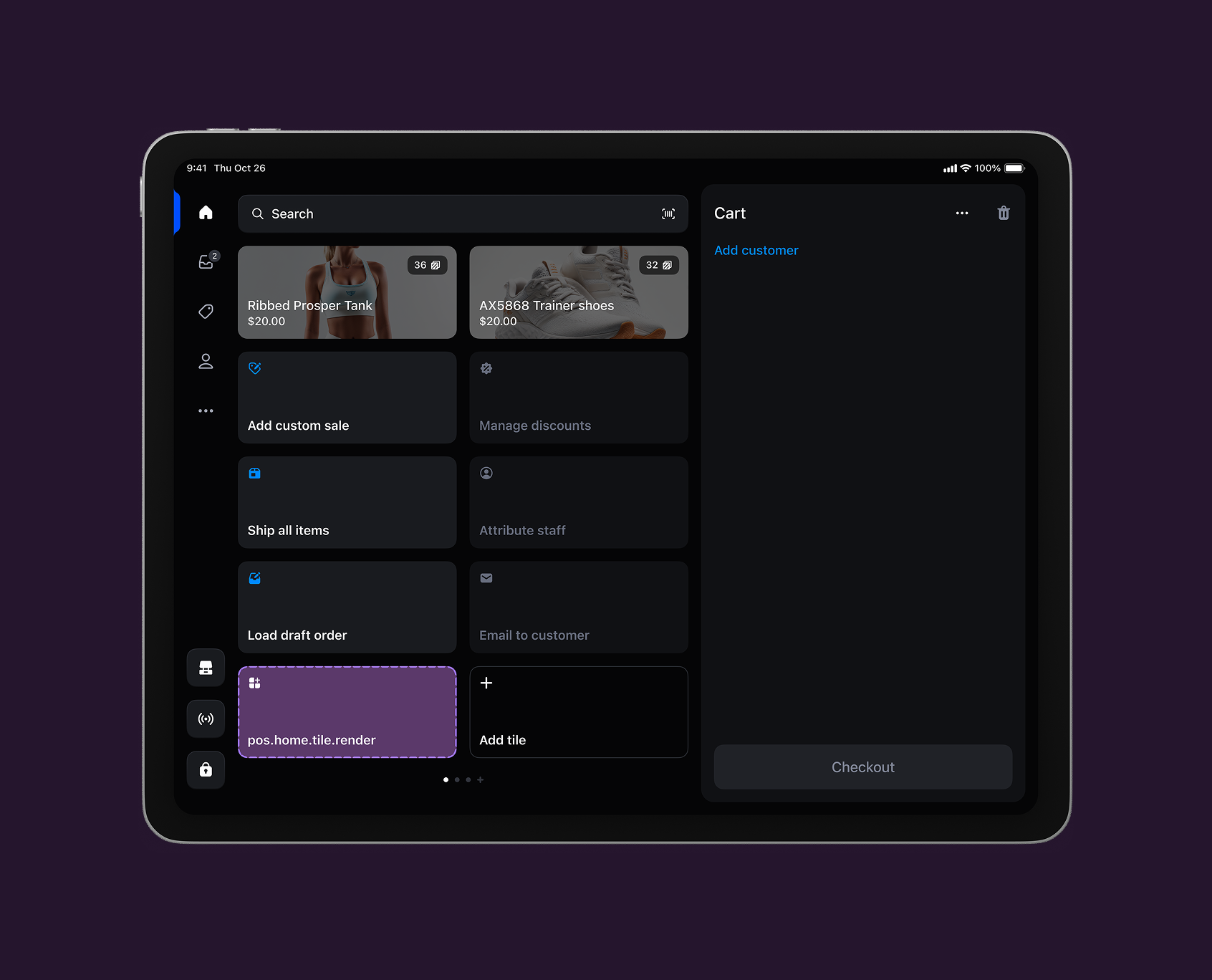
The smart grid is the first screen merchants see when they open the POS app. It provides quick access to essential functions and serves as the starting point for merchant activities.
Use cases: High-frequency actions, status displays, or entry points to workflows that merchants need daily.
Home screen tile
pos.home.tile.render
A tile target that displays as a clickable tile on the POS home screen smart grid.
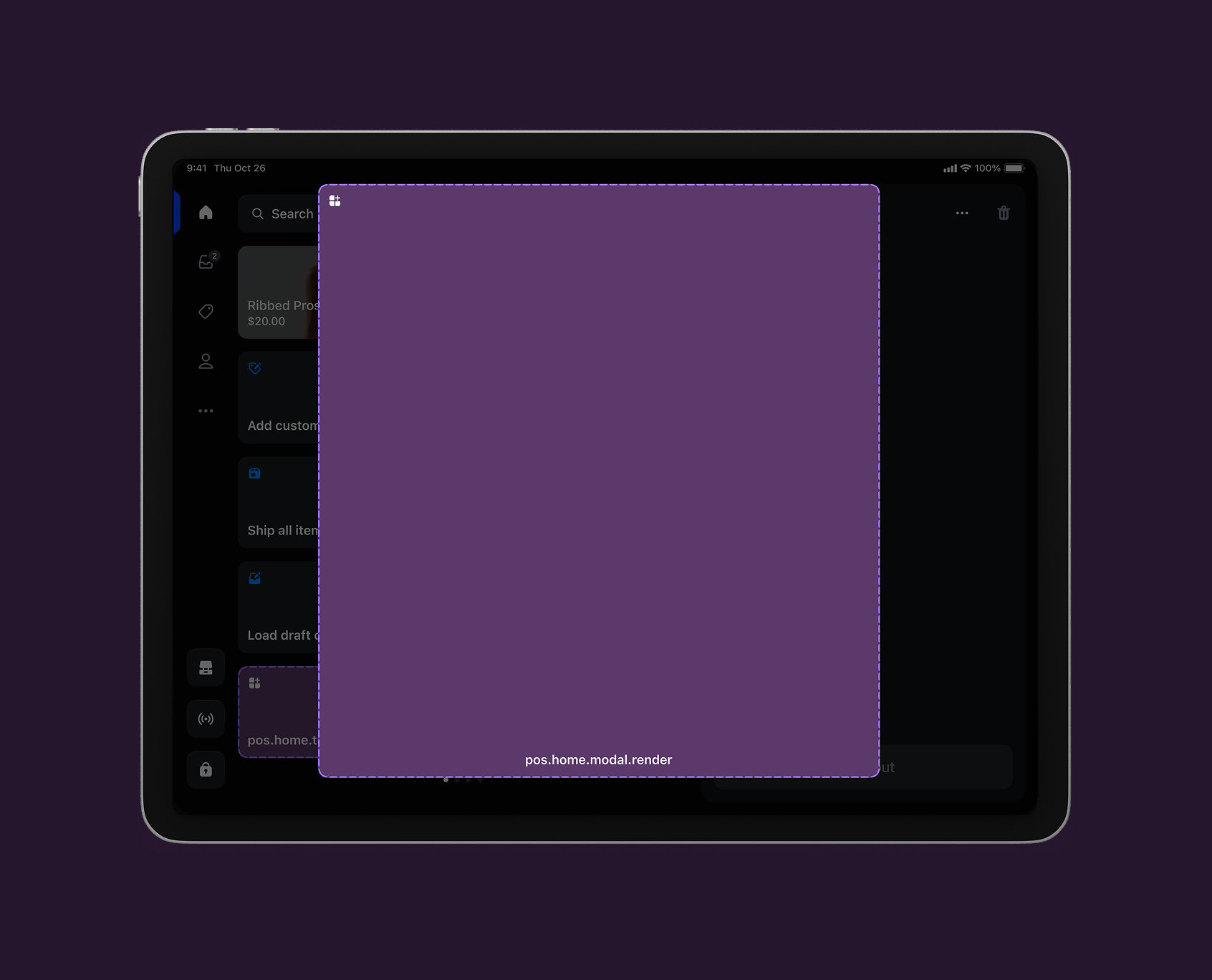
Home screen action (modal)
pos.home.modal.render
An action target that displays as a full-screen modal when a home screen tile is tapped.
Anchor to Order detailsOrder details
The order details screen appears when merchants access a completed transaction for customer service, refunds, or order fulfillment tasks. This screen displays transaction information including customer details, payment data, line items, and fulfillment status for completed sales.
Use cases: Order management, fulfillment tools, or integration with external systems for post-sale processing and customer support.
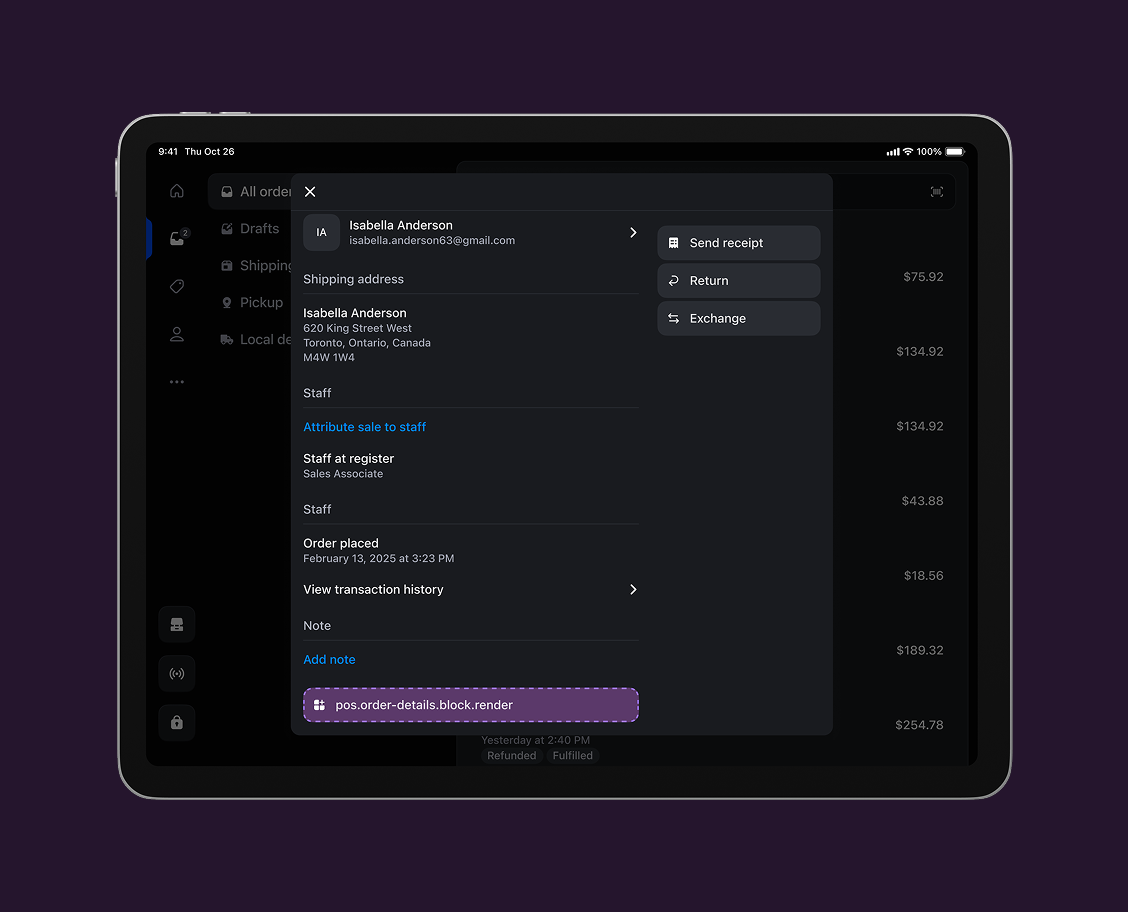
Order details block
pos.order-details.block.render
A block target that displays inline content within the order details screen.
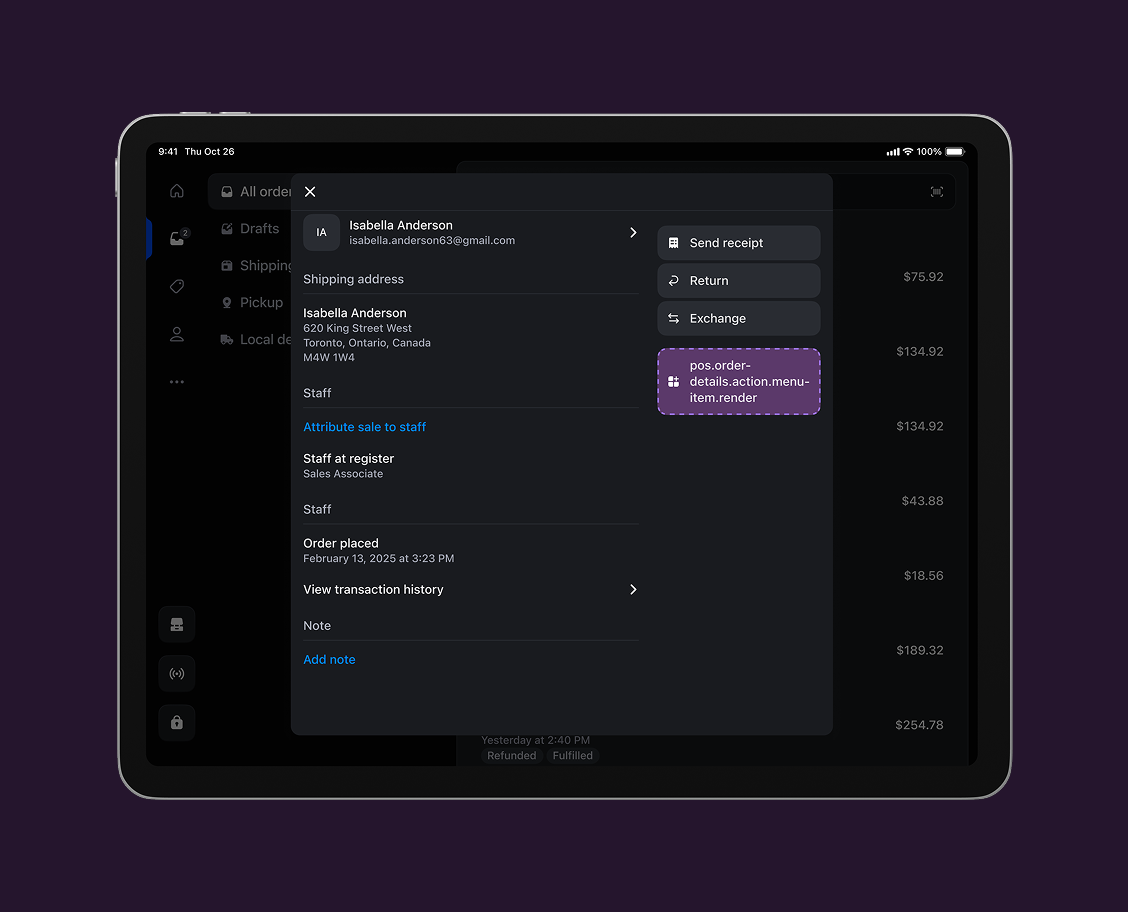
Order details action (modal)
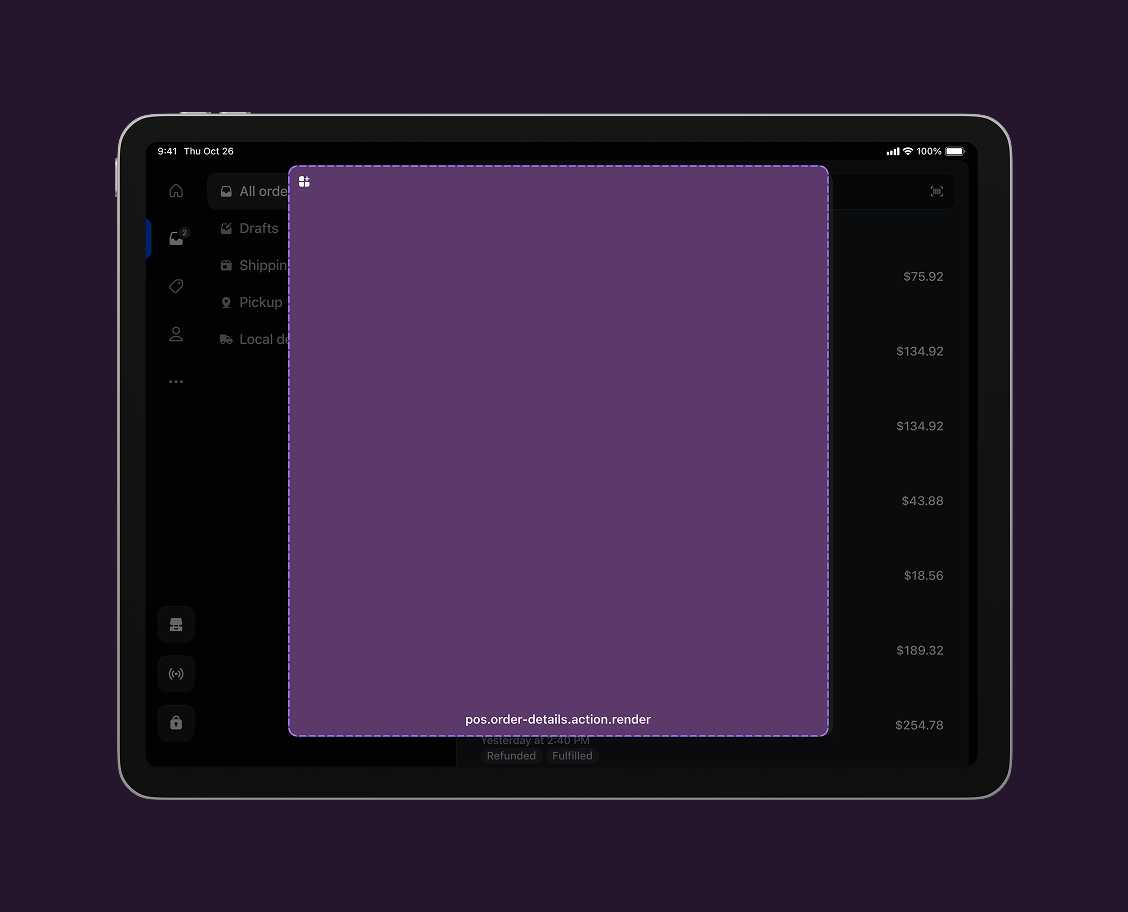
pos.order-details.action.render
An action target that displays as a modal when an order details action menu item is tapped.
Anchor to Post-purchasePost-purchase
The post-purchase screen appears after merchants complete a sale. This screen displays the transaction summary and provides opportunities for follow-up actions, customer service, and revenue generation.
Use cases: Capturing additional information, customer service tools, or related transactions that improve the post-sale customer experience.
Post-purchase block
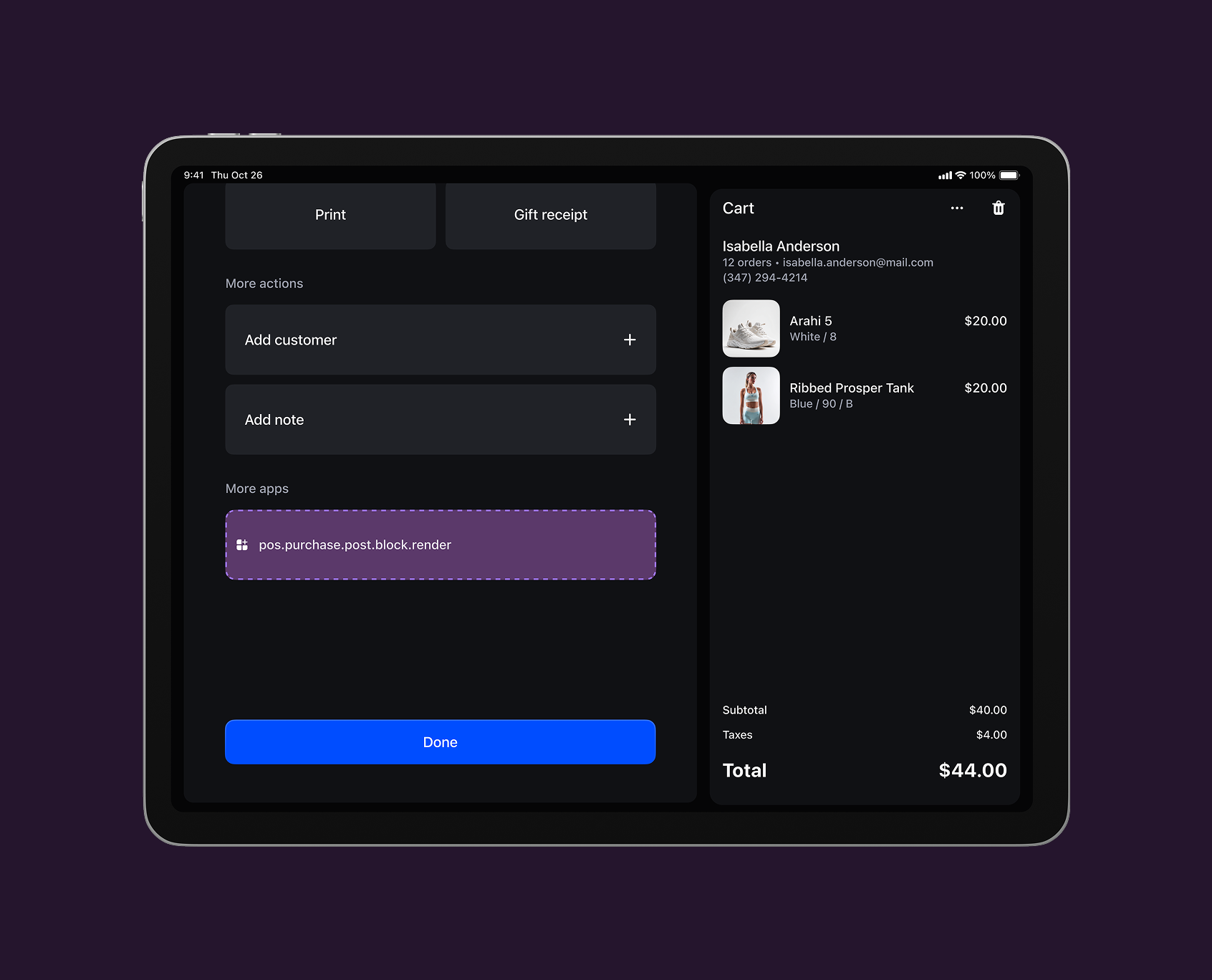
pos.purchase.post.block.render
A block target that displays inline content within the post-purchase screen.
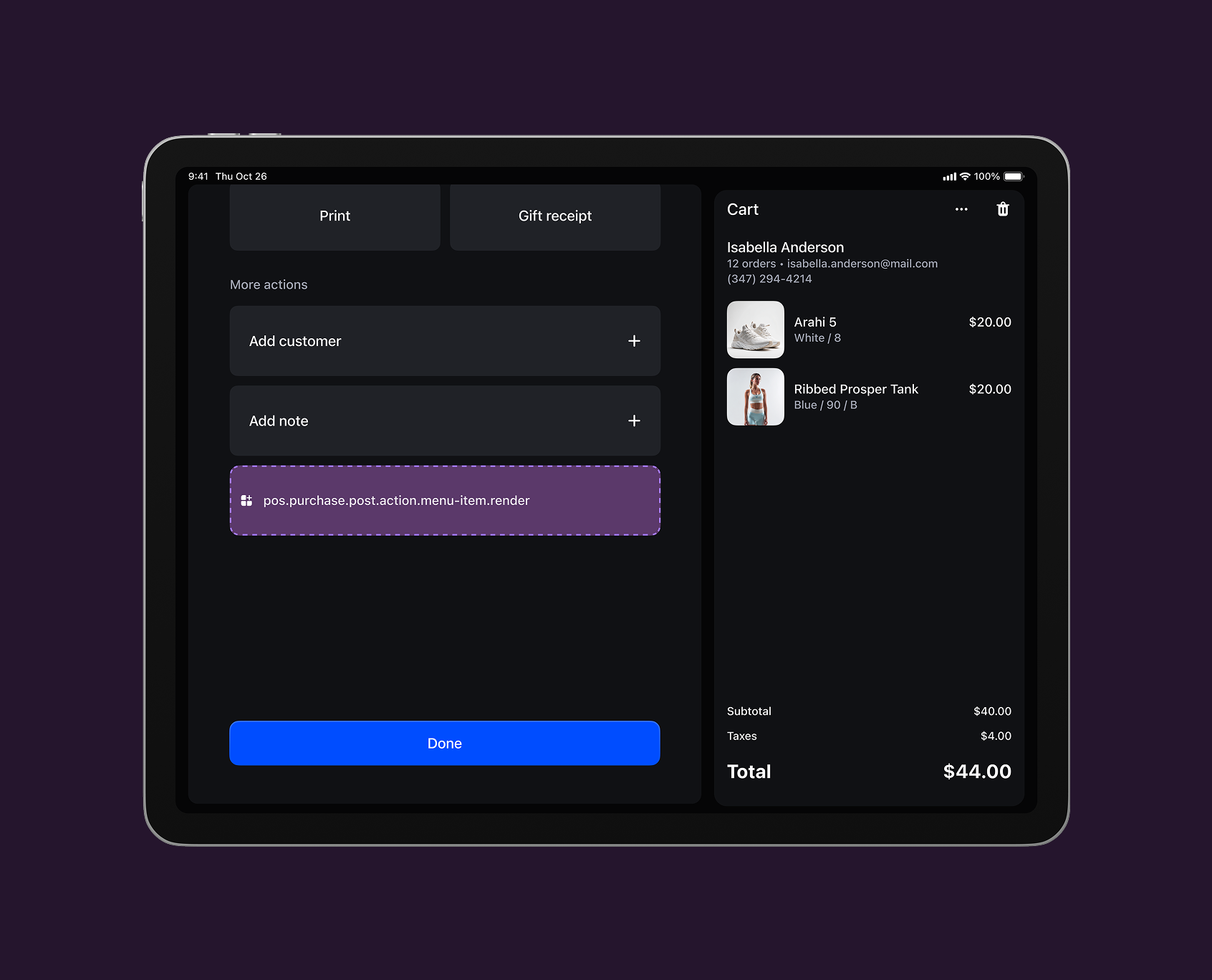
Post-purchase action (modal)
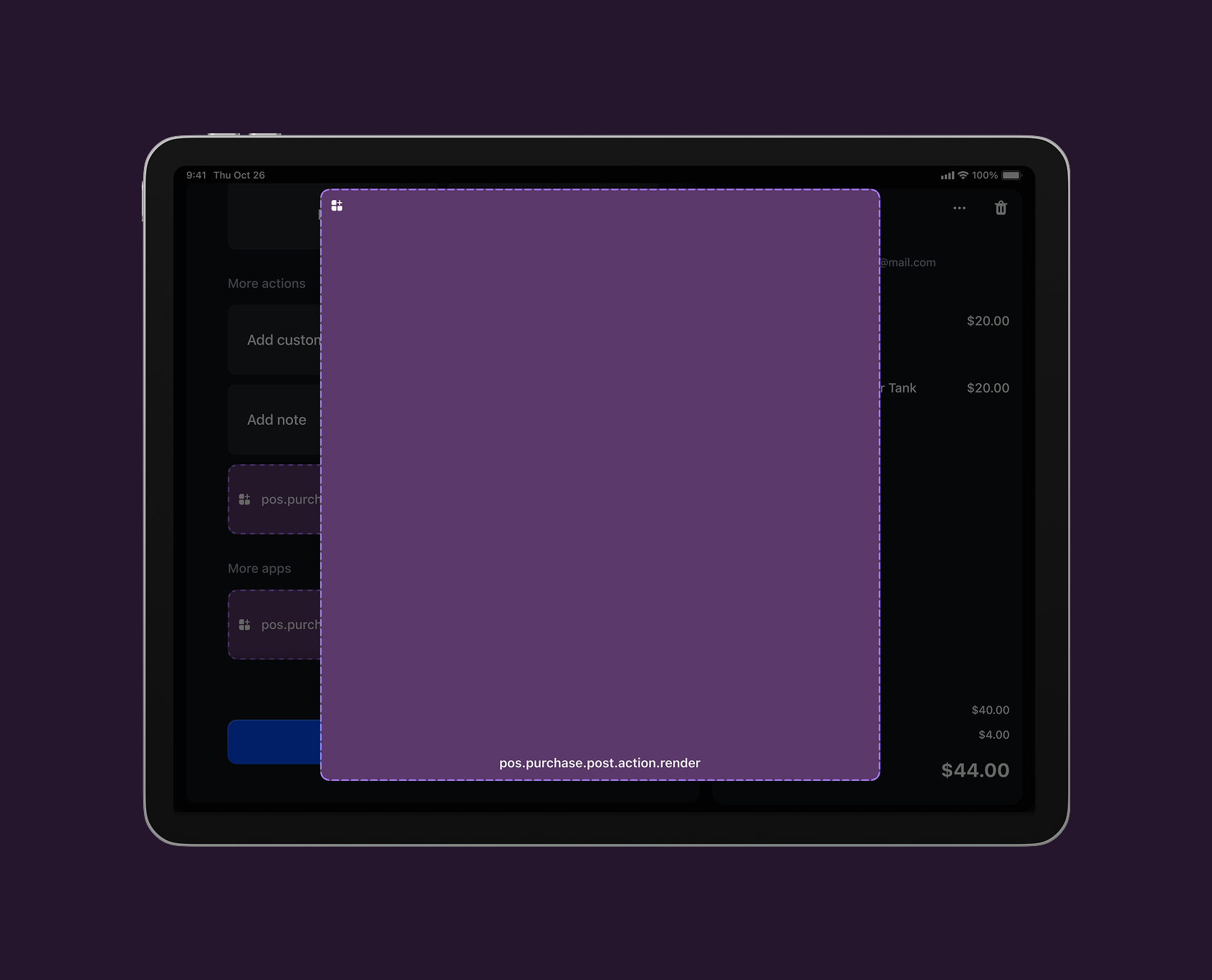
pos.purchase.post.action.render
An action target that displays as a modal when a post-purchase action menu item is tapped.
Anchor to Product detailsProduct details
The product details screen appears when merchants search for a product, scan a barcode, or browse inventory during a transaction. This screen displays product information including pricing, inventory levels, variants, and product specifications that merchants need to serve customers.
Use cases: Product understanding, additional product data, or product-specific tools that help merchants make informed decisions during transaction building.
View product details targets →
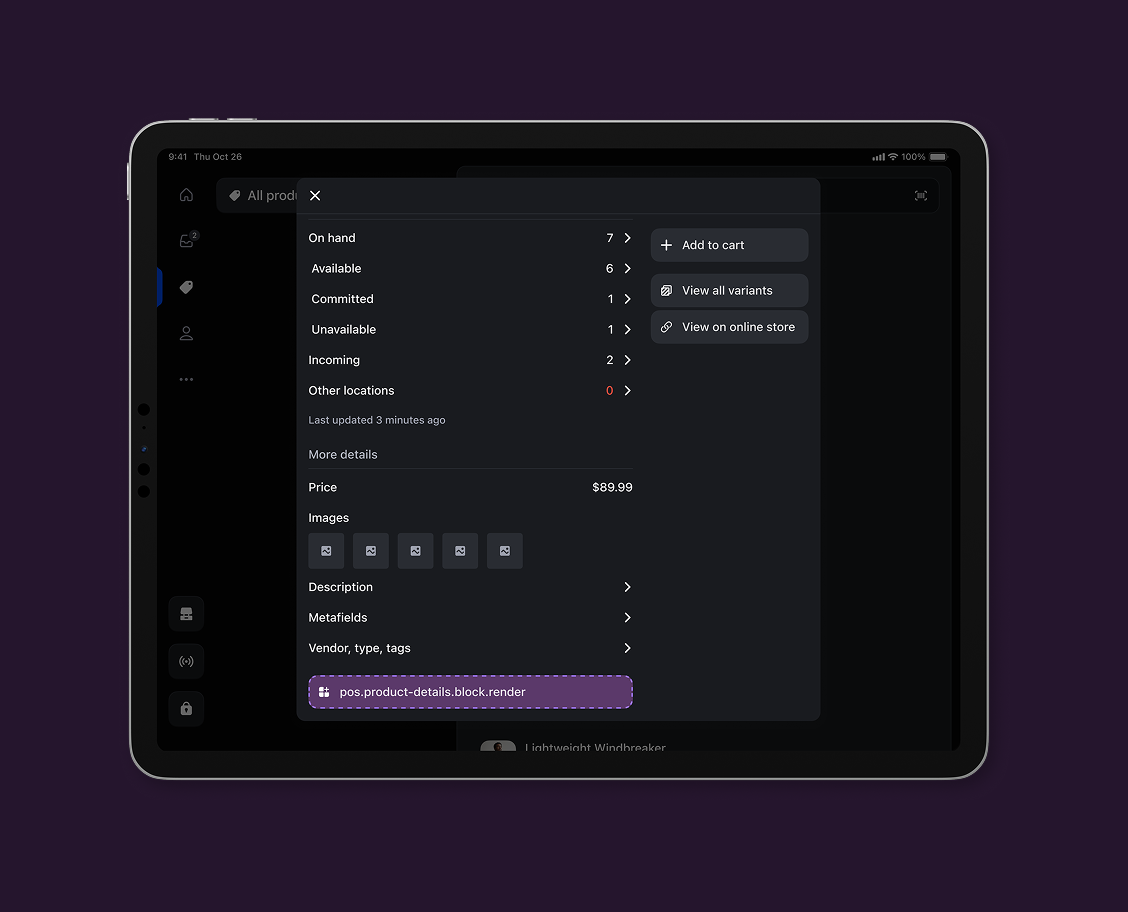
Product details block
pos.product-details.block.render
A block target that displays inline content within the product details screen.
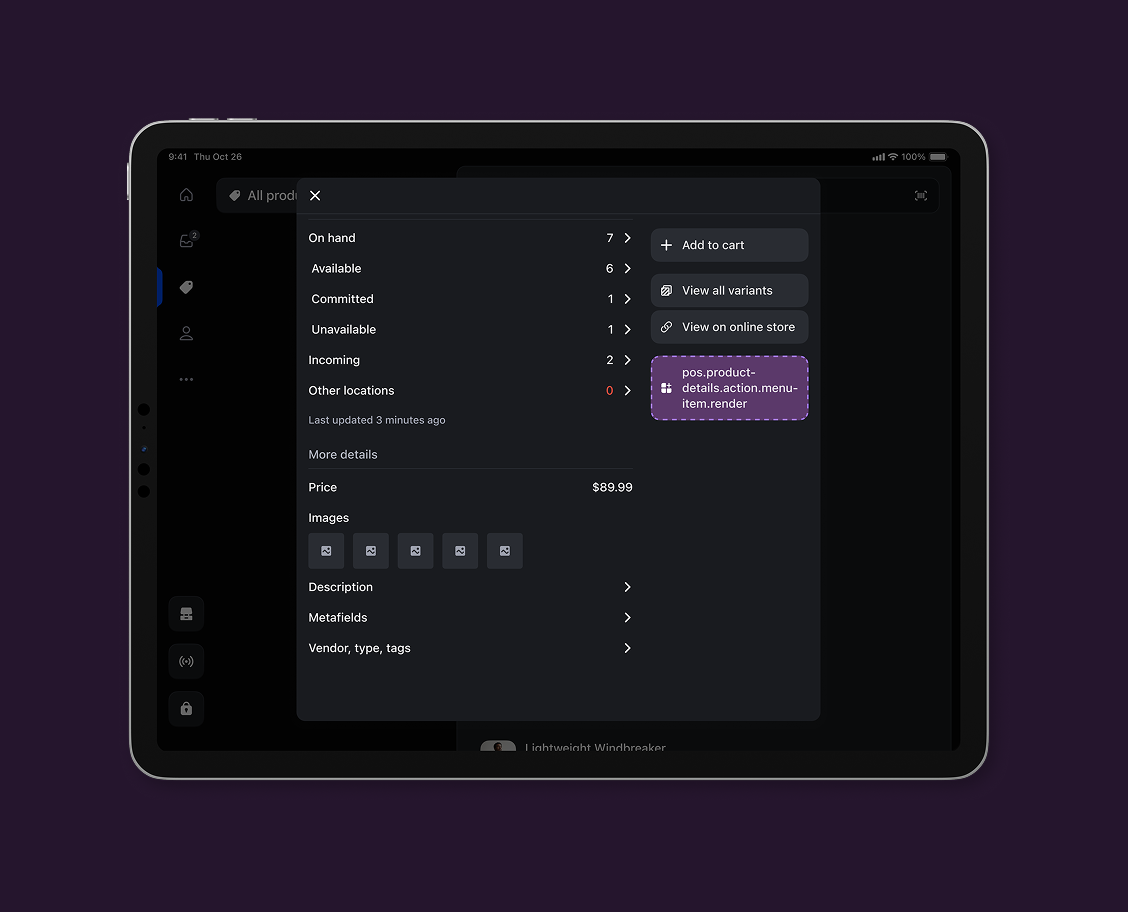
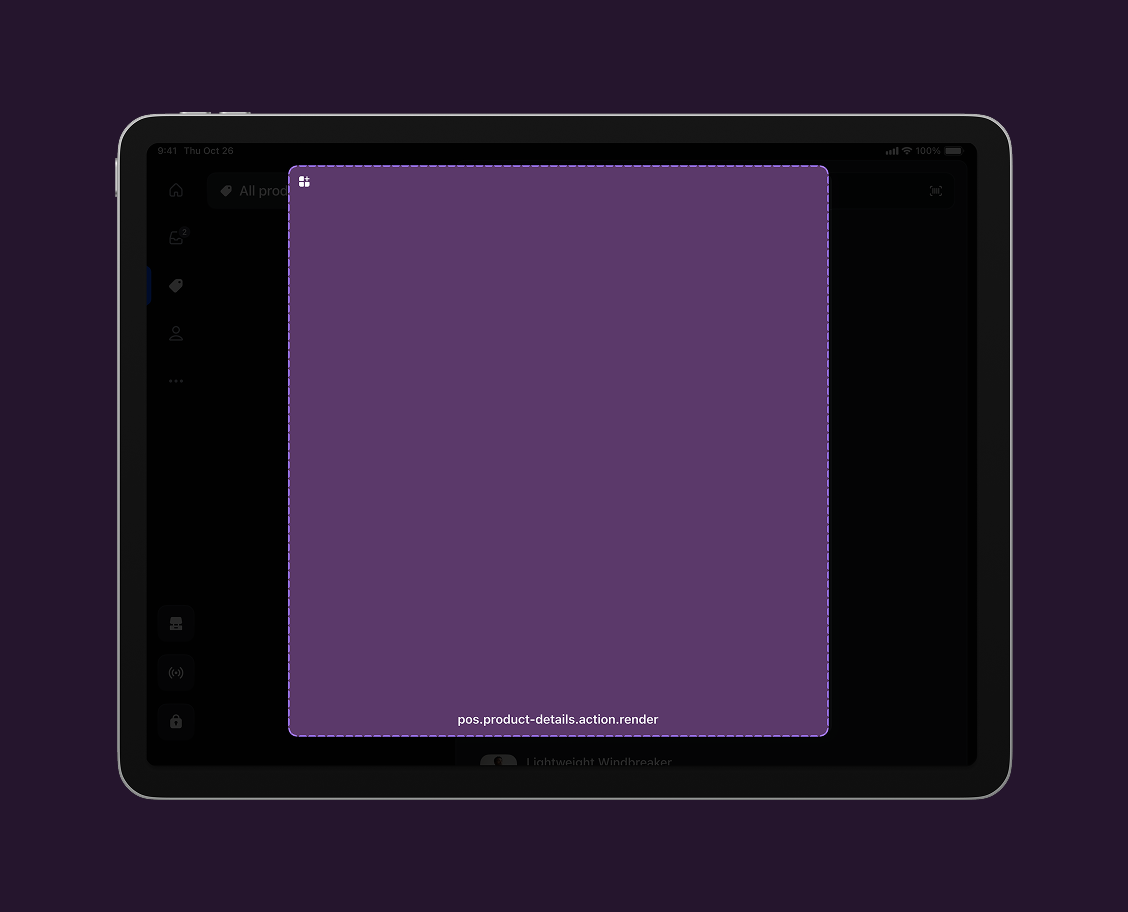
Product details action (modal)
pos.product-details.action.render
An action target that displays as a modal when a product details action menu item is tapped.