Search field
The search field component captures search terms for filtering and search functionality. Use it to enable inline search within specific sections or lists, like filtering products or searching customers.
Anchor to Use casesUse cases
- Inline filtering: Enable filtering of lists, tables, or content sections.
- Quick search: Provide search inputs for finding items within catalogs or data sets.
- Real-time filtering: Support filtering as users type with automatic clear functionality.
- Contextual search: Implement search within product variants, order items, or customer lists.
Anchor to PropertiesProperties
Collects search queries for filtering and lookup workflows.
- Anchor to disableddisableddisabledbooleanbooleanDefault: falseDefault: false
Disables the field, disallowing any interaction.
- Anchor to idididstringstring
A unique identifier for the element.
- Anchor to placeholderplaceholderplaceholderstringstring
A short hint that describes the expected value of the field.
- Anchor to valuevaluevaluestringstring
The current value for the field. If omitted, the field will be empty.
Anchor to EventsEvents
The search field component provides event callbacks for handling user interactions. Learn more about handling events.
- Anchor to blurblurblur(event: CallbackEvent<"s-search-field">) => void(event: CallbackEvent<"s-search-field">) => void
Callback when the field loses focus.
- Anchor to changechangechange(event: CallbackEvent<"s-search-field">) => void(event: CallbackEvent<"s-search-field">) => void
Callback when the field loses focus after the user changes the value in the field.
- Anchor to focusfocusfocus(event: CallbackEvent<"s-search-field">) => void(event: CallbackEvent<"s-search-field">) => void
Callback when the field is focused.
- Anchor to inputinputinput(event: CallbackEvent<"s-search-field">) => void(event: CallbackEvent<"s-search-field">) => void
Callback when the user changes the value in the field.
CallbackEvent
- bubbles
boolean - cancelable
boolean - composed
boolean - currentTarget
HTMLElementTagNameMap[T] - detail
any - eventPhase
number - target
HTMLElementTagNameMap[T] | null
Anchor to ExamplesExamples
Anchor to Enable search with a search fieldEnable search with a search field
Enable search functionality using a search field component. This example shows a basic search field with placeholder text.Enable search with a search field
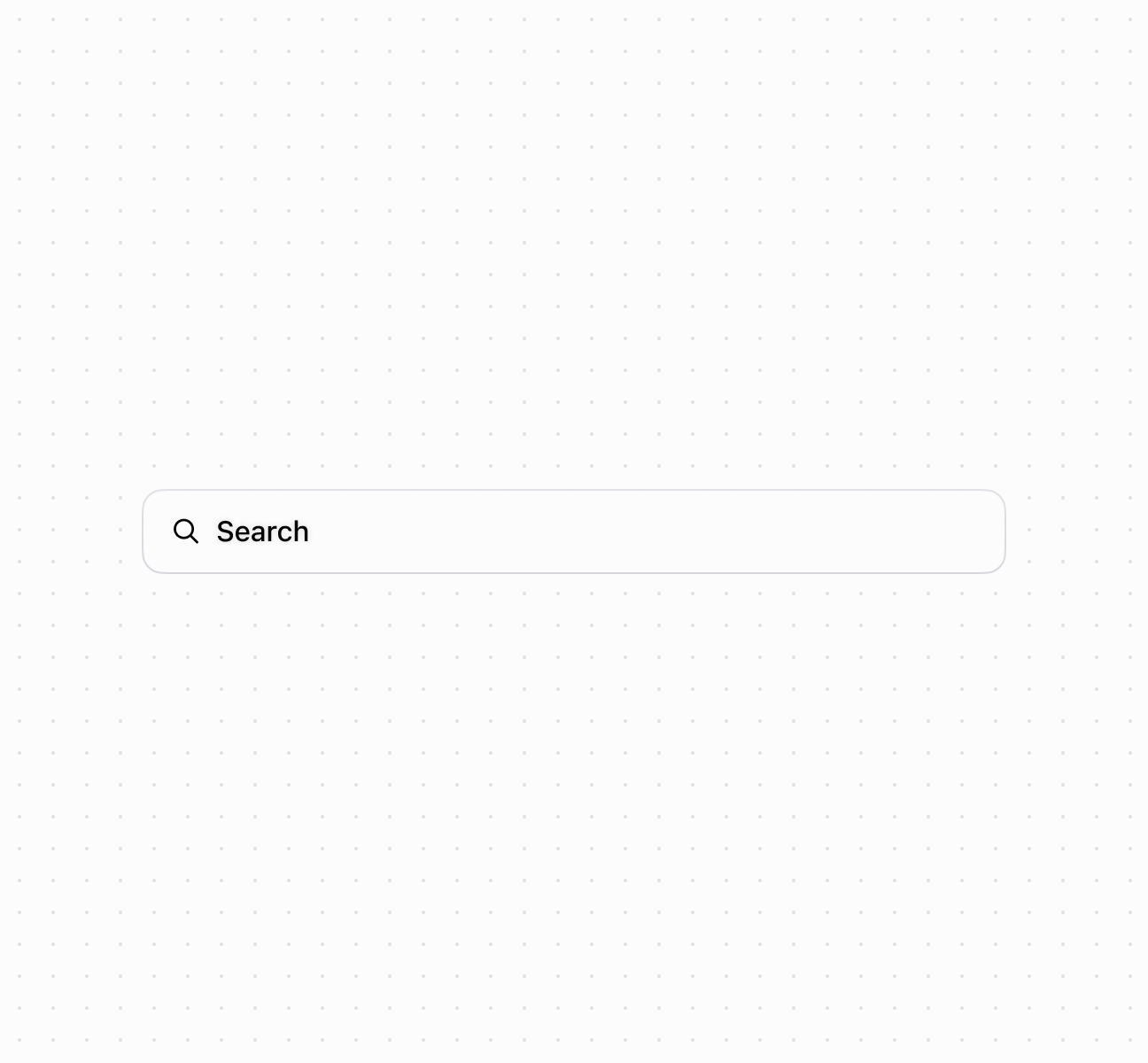
Enable search with a search field
Anchor to Handle search input eventsHandle search input events
Subscribe to search input events to respond when merchants enter search terms. This example demonstrates handling onChange and onInput events for real-time search functionality, debounced filtering, or triggering search API calls as merchants type their queries.Handle search input events
Anchor to Best practicesBest practices
- Use for inline search and filtering: Choose search field for filtering within specific sections or lists, not for global navigation or complex multi-step searches.
- Follow placeholder pattern: Use
"Search {items}"format like"Search products"or"Search customers"to clarify scope. - Choose the right event: Use
inputfor real-time filtering as users type. Usechangefor expensive operations that should wait until typing completes. - Handle empty values: When the field is cleared, reset filters or show all items appropriately.