---
title: article
description: >-
Learn about the Shopify theme article template, which renders a single article
and an optional comments section.
source_url:
html: 'https://shopify.dev/docs/storefronts/themes/architecture/templates/article'
md: >-
https://shopify.dev/docs/storefronts/themes/architecture/templates/article.md
---
# article
The `article` template renders the article page, which contains the full content of the article, as well as an optional comments section for customers. This template is used for items like individual posts in a blog.
**Tip:**
Refer to the [article template](https://github.com/Shopify/dawn/blob/main/templates/article.json) and its [main section](https://github.com/Shopify/dawn/blob/main/sections/main-article.liquid) in Dawn for an example implementation.
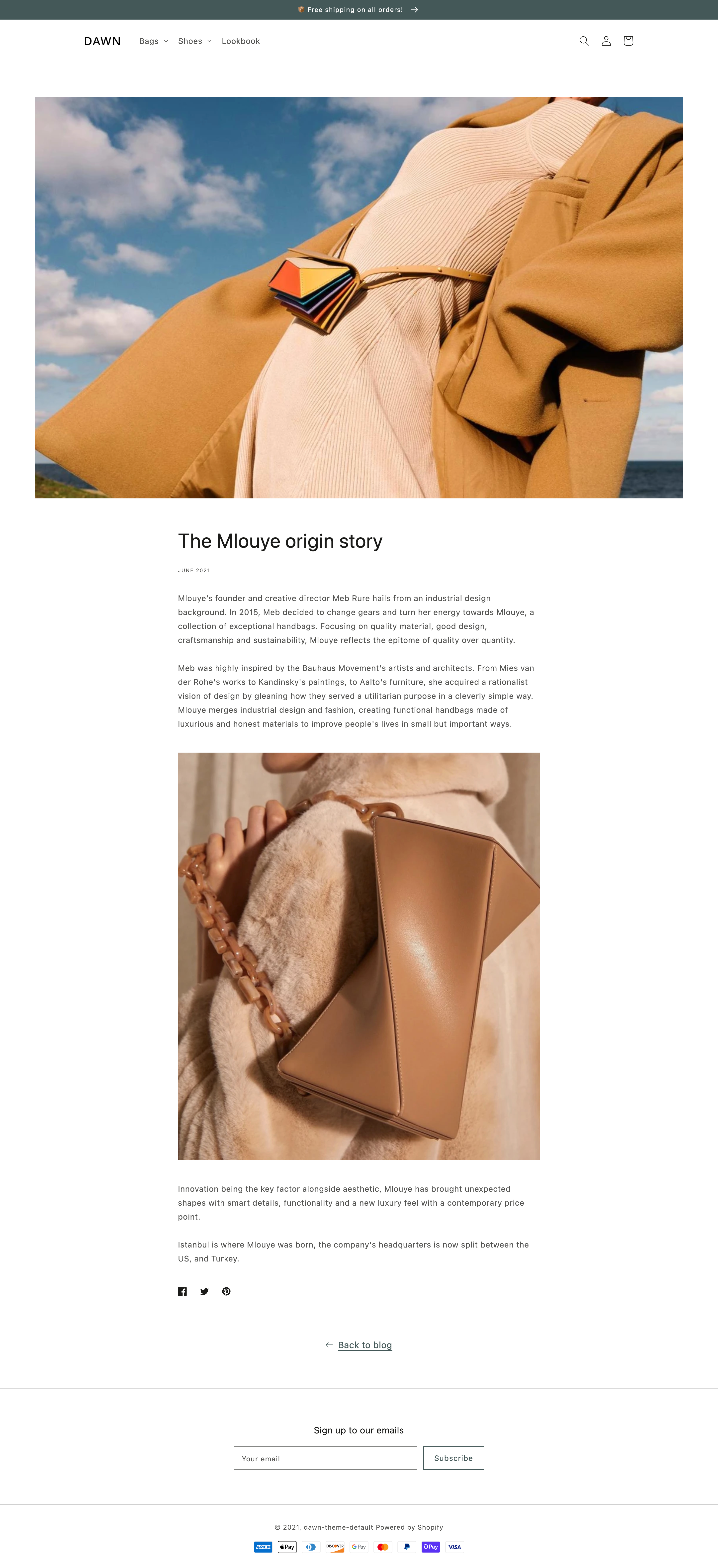
***
## Location
The `article` template is located in the `templates` directory of the theme:
```text
└── theme
├── layout
├── templates
| ├── 404.json
| ├── article.json
| ...
...
```
***
## Content
You should include the following in your `article` template or a section inside of the template:
* [The article object](#the-article-object)
* [The comment form](#the-comment-form)
### The article object
You can access the Liquid [`article` object](https://shopify.dev/docs/api/liquid/objects/article) to display the article details.
### The comment form
The comment form can be added with the Liquid [`form` tag](https://shopify.dev/docs/api/liquid/tags/form#form-new_comment) and accompanying `'new_comment', article` parameter. Within the form tag block, you need to include the following:
| Input | `type` | `name` |
| - | - | - |
| Name | `text` | `comment[author]` |
| Email | `email` | `comment[email]` |
| Comment | `textarea` | `comment[body]` |
For example:
```liquid
{% form 'new_comment', article %}
{{ form.errors | default_errors }}
{% endform %}
```
**Tip:**
When a customer posts a comment, your code should provide feedback indicating whether it was posted successfully, or if there were any errors.
***
## Usage
When working with the `article` template, you should familiarize yourself with [paginating article comments](#paginate-article-comments).
**Tip:**
If you're using a JSON template, then any HTML or Liquid code needs to be included in a [section](https://shopify.dev/docs/storefronts/themes/architecture/sections) that's referenced by the template.
### Paginate article comments
Article comments can be accessed through the [article object](https://shopify.dev/docs/api/liquid/objects/article#article-comments), and have a limit of 50 per page. For this reason, you should [paginate](https://shopify.dev/docs/api/liquid/tags/paginate) article comments to ensure that they're all accessible:
## Example
```liquid
{% paginate article.comments by 20 %}
{% for comment in article.comments %}
{% endfor %}
{{ paginate | default_pagination }}
{% endpaginate %}
```
***