Toast API
The Toast API displays a non-disruptive message that appears at the bottom of the interface to provide quick and short feedback on the outcome of an action. App Home UI extensions access toast notifications through shopify.toast on the shopify global object. This API is modeled after the Web Notification API.
Anchor to Use casesUse cases
- Success feedback: Show confirmation messages after successful save, create, or update operations.
- Error notification: Display non-blocking error messages when operations fail.
- Action buttons: Include action buttons in toasts for quick follow-up actions like undoing changes.
- Temporary alerts: Communicate brief, time-limited messages that don't require user acknowledgment.
Anchor to MethodsMethods
The object provides methods for displaying temporary notification messages. Access these methods through shopify.toast to show user feedback and status updates.
- Anchor to hidehidehide() => void() => voidrequiredrequired
Dismisses any currently visible toast notification. Use this to programmatically hide a toast before its duration expires.
- Anchor to showshowshow(message: string, options?: ToastOptions) => void(message: string, options?: ToastOptions) => voidrequiredrequired
Displays a toast notification with the specified message. The toast appears as a temporary overlay that automatically dismisses after the specified duration. Use for providing immediate user feedback, confirming actions, or communicating status updates without interrupting the user's workflow.
ToastOptions
Options for configuring toast notification behavior and appearance.
- action
The label for an optional action button displayed in the toast. When provided, an action button appears that the user can click.
string - duration
The duration in milliseconds to display the toast before automatically dismissing. If not specified, a default duration is used.
number - isError
Whether to display the toast as an error notification. Use for error messages or failed operations.
boolean - onAction
Callback function triggered when the user clicks the action button. Only called if `action` is provided.
() => void - onDismiss
Callback function triggered when the toast is dismissed, either automatically after the duration expires or manually by the user.
() => void
js
Preview
Examples
Show a basic toast
Description
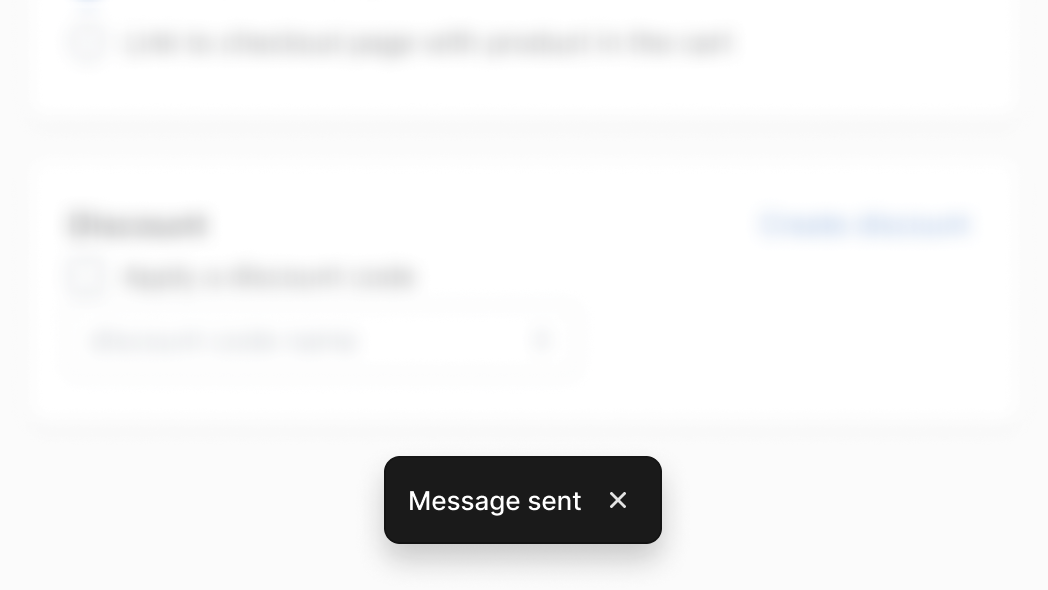
Show a basic toast. This example displays a minimal toast notification with only a message string. Use this for simple confirmations like saving a product, sending a message, or completing a quick action.
js
shopify.toast.show('Message sent');Set a custom duration
Description
Set a custom duration. This example displays a toast with a custom `duration` option set to 5000 milliseconds. Use this when the default display time is too short for the message content, such as longer confirmation messages or status updates that merchants need more time to read.
js
shopify.toast.show('Product saved', {
  duration: 5000,
});
Add an action button
Description
Add an action button. This example displays a toast with an `action` label and an `onAction` callback. Use this to offer an undo option after destructive actions, a retry option after failed operations, or a navigation shortcut to view the result of a completed action.
js
shopify.toast.show('Product saved', {
  action: 'Undo',
  onAction: () => {}, // Undo logic
});
Handle dismiss
Description
Handle dismiss. This example displays a toast with an `onDismiss` callback that fires when the toast is closed. Use this to trigger follow-up logic after the notification disappears, such as refreshing data, logging analytics events, or advancing a multi-step workflow.
js
shopify.toast.show('Product saved', {
  onDismiss: () => {}, // Dismiss logic
});