Time
The timeField component captures time input through direct text entry. Use it when merchants know the exact time they want to enter or for quick time data entry.
For visual time selection with clock or spinner interfaces, use timePicker.
Anchor to PropertiesProperties
Configure the following properties on the timeField component.
Configure the following properties on the time field component.
- Anchor to detailsdetailsdetailsstringstring
Additional text to provide context or guidance for the field. This text is displayed along with the field and its label to offer more information or instructions to the user.
This will also be exposed to screen reader users.
- Anchor to disableddisableddisabledbooleanbooleanDefault: falseDefault: false
Disables the field, disallowing any interaction.
- Anchor to errorerrorerrorstringstring
Indicate an error to the user. The field will be given a specific stylistic treatment to communicate problems that have to be resolved immediately.
- Anchor to idididstringstring
A unique identifier for the element.
- Anchor to labellabellabelstringstring
Content to use as the field label.
- Anchor to requiredrequiredrequiredbooleanbooleanDefault: falseDefault: false
Whether the field needs a value. This requirement adds semantic value to the field, but it will not cause an error to appear automatically. If you want to present an error when this field is empty, you can do so with the
errorproperty.- Anchor to valuevaluevaluestringstring
Current selected value.
The default,
'', means no time is selected.The value must be a 24-hour time in
HH:mm:ssformat, with leading zeros.Examples:
"00:00:00","09:05:00","23:59:00","14:03:30".This follows the HTML time input value format, which is always 24-hour with leading zeros regardless of UI presentation.
See: https://developer.mozilla.org/docs/Web/HTML/Element/input/time
Anchor to EventsEvents
The timeField component provides event callbacks for handling user interactions. Learn more about handling events.
The time field component provides event callbacks for handling user interactions. Learn more about handling events.
- Anchor to blurblurblur(event: CallbackEvent<"s-time-field">) => void(event: CallbackEvent<"s-time-field">) => void
Callback when the element loses focus.
- Anchor to changechangechange(event: CallbackEvent<"s-time-field">) => void(event: CallbackEvent<"s-time-field">) => void
Callback after editing completes (typically on blur).
- Anchor to focusfocusfocus(event: CallbackEvent<"s-time-field">) => void(event: CallbackEvent<"s-time-field">) => void
Callback when the element receives focus.
- Anchor to inputinputinput(event: CallbackEvent<"s-time-field">) => void(event: CallbackEvent<"s-time-field">) => void
Callback when the user makes any changes in the field.
CallbackEvent
- bubbles
boolean - cancelable
boolean - composed
boolean - currentTarget
HTMLElementTagNameMap[T] - detail
any - eventPhase
number - target
HTMLElementTagNameMap[T] | null
Anchor to ExamplesExamples
Capture time input with a time field
Preview
Examples
Capture time input with a time field
Description
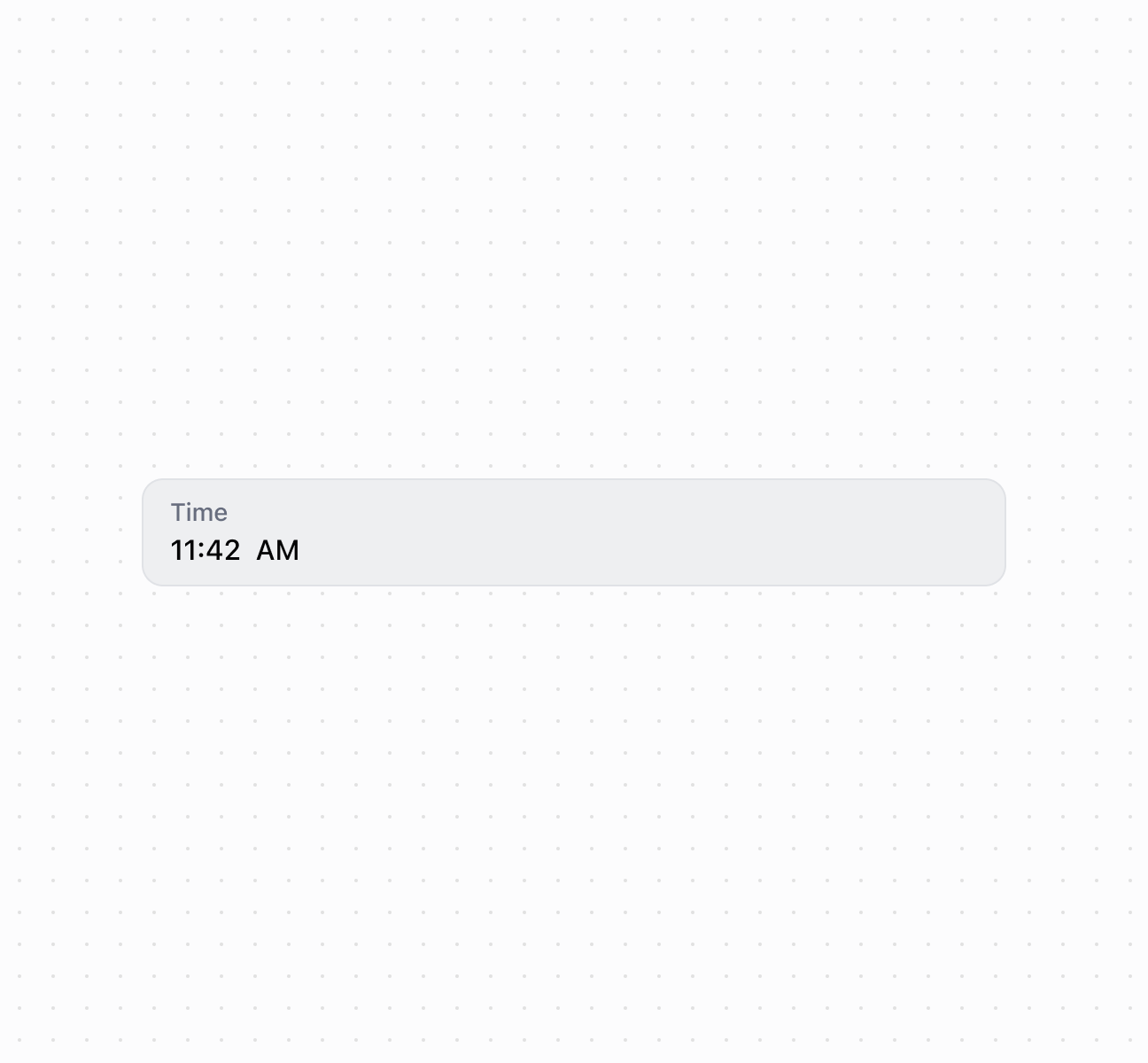
Capture time input using a timeField component. This example shows a basic time field with a label for time entry.
Capture time input with a time field
<s-time-field
  label="Time"
  value="11:42"
/>
Handle time selection events
Description
Subscribe to time input events to respond when merchants select or enter times. This example shows how to handle `onChange` events to capture time selections, enabling real-time validation, time range checks, or dynamic scheduling behavior based on merchant input.
Handle time selection events
<s-time-field
  label="Appointment time"
  value="14:30"
  onInput={(event) => console.log('Input:', event.currentTarget.value)}
  onChange={(event) => console.log('Change:', event.currentTarget.value)}
  onFocus={(event) => console.log('Focused')}
  onBlur={(event) => console.log('Blurred')}
/>
Anchor to Best practicesBest practices
- Use correct format: Always use
HH:mm:ssformat with leading zeros (like"09:05:00"not"9:5:0"). - Explain time constraints: Use
detailsto clarify requirements like "Business hours only (09:00-17:00)" or "Must be a future time."