Pos
The posBlock component creates a container to place content with an action button. Use it to display structured content within POS block targets.
The component provides a standardized layout specifically designed for content blocks within POS detail views, with consistent padding, spacing, and optional action buttons.
Supported targets
- pos.
cart. line-item-details. action. render - pos.
customer-details. action. render - pos.
customer-details. block. render - pos.
draft-order-details. action. render - pos.
draft-order-details. block. render - pos.
home. modal. render - pos.
order-details. action. render - pos.
order-details. block. render - pos.
product-details. action. render - pos.
product-details. block. render - pos.
purchase. post. action. render - pos.
purchase. post. block. render - pos.
register-details. action. render - pos.
register-details. block. render
Supported targets
- pos.
cart. line-item-details. action. render - pos.
customer-details. action. render - pos.
customer-details. block. render - pos.
draft-order-details. action. render - pos.
draft-order-details. block. render - pos.
home. modal. render - pos.
order-details. action. render - pos.
order-details. block. render - pos.
product-details. action. render - pos.
product-details. block. render - pos.
purchase. post. action. render - pos.
purchase. post. block. render - pos.
register-details. action. render - pos.
register-details. block. render
Anchor to PropertiesProperties
Configure the following properties on the posBlock component.
Configure the following properties on the POS block component.
- Anchor to headingheadingheadingstringstring
The heading to display within the POSBlock.
If not provided, the description of the extension will be used when a heading is appropriate.
- Anchor to idididstringstring
A unique identifier for the element.
Anchor to SlotsSlots
The posBlock component supports slots for additional content placement within the block. Learn more about using slots.
The POS block component supports slots for additional content placement within the block. Learn more about using slots.
- Anchor to secondary-actionssecondary-actionssecondary-actionsHTMLElementHTMLElement
The secondary actions to perform, provided as button or link type elements.
Anchor to ExamplesExamples
Create structured content blocks using a posBlock component with optional action buttons. This example shows a basic block with content and an action button.
Create a content block with an action button
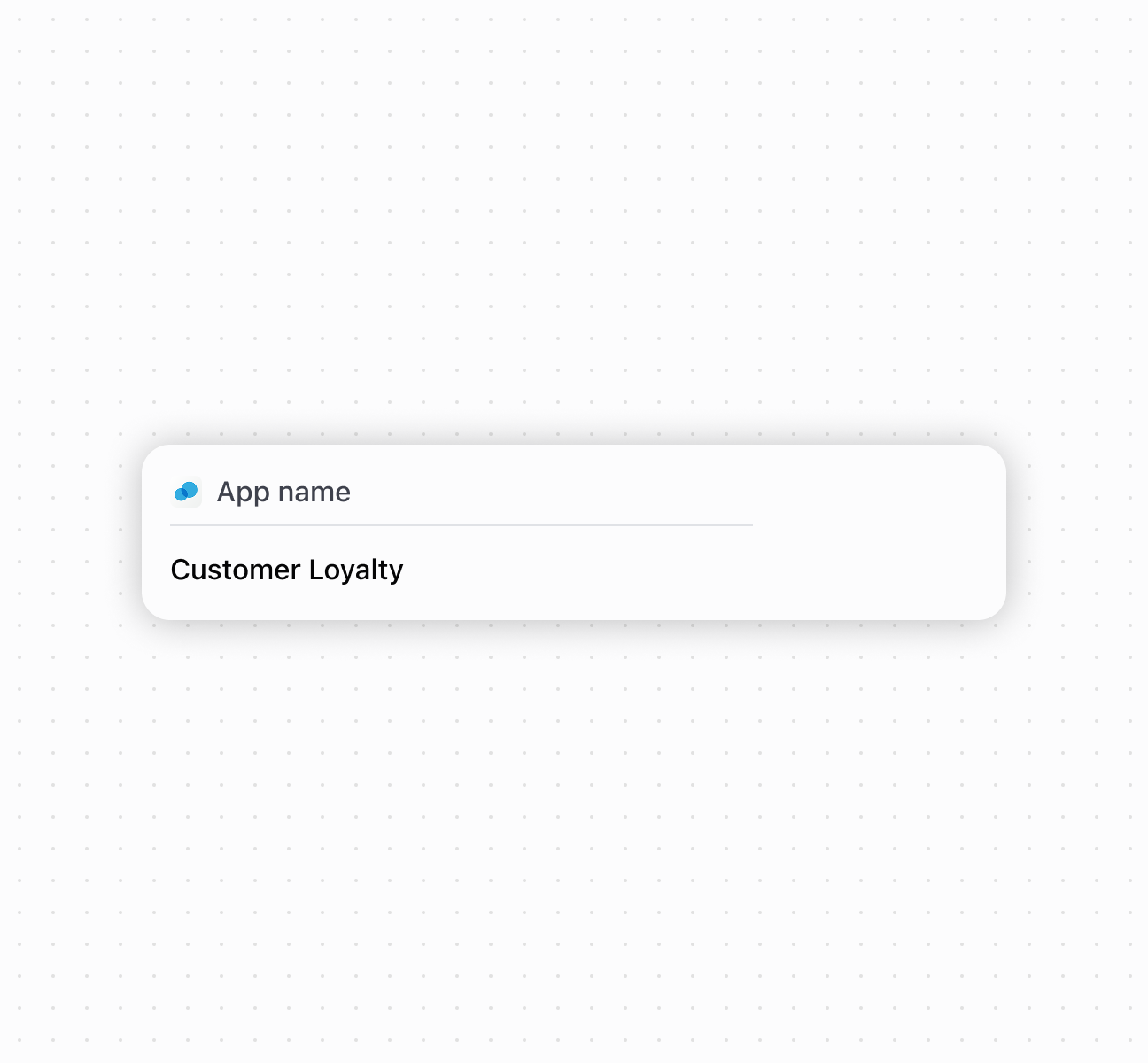
Create a content block with an action button
Anchor to Best practicesBest practices
- Provide descriptive headings: If you don't specify a heading, the system uses your extension's description, so ensure it's meaningful and concise.
- Place important actions in secondary-actions slot: Include only the most relevant actions directly related to your block's content.
- Limit secondary actions: To maintain clean, focused interfaces that don't overwhelm the existing POS workflow, use only one secondary action element in each block.