Build directly with UCP
Call Shopify's Universal Commerce Protocol (UCP) servers directly to discover products, build carts, create checkouts, and track orders.


Anchor to Install the UCP CLIInstall the UCP CLI
Start with Shop MCP for most agents and apps. For exceptions and other options, refer to Choose your path.
Start with Shop MCP for most agents and apps. For exceptions and other options, refer to Choose your path.
Install the UCP CLI and Shopify AI Toolkit plugin for your supported AI tool. Built for agent workflows, the CLI provides structured commands to search the Catalog, build carts, create checkouts, hand off buyers, and track orders. The toolkit's ucp skill helps agents apply UCP best practices against each merchant's live schema.
Before you install, make sure you have Node.js 22.19.0 or higher. The toolkit is supported on any agent that supports the skills format.
Claude Code
Terminal: Install the UCP CLI
Terminal: Install the Shopify plugin
Codex
Terminal: Install the UCP CLI
Terminal: Install the Shopify plugin
Antigravity CLI
Terminal: Install the UCP CLI
Terminal: Install the Shopify plugin
Cursor
Terminal: Install the UCP CLI
Cursor Chat:
VS Code
Terminal: Install the UCP CLI
Command Palette > Chat: Install Plugin From Source
Terminal: Install the UCP CLI
Terminal: Install the Shopify plugin
Anchor to Understand how Shopify does UCPUnderstand how Shopify does UCP
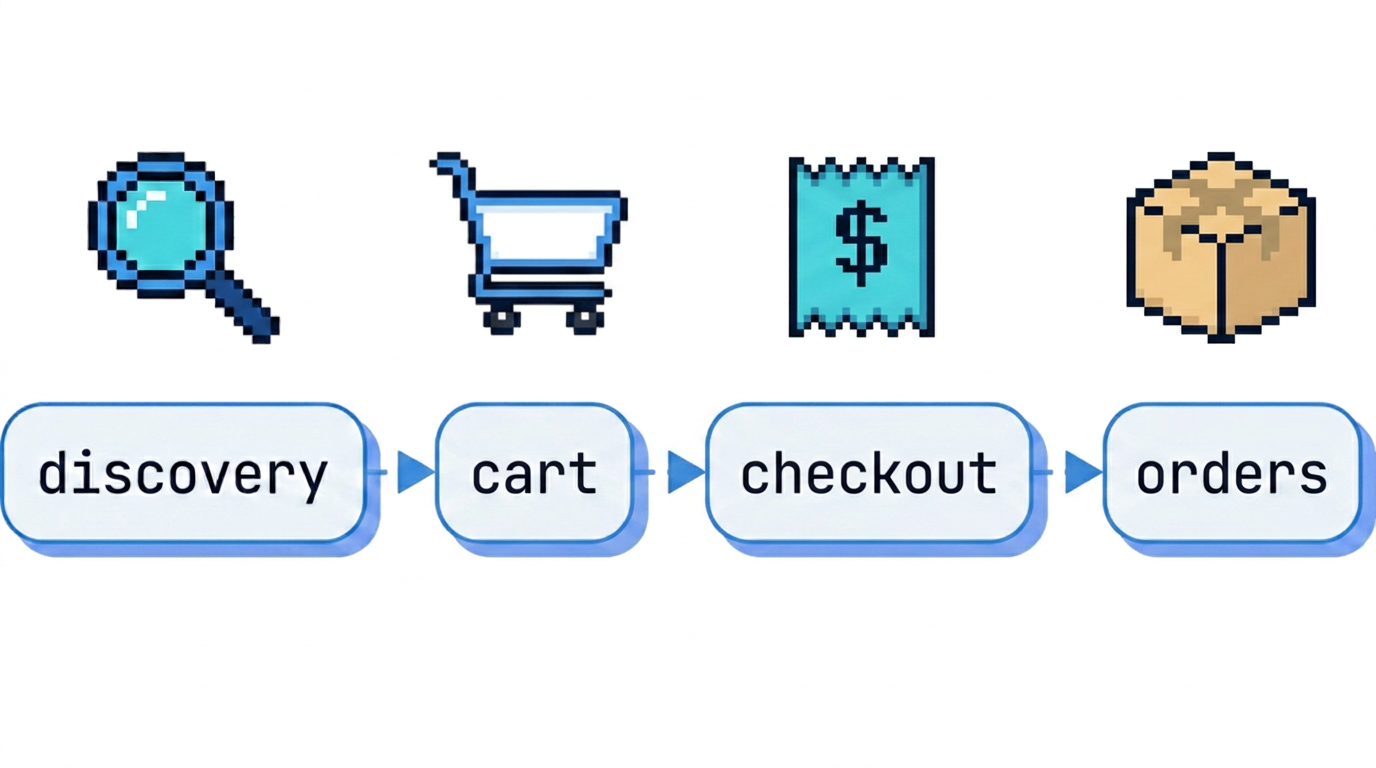
Shopify's MCP tools implement UCP at every step of the buyer journey:
- Negotiate and authenticate: Identify your agent so Shopify can set its rate limits and tool access.
- Discover products: Search across hundreds of millions of Shopify listings.
- Carts and checkout: Build carts, convert them to checkouts, and hand off to the merchant for payment.
- Monitor orders: Receive order webhooks and fetch fresh order state on demand.
Anchor to Negotiate and authenticate Negotiate and authenticate
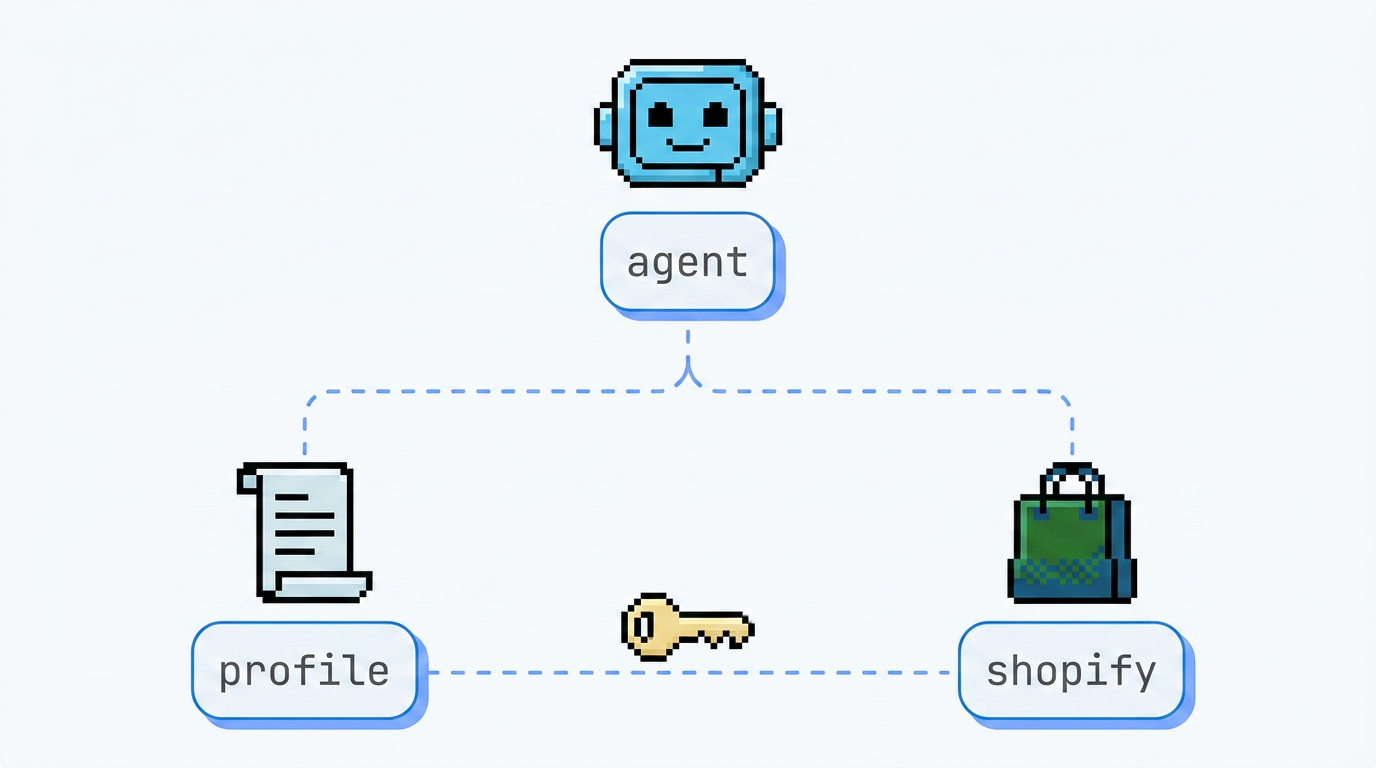
Publish a profile, a JSON file that describes your agent, so Shopify can verify who's calling. How your agent identifies itself sets its rate limits and which tools it can use. Shopify calls these levels trust tiers. Agents that authenticate with a token can get permission to complete checkouts themselves, instead of sending buyers to the merchant's checkout page. You host the profile at a well-known URL and reference it on every UCP request. The UCP CLI uses a Shopify-managed profile until you publish your own.


Anchor to Discover products Discover products
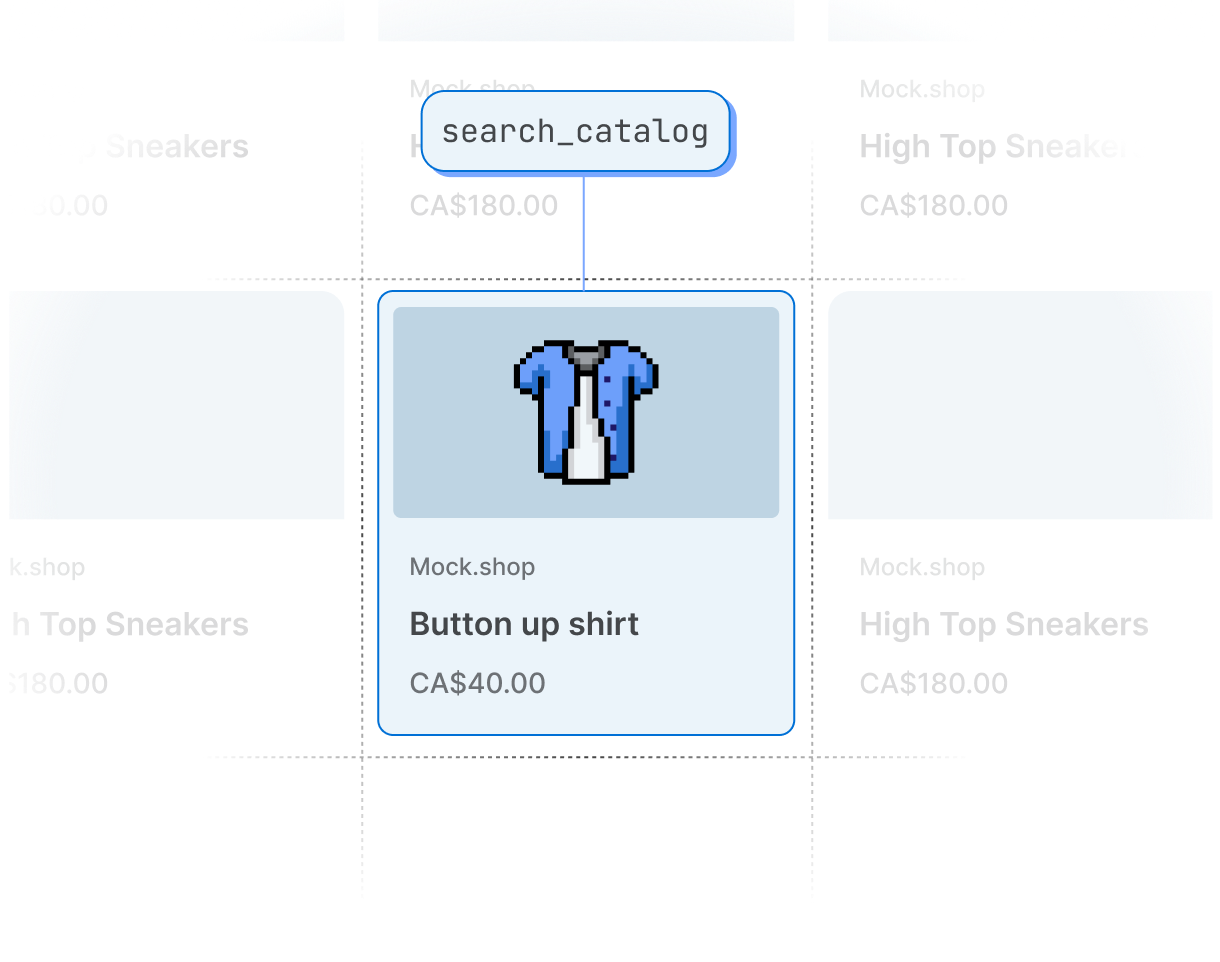
Query products across all Shopify merchants with the Global Catalog, or scope results to a single merchant with a Storefront Catalog. When buyers pick a product, fetch the variant details you need to build a cart or hand off to a checkout permalink.


Anchor to Build carts and convert to checkout Build carts and convert to checkout
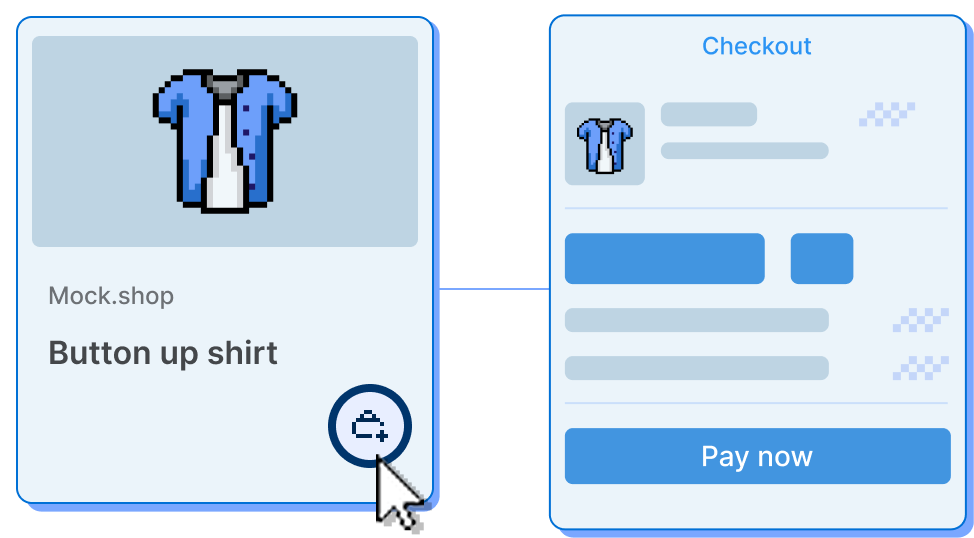
Build carts as buyers iterate. Add line items, apply localization, and estimate totals across multiple turns of conversation. When buyers are ready, convert the cart into a checkout and refer them to the merchant storefront to complete payment. Agents that Shopify has given permission to complete checkouts can finish the purchase themselves.


Anchor to Monitor orders Monitor orders
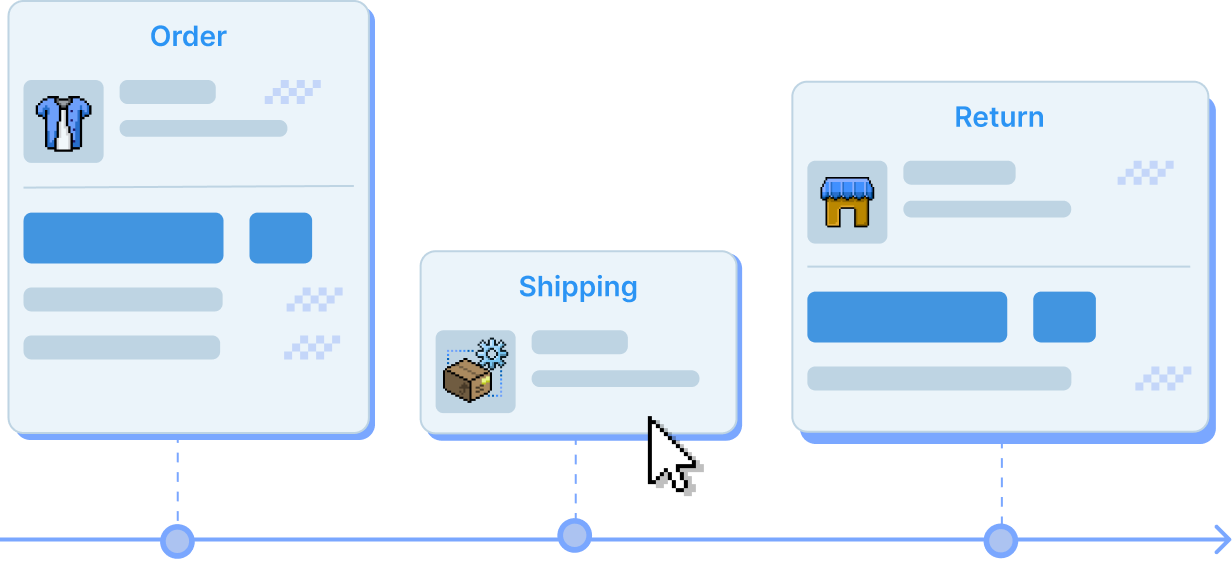
After checkout, monitor order lifecycle changes (fulfillment events, refunds, returns, exchanges, and cancellations) with order webhooks in the UCP format. Fetch fresh order state on demand with the get_order MCP tool when the buyer asks "Where's my order?" or when reconciling a missed webhook.