App Bridge web components
While Web components build the UI inside your app's iframe, App Bridge web components control parts of the Shopify admin that surround it. Use them to add navigation menus, configure page titles, and manage save bar behavior so your app feels native to merchants.
Anchor to Adding App Bridge web components to your appAdding App Bridge web components to your app
When you scaffold your app using Shopify CLI, the App Bridge library is added to your app automatically. You can also manually add App Bridge in any framework by adding the following script tag to your app's HTML head:
HTML
<head>
  <meta name="shopify-api-key" content="%SHOPIFY_API_KEY%" />
  <script src="https://cdn.shopify.com/shopifycloud/app-bridge.js"></script>
</head>
Remix
// app/root.tsx
export default function App() {
  return (
    <html>
      <head>
        <meta name="shopify-api-key" content="%SHOPIFY_API_KEY%" />
        <script src="https://cdn.shopify.com/shopifycloud/app-bridge.js" />
      </head>
    </html>
  );
}
For TypeScript users, Shopify provides a companion npm library for App Bridge types, available at @shopify/app-bridge-types. You can install this library in your project using yarn or npm. Loading App Bridge in your app from cdn.shopify.com/shopifycloud/app-bridge.js installs the latest version of the library. To keep your types in step, specify @shopify/app-bridge-types@latest in your package.json file.
Anchor to Available componentsAvailable components
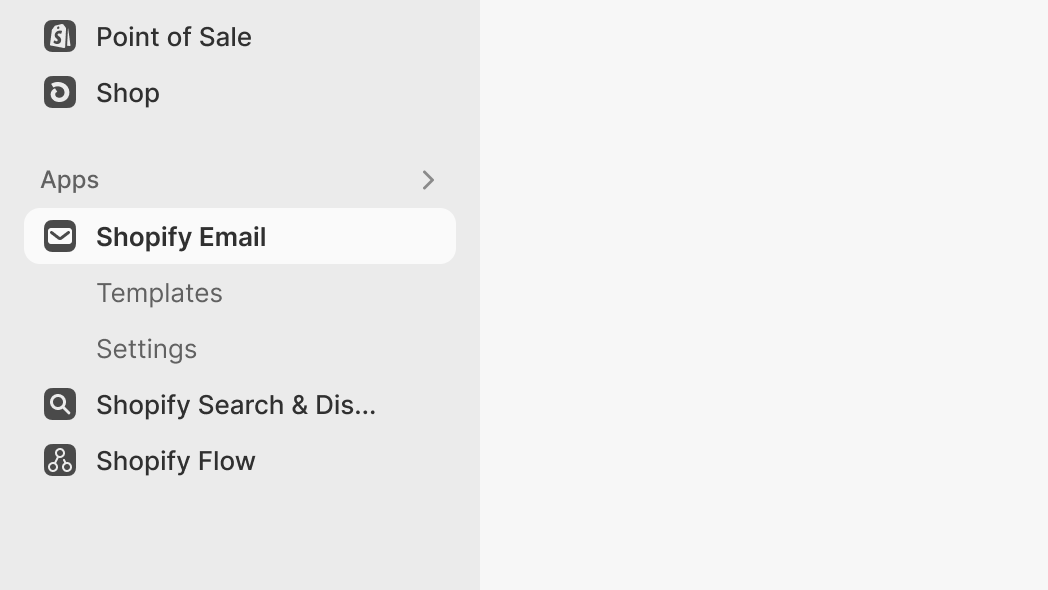
App nav
Create a navigation menu so merchants can browse between pages in your app.

App window
Open a fullscreen modal window to display pages from your app for larger or complex workflows.

Title bar
Configure the admin title bar to display your app's page title, primary and secondary actions, and breadcrumb navigation.

Save bar
Enable automatic save bar integration for HTML forms by adding the data-save-bar attribute to your form element.