Heading
The heading component renders hierarchical titles to communicate the structure and organization of page content and help users navigate complex interfaces.
Heading levels adjust automatically based on nesting within parent section components, ensuring a meaningful page outline.
Support
Targets (12)
Supported targets
- pos.
cart. line-item-details. action. render - pos.
customer-details. action. render - pos.
customer-details. block. render - pos.
draft-order-details. action. render - pos.
draft-order-details. block. render - pos.
home. modal. render - pos.
order-details. action. render - pos.
order-details. block. render - pos.
product-details. action. render - pos.
product-details. block. render - pos.
purchase. post. action. render - pos.
purchase. post. block. render
Supported targets
- pos.
cart. line-item-details. action. render - pos.
customer-details. action. render - pos.
customer-details. block. render - pos.
draft-order-details. action. render - pos.
draft-order-details. block. render - pos.
home. modal. render - pos.
order-details. action. render - pos.
order-details. block. render - pos.
product-details. action. render - pos.
product-details. block. render - pos.
purchase. post. action. render - pos.
purchase. post. block. render
Anchor to Use casesUse cases
- Page titles: Create clear page and section titles that establish content hierarchy.
- Content organization: Organize forms, settings, or information displays with logical heading structures.
- Contextual titles: Provide titles for POS workflow sections like transaction details, customer info, or catalogs.
Anchor to PropertiesProperties
Configure the following properties on the Heading component.
- Anchor to idididstringstring
A unique identifier for the element used for targeting with CSS, JavaScript, or accessibility features.
Anchor to ExamplesExamples
Anchor to Display hierarchical headingsDisplay hierarchical headings
Create hierarchical titles using a heading component that adjusts levels automatically based on nesting. This example shows a basic heading with automatic level management.Display hierarchical headings
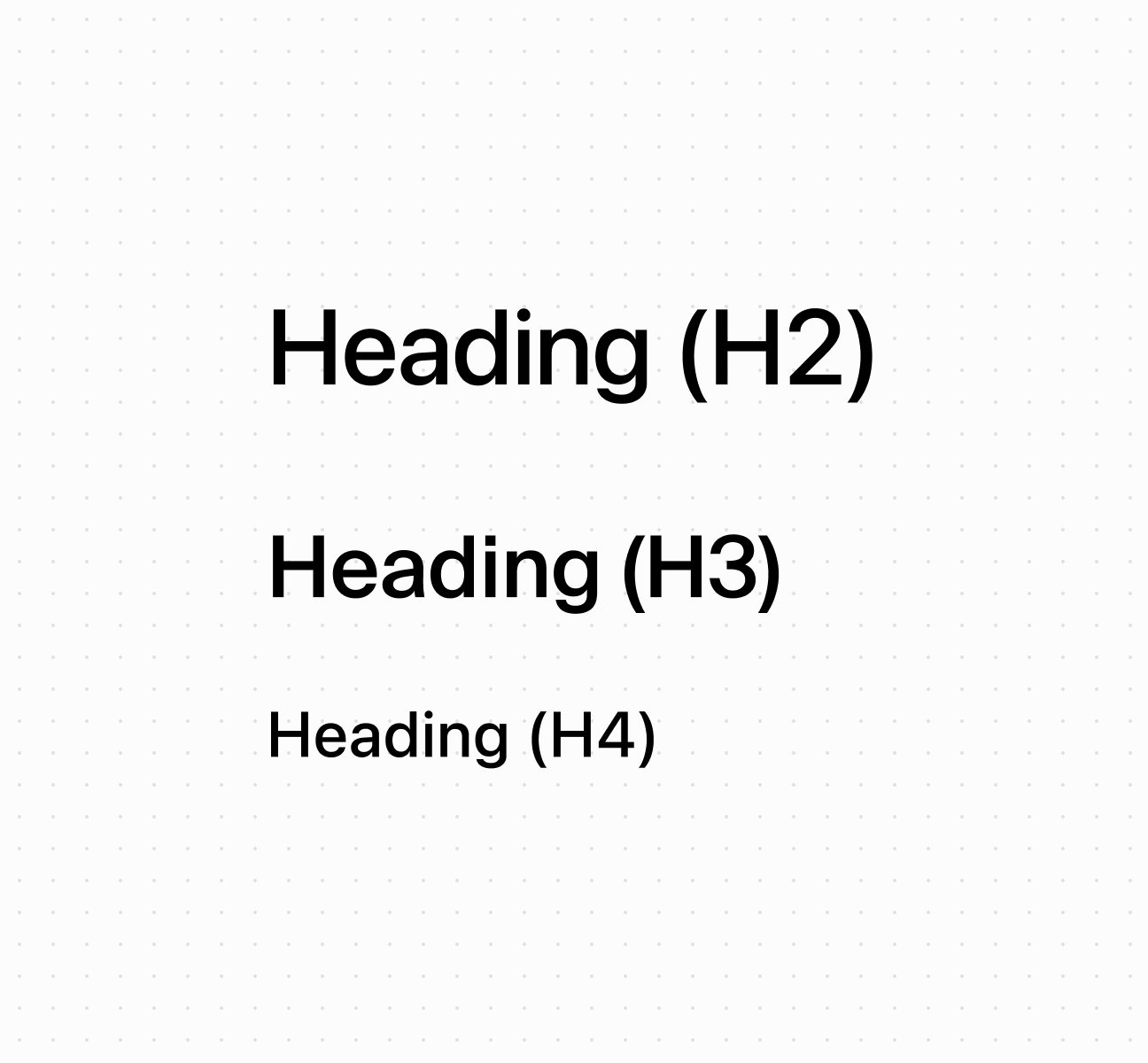
Display hierarchical headings
<s-heading>Heading (H2)</s-heading>
<s-section>
<s-heading>Heading (H3)</s-heading>
<s-section>
<s-heading>Heading (H4)</s-heading>
</s-section>
</s-section>
Anchor to Best practicesBest practices
- Create logical hierarchy: Start with higher-level headings for main sections, nested headings for subsections. Nested sections automatically adjust heading levels.
- Write specific headings: Avoid generic terms like "Details." Use specific descriptions like "Customer Contact Information" or "Transaction Summary."
- Keep text concise: Headings don't truncate, so keep them brief enough to display across different screen sizes.
Was this page helpful?