Clickable
The clickable component makes any content interactive. Use it to add click interactions to non-interactive elements while maintaining full control over their visual presentation.
Unlike the button component, clickable doesn't impose visual styling, allowing you to create custom interactive elements. You must implement focus indicators and other visual cues yourself.
Anchor to Use casesUse cases
- Interactive cards: Create custom cards that respond to clicks without button styling.
- Clickable elements: Make text, images, or icons clickable while preserving visual appearance.
- Complex layouts: Build interactive layouts with multiple clickable regions.
- Custom interfaces: Implement selection interfaces, galleries, or navigation with tailored designs.
Anchor to PropertiesProperties
Makes contained content interactive and clickable.
- Anchor to disableddisableddisabledbooleanboolean
Disables the clickable, meaning it cannot be clicked or receive focus.
In this state, onClick will not fire. If the click event originates from a child element, the event will immediately stop propagating from this element.
However, items within the clickable can still receive focus and be interacted with.
This has no impact on the visual state by default, but developers are encouraged to style the clickable accordingly.
- Anchor to idididstringstring
A unique identifier for the element.
Anchor to EventsEvents
The clickable component provides event callbacks for handling user interactions. Learn more about handling events.
- Anchor to clickclickclick(event: CallbackEvent<"s-clickable">) => void(event: CallbackEvent<"s-clickable">) => void
Callback when the element is activated.
CallbackEvent
- bubbles
boolean - cancelable
boolean - composed
boolean - currentTarget
HTMLElementTagNameMap[T] - detail
any - eventPhase
number - target
HTMLElementTagNameMap[T] | null
Anchor to ExamplesExamples
Anchor to Make content clickableMake content clickable
Make any content interactive using a clickable component wrapper without imposing visual styling. This example shows how to create custom interactive elements while maintaining full control over appearance.Make content clickable
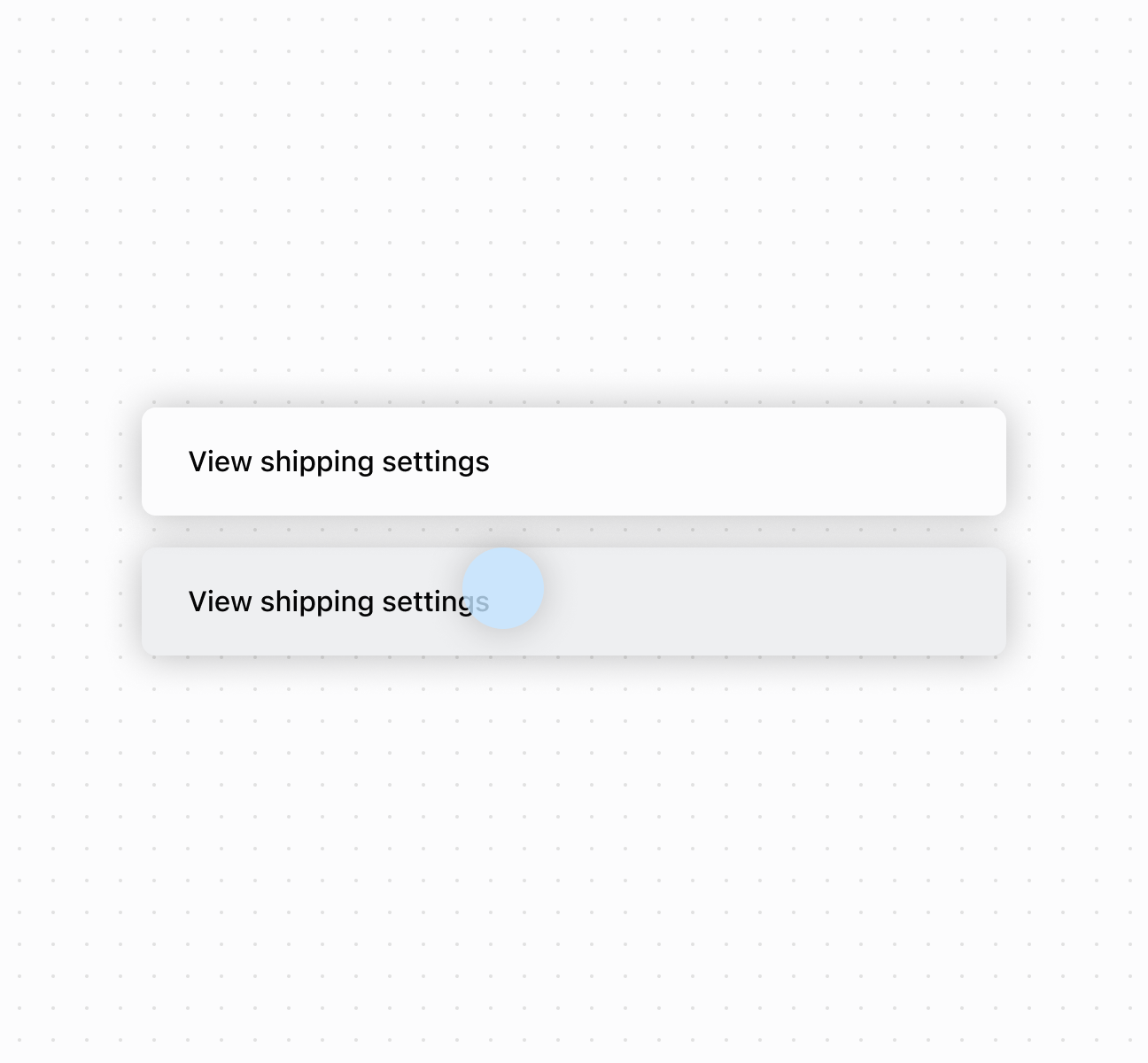
Make content clickable
Anchor to Best practicesBest practices
- Implement visual feedback: Since clickable has no built-in styling, add focus indicators and active states to show interactivity.
- Wrap non-interactive elements: Use clickable for text, images, or icons. Avoid wrapping components with built-in interactions.
- Handle disabled state carefully: When
disabled, child elements can still receive focus. Provide visual feedback for the non-interactive state.
Anchor to LimitationsLimitations
The component doesn't automatically provide keyboard navigation support beyond basic click functionality.