Text
The text component displays inline text with specific visual styles or tones. Use text to emphasize or differentiate words or phrases within paragraphs or other block-level components, applying weight, color, or semantic styling.
Text supports multiple visual variants, tone, and color options for flexible inline typography control. Text is commonly used inside paragraph to style specific words or phrases within block-level content.
Text is inline by default — wrapping it around block-level content might cause unexpected layout behavior.
Supported targets
- purchase.
checkout. actions. render-before - purchase.
checkout. block. render - purchase.
checkout. cart-line-item. render-after - purchase.
checkout. cart-line-list. render-after - purchase.
checkout. contact. render-after - purchase.
checkout. delivery-address. render-after - purchase.
checkout. delivery-address. render-before - purchase.
checkout. footer. render-after - purchase.
checkout. header. render-after - purchase.
checkout. payment-method-list. render-after - purchase.
checkout. payment-method-list. render-before - purchase.
checkout. pickup-location-list. render-after - purchase.
checkout. pickup-location-list. render-before - purchase.
checkout. pickup-location-option-item. render-after - purchase.
checkout. pickup-point-list. render-after - purchase.
checkout. pickup-point-list. render-before - purchase.
checkout. reductions. render-after - purchase.
checkout. reductions. render-before - purchase.
checkout. shipping-option-item. details. render - purchase.
checkout. shipping-option-item. render-after - purchase.
checkout. shipping-option-list. render-after - purchase.
checkout. shipping-option-list. render-before - purchase.
thank-you. announcement. render - purchase.
thank-you. block. render - purchase.
thank-you. cart-line-item. render-after - purchase.
thank-you. cart-line-list. render-after - purchase.
thank-you. customer-information. render-after - purchase.
thank-you. footer. render-after - purchase.
thank-you. header. render-after
Supported targets
- purchase.
checkout. actions. render-before - purchase.
checkout. block. render - purchase.
checkout. cart-line-item. render-after - purchase.
checkout. cart-line-list. render-after - purchase.
checkout. contact. render-after - purchase.
checkout. delivery-address. render-after - purchase.
checkout. delivery-address. render-before - purchase.
checkout. footer. render-after - purchase.
checkout. header. render-after - purchase.
checkout. payment-method-list. render-after - purchase.
checkout. payment-method-list. render-before - purchase.
checkout. pickup-location-list. render-after - purchase.
checkout. pickup-location-list. render-before - purchase.
checkout. pickup-location-option-item. render-after - purchase.
checkout. pickup-point-list. render-after - purchase.
checkout. pickup-point-list. render-before - purchase.
checkout. reductions. render-after - purchase.
checkout. reductions. render-before - purchase.
checkout. shipping-option-item. details. render - purchase.
checkout. shipping-option-item. render-after - purchase.
checkout. shipping-option-list. render-after - purchase.
checkout. shipping-option-list. render-before - purchase.
thank-you. announcement. render - purchase.
thank-you. block. render - purchase.
thank-you. cart-line-item. render-after - purchase.
thank-you. cart-line-list. render-after - purchase.
thank-you. customer-information. render-after - purchase.
thank-you. footer. render-after - purchase.
thank-you. header. render-after
Anchor to Use casesUse cases
- Inline emphasis: Bold or style specific words within a paragraph for visual contrast.
- Security reassurance: Display subdued helper text like "Your data is encrypted" near payment fields.
- Policy highlights: Apply strong emphasis and neutral tone to terms or disclaimers.
- Price annotations: Render inline labels like "Total" or "Tax included" alongside monetary values.
Anchor to PropertiesProperties
Configure the following properties on the text component.
- Anchor to accessibilityVisibilityaccessibility
Visibilityaccessibility Visibility 'visible' | 'hidden' | 'exclusive''visible' | 'hidden' | 'exclusive'Default: 'visible'Default: 'visible' Controls how the element is exposed to sighted users and to assistive technologies such as screen readers.
visible: The element is visible to all users (both sighted users and screen readers).hidden: The element is visually visible but hidden from screen readers. Use this for decorative elements that don't provide meaningful information.exclusive: The element is visually hidden but announced by screen readers. Use this for screen-reader-only content like skip links or additional context.
- Anchor to colorcolorcolor'base' | 'subdued''base' | 'subdued'Default: 'base'Default: 'base'
The color emphasis level that controls visual intensity.
subdued: Deemphasized color for secondary text, supporting labels, and less critical interface elements.base: Primary color for body text, standard UI elements, and general content with good readability.strong: Higher-contrast color for text that needs more emphasis thanbase.
- Anchor to dirdirdir'ltr' | 'rtl' | 'auto' | '''ltr' | 'rtl' | 'auto' | ''Default: ''Default: ''
Indicates the directionality of the element’s text.
ltr: The languages written from left to right (such as English).rtl: The languages written from right to left (such as Arabic).auto: The user agent determines the direction based on the content."": The direction is inherited from parent elements (equivalent to not setting the attribute).
Learn more about the dir attribute.
- Anchor to displaydisplaydisplayMaybeResponsive<"auto" | "none">MaybeResponsive<"auto" | "none">Default: 'auto'Default: 'auto'
Sets the outer display type of the component. The outer type sets a component’s participation in flow layout.
auto: The component’s initial value. The actual value depends on the component and context.none: Hides the component from display and removes it from the accessibility tree, making it invisible to screen readers.
Learn more about the display property.
- Anchor to idididstringstring
A unique identifier for the element. Use this to reference the element in JavaScript, link labels to form controls, or target specific elements for styling or scripting.
- Anchor to langlanglangstringstringDefault: ''Default: ''
The language of the text content. Use this when the text is in a different language than the rest of the page, allowing assistive technologies such as screen readers to invoke the correct pronunciation.
The value should be a valid language subtag from the IANA language subtag registry.
It is recommended to combine it with the
dirattribute to ensure the text is rendered correctly if the surrounding content’s direction is different.- Anchor to tonetonetone'custom' | 'success' | 'info' | 'auto' | 'neutral' | 'warning' | 'critical''custom' | 'success' | 'info' | 'auto' | 'neutral' | 'warning' | 'critical'Default: 'auto'Default: 'auto'
The semantic meaning and color treatment of the component.
auto: Automatically determined based on context.neutral: General information without specific intent.info: Informational content or helpful tips.success: Positive outcomes or successful states.caution: Advisory notices that need attention.warning: Important warnings about potential issues.critical: Urgent problems or destructive actions.accent: Highlighted or promotional content.custom: Custom styling controlled by your theme.
- Anchor to typetypetype'small' | 'address' | 'mark' | 'strong' | 'generic' | 'redundant' | 'emphasis' | 'offset''small' | 'address' | 'mark' | 'strong' | 'generic' | 'redundant' | 'emphasis' | 'offset'Default: 'generic'Default: 'generic'
The semantic type and styling treatment for the text content.
Other presentation properties on
s-textoverride the default styling.address: A semantic type that indicates the text is contact information. Typically used for addresses.redundant: A semantic type that indicates the text is no longer accurate or no longer relevant. One such use-case is discounted prices.mark: A semantic type that indicates the text is marked or highlighted and relevant to the user's current action.emphasis: A semantic type that indicates emphatic stress. Typically for words that have a stressed emphasis compared to surrounding text.offset: A semantic type that indicates an offset from the normal prose of the text.small: A semantic type that indicates the text is considered less important than the main content, but is still necessary for the reader to understand.strong: A semantic type that indicates strong importance, seriousness, or urgency.generic: No additional semantics or styling is applied.
MaybeResponsive
Makes a property responsive by allowing it to be set conditionally based on container query conditions. The value can be either a base value or a container query string. - `T`: Base value that applies in all conditions. - `@container${string}`: Container query string for conditional responsive styling based on container size.
T | `@container${string}`Anchor to ExamplesExamples
Anchor to Display subdued textDisplay subdued text
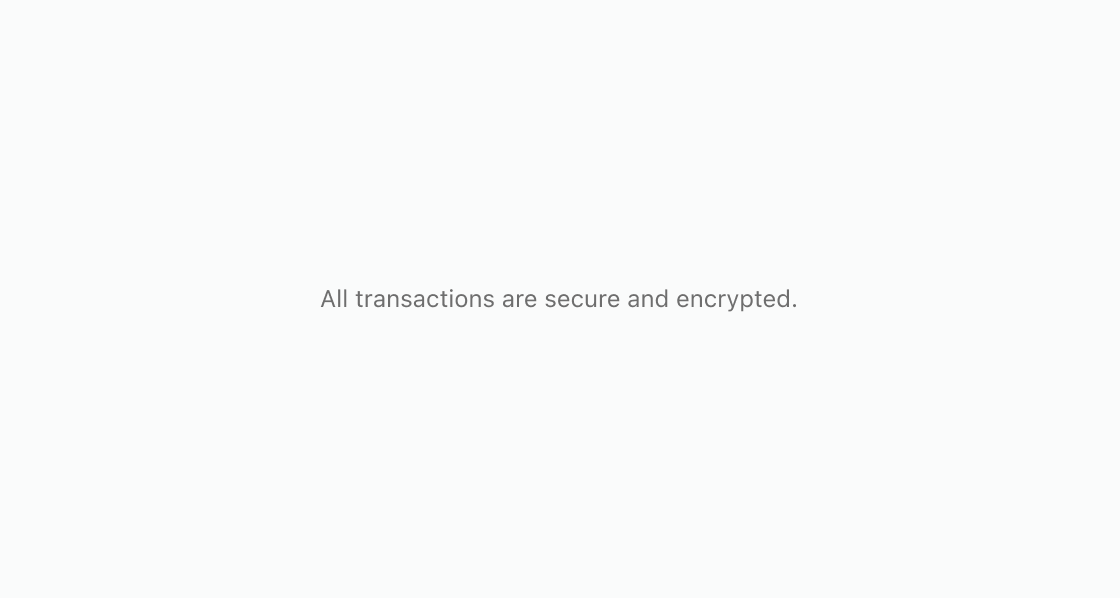
Display subdued security text near payment fields. This example renders an s-text with type="small" and color="subdued" for a security reassurance message.
Display subdued text
html
Anchor to Emphasize important informationEmphasize important information
Apply strong emphasis and neutral tone to informational text. This example sets type="strong" with tone="neutral" for policy copy that shouldn't read as success or warning.
html
Anchor to Mix regular and strong text in one lineMix regular and strong text in one line
Pair a label with emphasized values inside the same sentence. This example places two s-text elements inline, one default and one with type="strong".
html
Anchor to Use text within a paragraphUse text within a paragraph
Nest s-text inside s-paragraph to highlight specific values within body text. This example emphasizes the total price with type="strong" while the rest of the sentence remains at default weight.html
Anchor to Best practicesBest practices
- Apply tone intentionally: Set
toneto convey semantic meaning like success or warning rather than using color alone. - Keep inline text short: Use
s-textfor words or phrases, not full paragraphs. For block-level content, uses-paragraph.