Build apps for Shopify
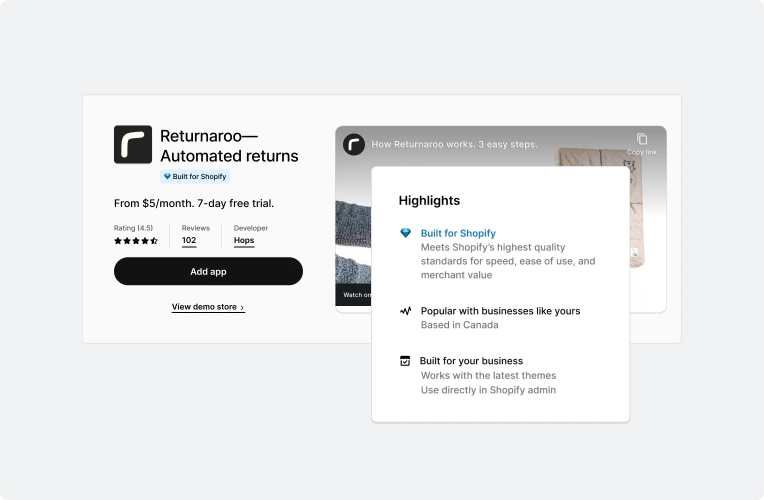
Merchants run their whole business on Shopify, and they turn to apps for the features they need next. Your app runs inside Shopify's own surfaces, works with Shopify's APIs and store data, and can reach millions of merchants through the Shopify App Store.


Anchor to Build and release your first appBuild and release your first app
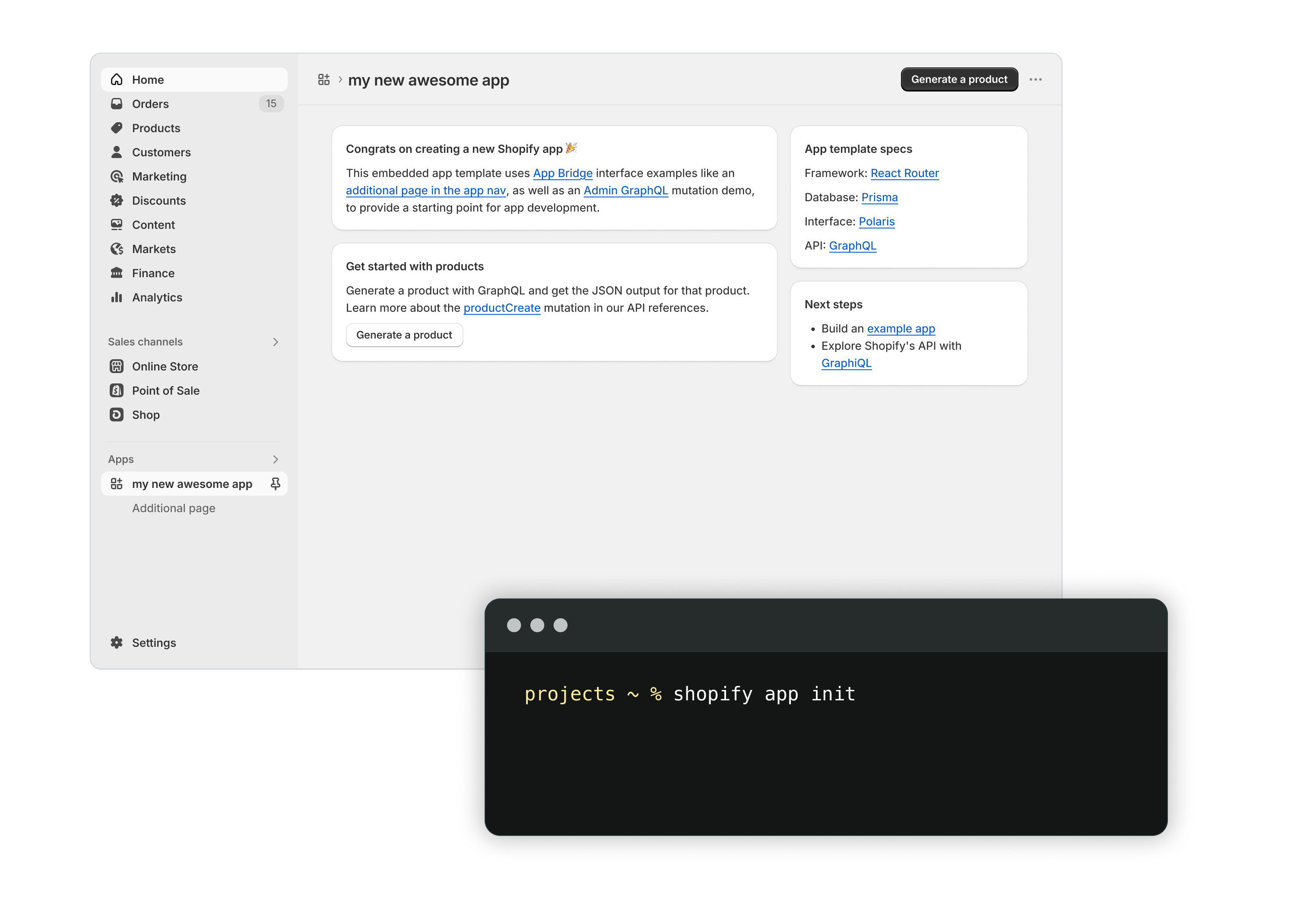
The scaffold and build tutorials take you through the full journey: create an app, run it against a dev store, call an API, and release it.
-
Deployment happens throughout development. The CLI packages your extensions and configuration into an app version, and you release that version to merchants.
-
Distribution determines who can install your app. Decide this early, because building for the Shopify App Store is a different job from building for a single organization.
Anchor to Set up your toolchainSet up your toolchain
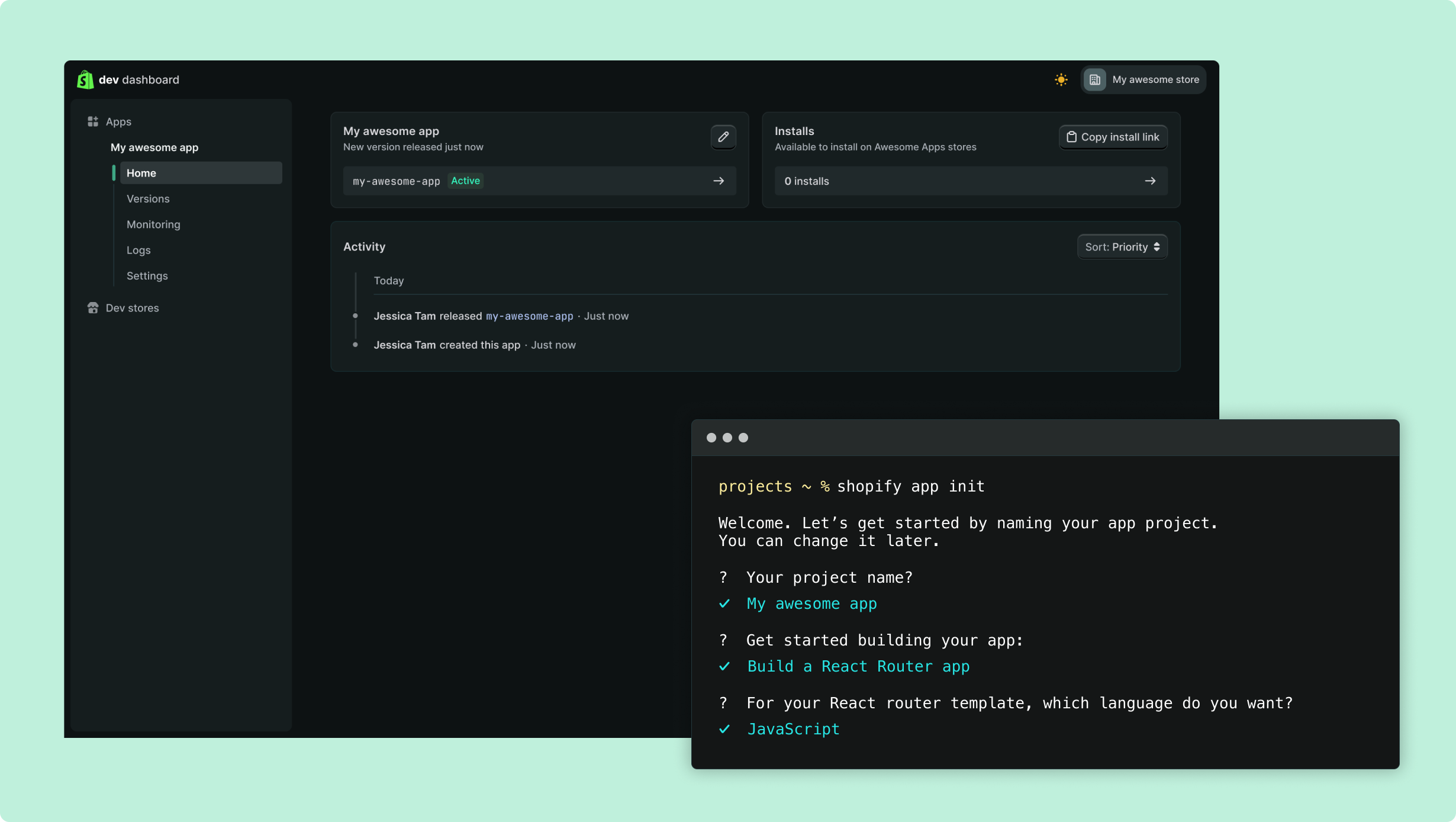
The Shopify AI Toolkit gives your coding agent Shopify's schemas and docs to work from. Shopify CLI and the Dev Dashboard both work against the same app record, so you can create an app in either one.
-
Shopify AI Toolkit connects your coding agent to Shopify's docs and API schemas, so it writes queries that validate against the version you're building on.
-
Shopify CLI scaffolds your app, runs it against a dev store while you work, and packages and releases your app versions.
-
Dev Dashboard manages everything that belongs to the app itself: its credentials and scopes, your dev stores, user permissions, and its logs after merchants are running it.
Anchor to The parts of a Shopify appThe parts of a Shopify app
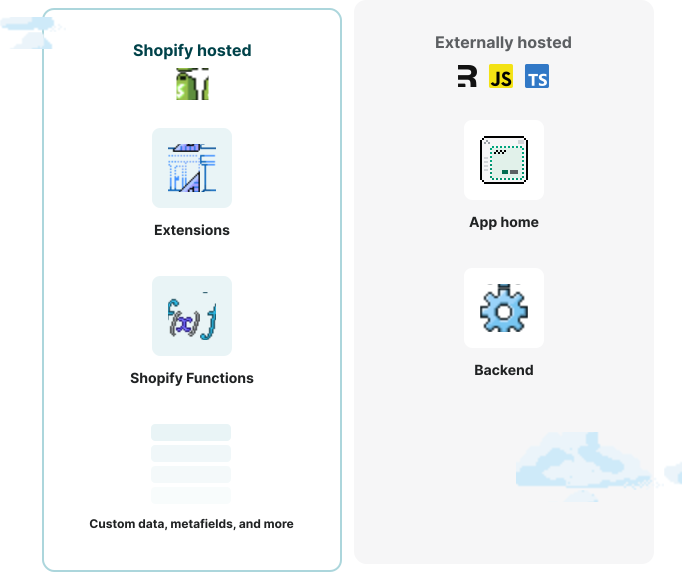
An app is a set of components you declare in your app configuration, and Shopify runs most of them for you. Only your backend is yours to host.
-
Authentication gets your app an access token for the access scopes a merchant grants. Where your app's code runs decides how it gets that token, and which API the token can call.
-
Extensions put your interface inside Shopify's surfaces, and you build that interface from Polaris web components. Functions run your logic in Shopify's request path. Shopify hosts all of it.
-
Custom data stores what Shopify's model doesn't cover, in metafields and metaobjects. Events and webhooks tell you when store data changes, so you're not polling.
Anchor to Meet the bar merchants expectMeet the bar merchants expect
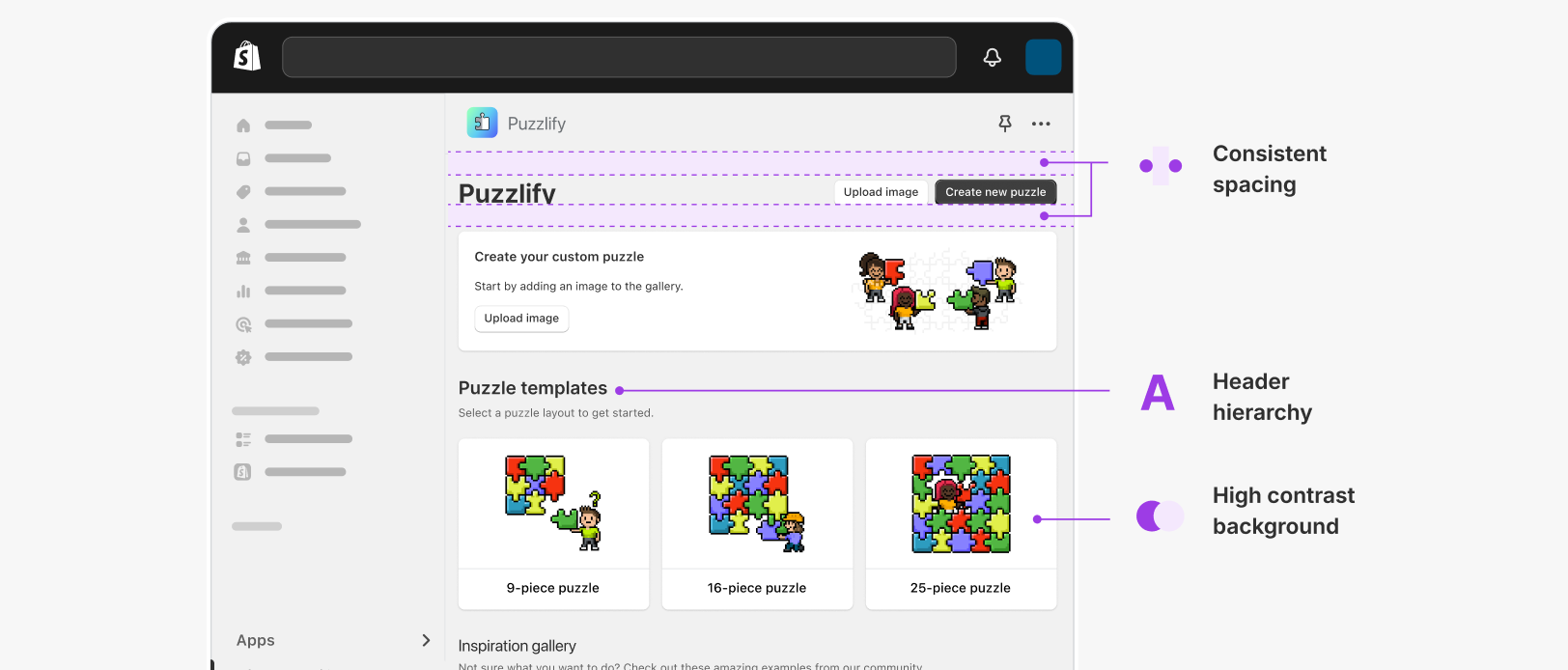
Merchant workflows cross back and forth between your app and the native pages of the Shopify admin. An app that matches the appearance and behavior of its host surface keeps those workflows smooth, and that consistency builds merchant trust.
Polaris, Shopify's design system for app interfaces, gets you most of the way there. The guidelines remove the guesswork on the rest, from mobile-first layout to accessibility.
-
Design guidelines cover structure, layout, content, and navigation, down to how a single form or alert should behave.
-
Security covers the security requirements that your app needs to meet before review.
-
App performance covers performance, accessibility, localization, and privacy.
-
Built for Shopify is the badge for apps that clear the highest bar on all of them.
Anchor to Build across every surfaceBuild across every surface
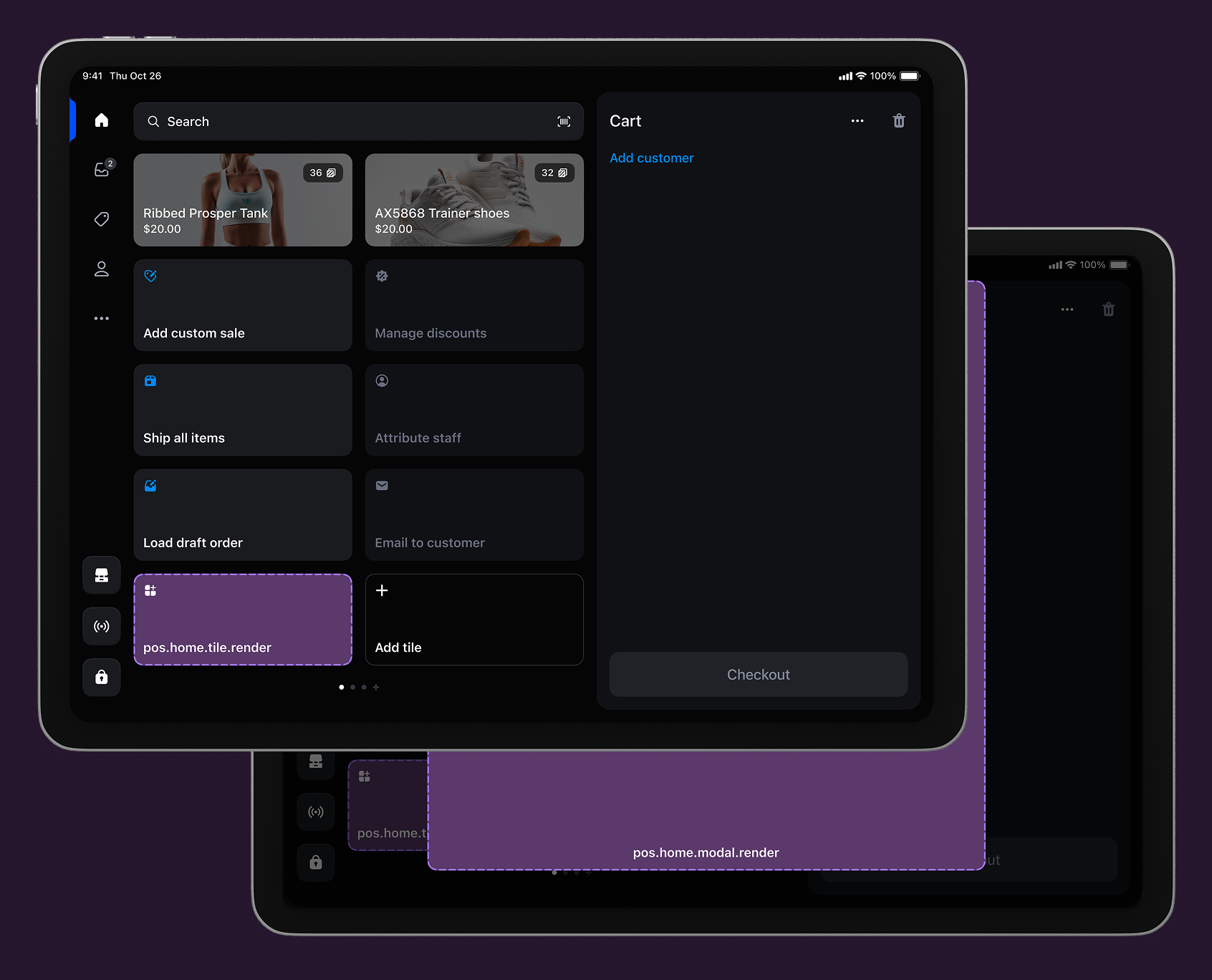
A surface is a place in Shopify where your app shows up. Shopify defines where an app can appear, and each surface comes with its own extension types, APIs, and design rules. Build against a surface's rules and your app keeps working when Shopify changes the surface underneath it.
App Home is the surface your app owns: your app's own page in the admin, built as an iframe you host or a UI extension Shopify hosts.
Everywhere else, your app appears through extensions rendered inside the surface itself:
- Admin is where merchants run their business.
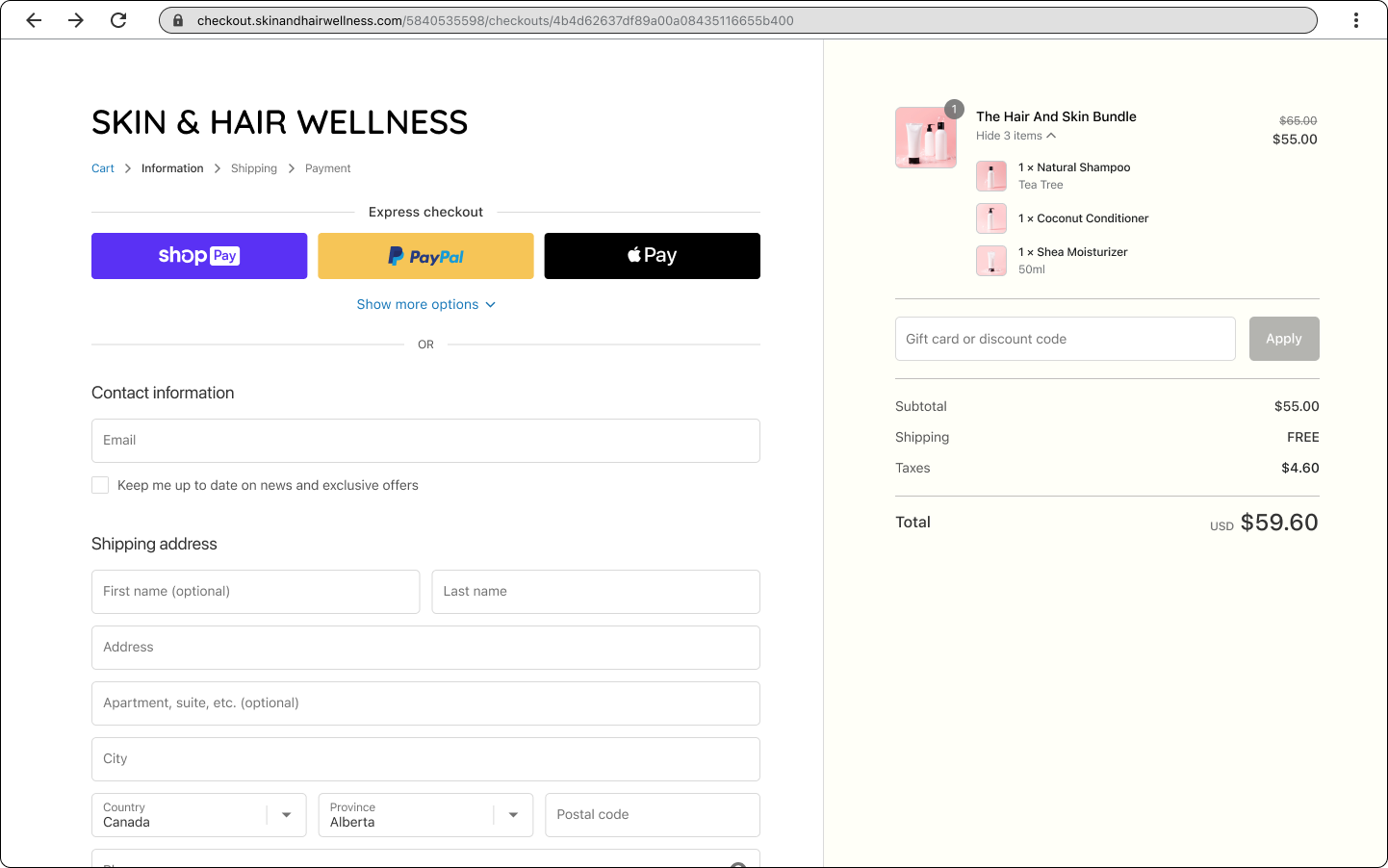
- Checkout is the buyer's path to purchase.
- Customer accounts is where buyers track orders, start returns, and manage their profile.
- Online store is the storefront, where your app rides along with the theme.
- Point of Sale puts your app in front of staff selling in person.
Anchor to Solve a merchant problemSolve a merchant problem
A use case is the merchant problem it solves, and it usually spans more than one surface. Most apps start here.
-
Products and pricing shapes the catalog, purchase options, and discounts.
-
Sales channels reach buyers beyond the merchant's store, Global markets handles international selling, and B2B covers company accounts and negotiated catalogs.
-
Payments moves the money, and Orders and fulfillment handles inventory, routing, fulfillment, and returns.
-
Marketing and web pixels runs campaigns and storefront tracking, Analytics feeds your app's data into merchant reports, AI and agents reaches Sidekick and Storefront MCP, and Flow automates the work between them.
Anchor to Get listed and get installsGet listed and get installs
Publish your app in the Shopify App Store and any merchant can install it once it passes review. A custom app takes the other path: one organization installs it directly, with no listing and no review.
-
Shopify App Store reviews your listing before it goes live. Read the requirements before you submit, because a rejection costs you a full review cycle.
-
Billing is part of that listing. Shopify App Pricing lets you define your plans in the submission form, and Shopify hosts the plan selection page and handles charges, trials, and proration.
-
Marketing and growth is how you get installs once you're listed: run search ads in the App Store, track how merchants are finding your listing, and reply to the reviews they leave.