Shopify APIs, libraries, and tools
Reference documentation for Shopify's APIs, libraries, and developer tools, plus the concepts that apply across all of them.


Anchor to Know what applies to every APIKnow what applies to every API
Authentication, versioning, limits, and error handling work in similar ways across Shopify's APIs, though the details can differ from one API to the next. All Shopify APIs are subject to the Shopify API License and Terms of Use.
-
Authentication covers which token and header each API uses, and access scopes gate what that token can read and write. Some APIs also require Shopify's approval or a specific Shopify plan.
-
API versioning explains how Shopify releases a new version each quarter and supports each one for a year. You can find new features, breaking changes, and deprecations in the developer changelog.
-
Limits covers input array size, pagination depth, how rate limiting works, and where to find the rate limit figures for each API.
-
Response status and error codes are shared across APIs, and idempotent requests let you safely retry a request that might have failed.
-
Global IDs identify objects in the GraphQL APIs, cursor-based pagination walks long lists of them, and the search query syntax filters those lists.
Anchor to Set up your development environmentSet up your development environment
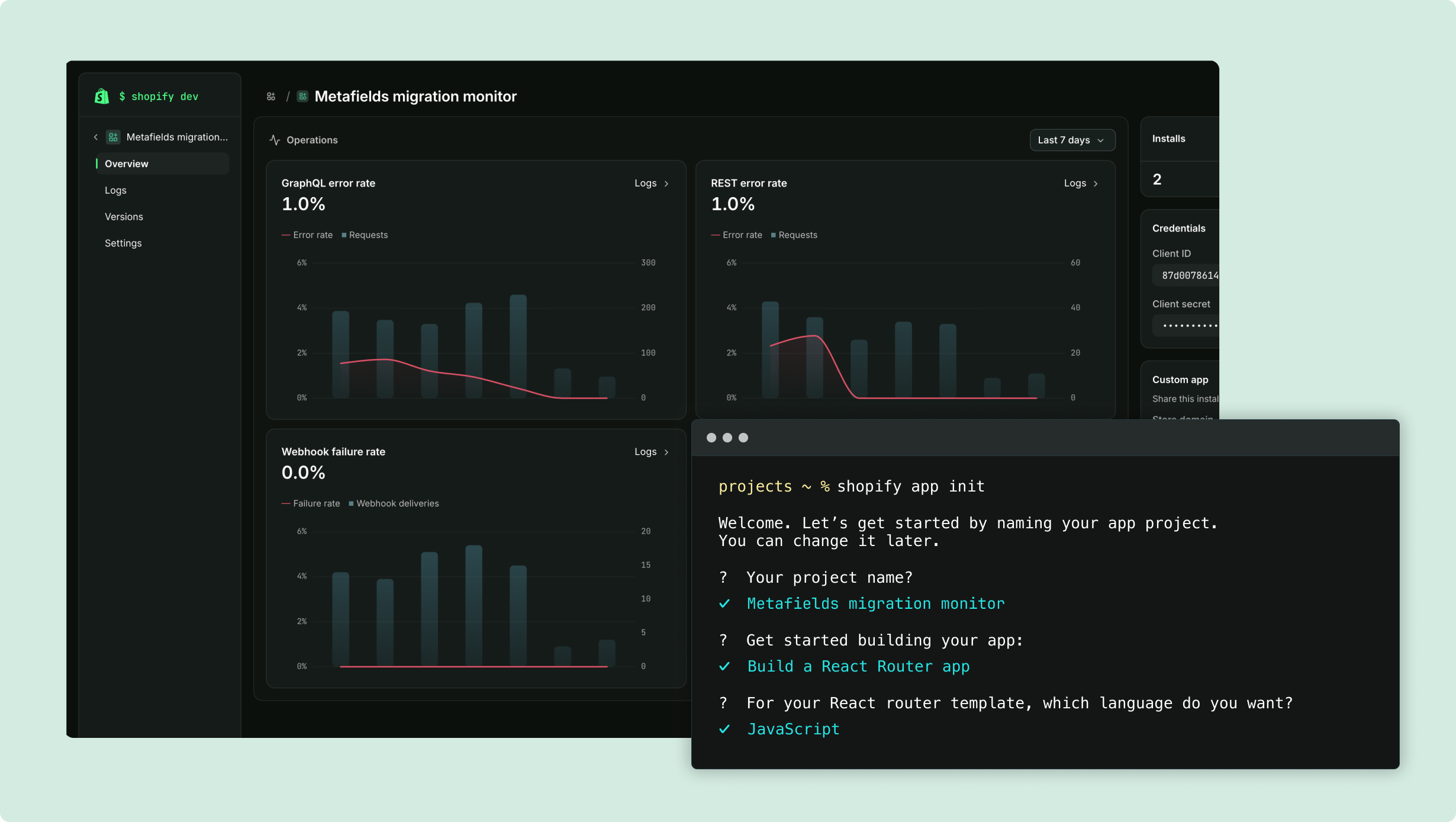
Shopify's tools generate a project, run it against a store while you work, and deploy it.
-
Shopify CLI scaffolds apps, themes, and custom storefronts, runs them against a dev store while you work, and packages and releases your app versions.
-
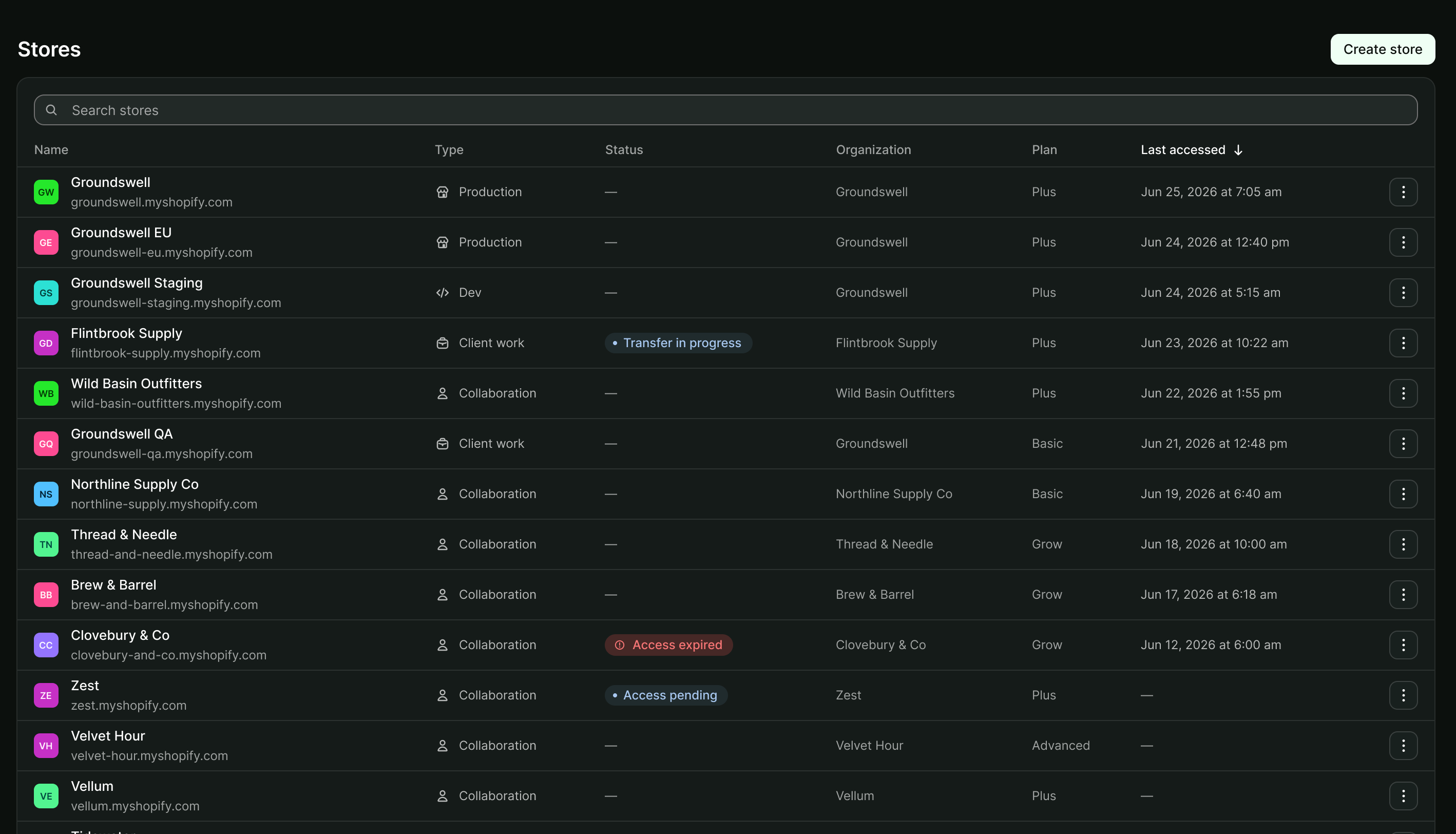
Dev stores are stores with test data that you build and test against.
-
React Router app package is Shopify's app package for React Router v7 and later.
-
Libraries and templates include official and community API libraries for Ruby, Node, PHP, Go, and .NET, plus app templates and sample apps.
Anchor to Read and write store dataRead and write store data
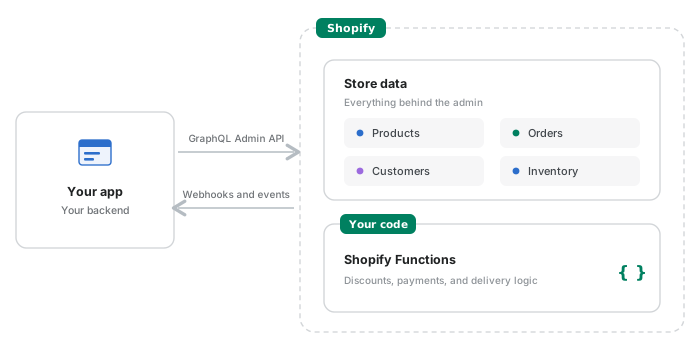
Your app reads and writes a store's data, runs its own logic on that data inside Shopify, and learns when something changes.
-
GraphQL Admin API reads and writes products, customers, orders, inventory, and the rest of the data behind the Shopify admin.
-
Events report object and field-level changes to GraphQL resources with highly configurable payloads, while classic webhooks notify your app when a store changes.
-
Shopify Functions run your own logic inside Shopify's backend for discounts, payments, and delivery.
-
ShopifyQL queries store data with SQL-like syntax and returns typed columns and rows.
-
Payments Apps API handles payment, capture, refund, and void sessions for payments partners.
Anchor to Extend every Shopify surfaceExtend every Shopify surface
Extensions render your app's interface inside Shopify's own surfaces, so it keeps working when Shopify changes the surface underneath it. Each surface has its own extension API.
-
App Home is the page merchants open your app on. Build it as an embedded page with App Bridge and Polaris, or as a UI extension with Preact.
-
Admin UI extensions add actions and blocks to pages in the Shopify admin.
-
Checkout UI extensions customize the buyer's path to purchase, and customer account UI extensions customize order status and profile pages.
-
POS UI extensions add your app to Shopify Point of Sale (POS), for staff selling in person.

Anchor to Build custom commerce experiencesBuild custom commerce experiences
Buyer-facing experiences run on Shopify's storefront APIs, frameworks, and template languages, from a Shopify theme to a storefront you host yourself.
-
Storefront API provides the commerce primitives for custom storefronts. Hydrogen is Shopify's toolkit for building headless storefronts in the framework of your choice, and Hydrogen React is the React library for legacy Hydrogen, versions 2026-04 and earlier.
-
Liquid is the template language for Shopify themes, and the Ajax API adds interactive elements, such as cart updates, without a full page reload.
-
Storefront Web Components bring Shopify-powered commerce to any website with HTML, and standard storefront events and actions give a storefront and the apps running on it a shared vocabulary.
-
Customer Account API provides access to customer identity and order history, and the Customer Privacy API records buyer consent.

Anchor to Manage and monitor your appsManage and monitor your apps
The Dev Dashboard is where you configure a live app and watch how it's behaving. The APIs in this section cover the same ground programmatically.
-
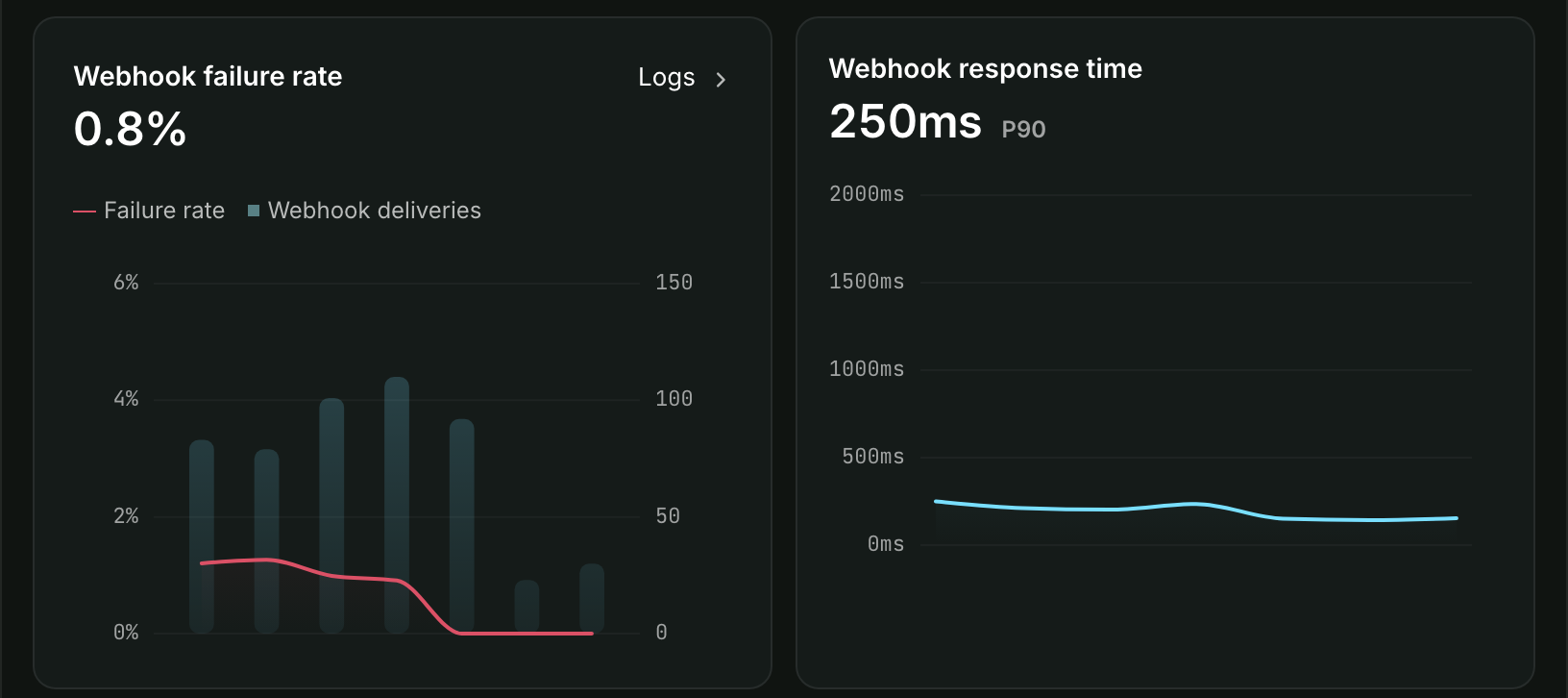
Dev Dashboard creates and manages apps, stores, and catalogs, and its monitoring and logs chart webhooks, functions, and your own events.
-
Alerts in the Dev Dashboard flag apps that are making deprecated API calls, before a version removes them.
-
App Events API sends your app's own events to that monitoring, and reports usage for usage-based charges.
-
Partner API provides access to your Partner organization's business data, such as transactions and payouts.
Anchor to Go deeper with specialized toolsGo deeper with specialized tools
Specialized tools cover specific surfaces and use cases: reaching shoppers in the Shop app, taking payments on sites that aren't on Shopify, measuring what buyers do, and reusing customer logins you already have.
-
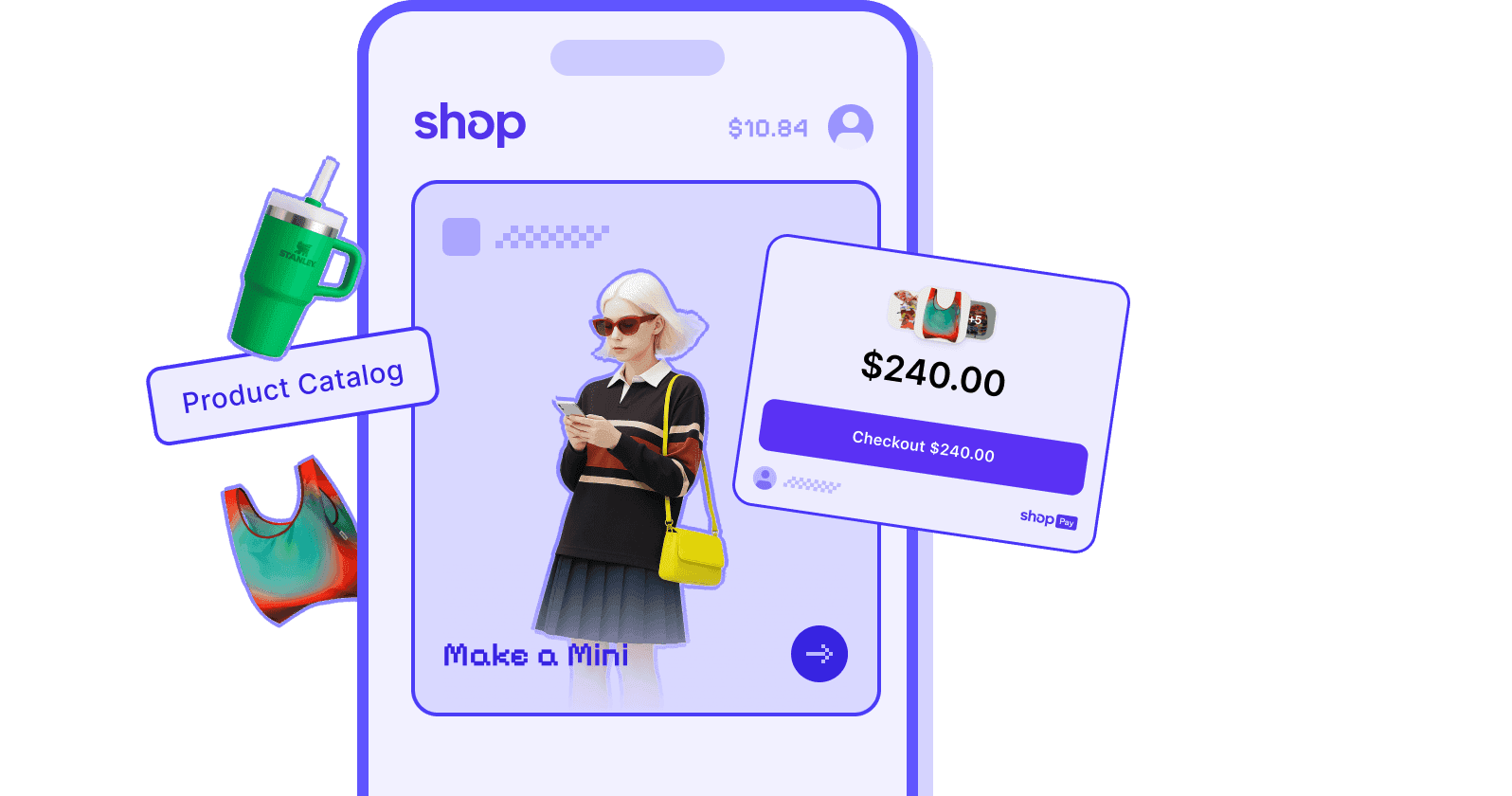
Shop API connects your storefront to Shop, Shopify's consumer commerce surface, and Shop Minis are experiences that run inside the Shop app.
-
Shop Pay Wallet adds Shop Pay checkout to an ecommerce site that isn't on Shopify.
-
Web pixel app extensions collect behavioral data for marketing, optimization, and analytics.
-
Multipass manages customer authentication across multiple applications, so a customer who already logged in on your platform doesn't log in again.