Web components
Web components are the UI building blocks that you use to display data and trigger API functions. These components are native UI elements that follow Shopify's design system and render optimized interfaces for workflows in the Shopify admin.
Your target determines which components you can use because different locations in the Shopify admin have different interface requirements and constraints.
Anchor to ActionsActions
Actions enable users to perform tasks and navigate through the Shopify admin interface with interactive elements like buttons and links.
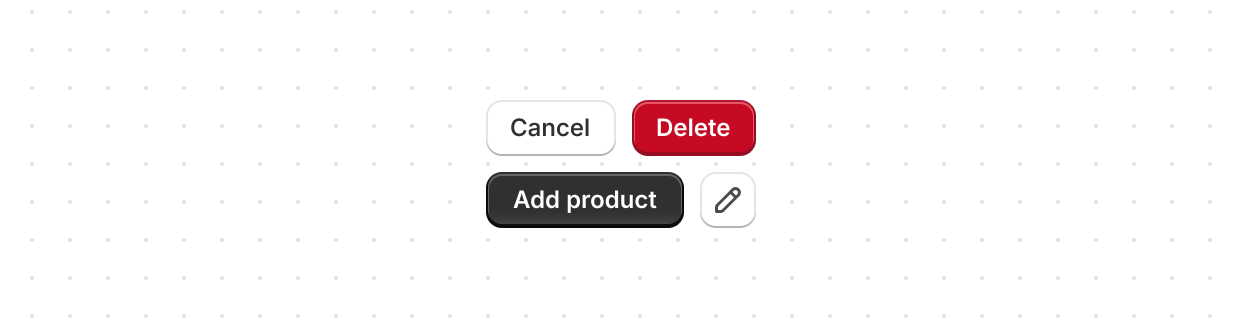
Button
Trigger actions or events, such as submitting forms, opening dialogs, or navigating to other pages.
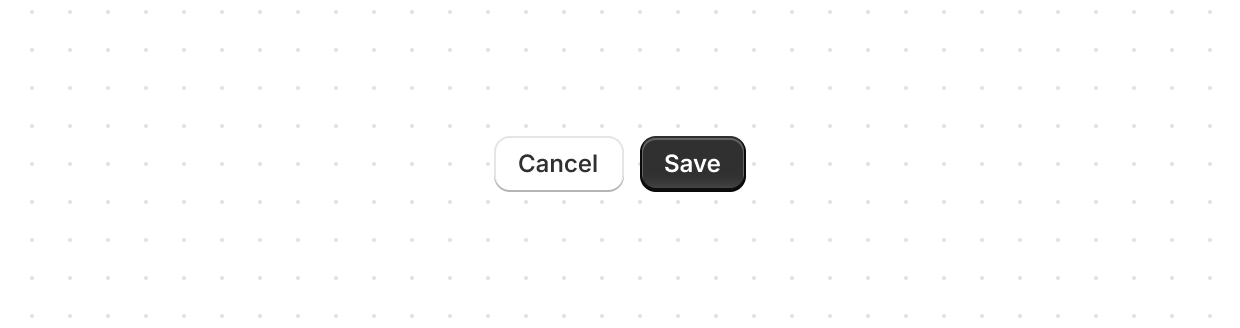
Button group
Display multiple related buttons in a single layout.
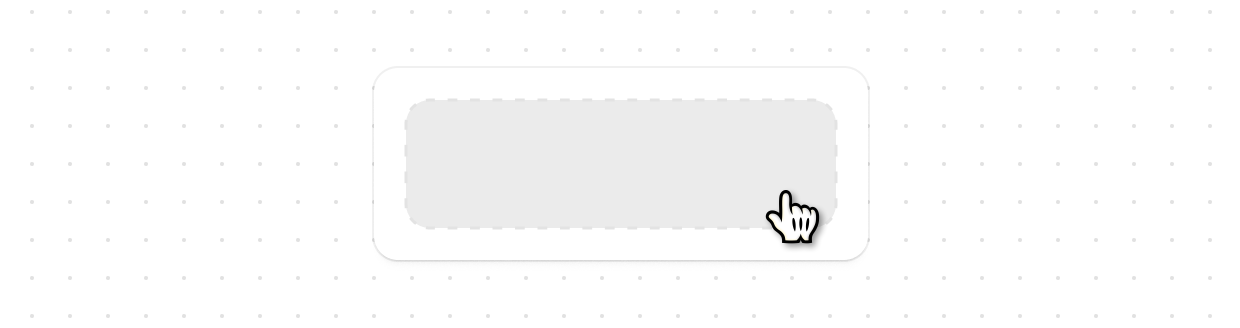
Clickable
Make any content interactive with customizable styling such as backgrounds, padding, or borders.
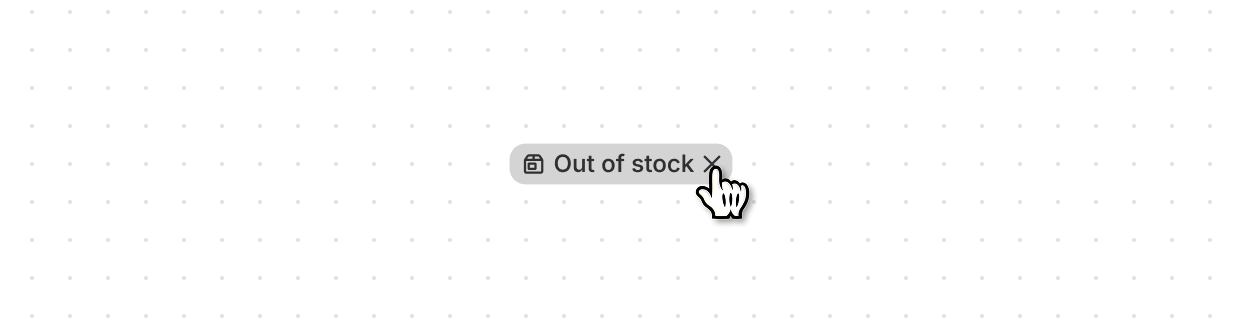
Clickable chip
Display interactive filters or tags that can be clicked or removed.
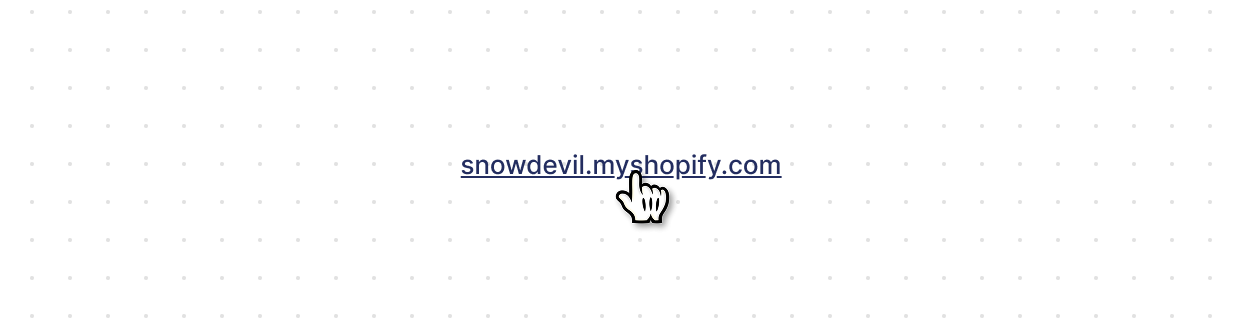
Link
Make text interactive, allowing users to navigate to other pages or perform specific actions.
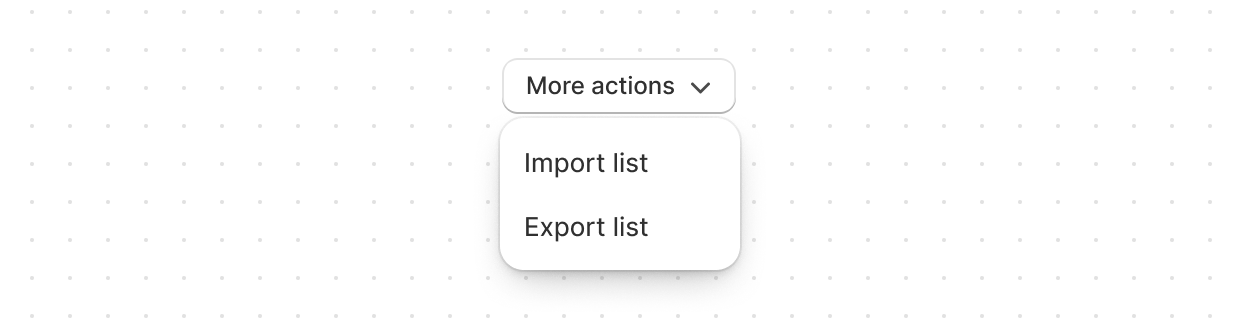
Menu
Display a list of actions that users can perform on a resource.
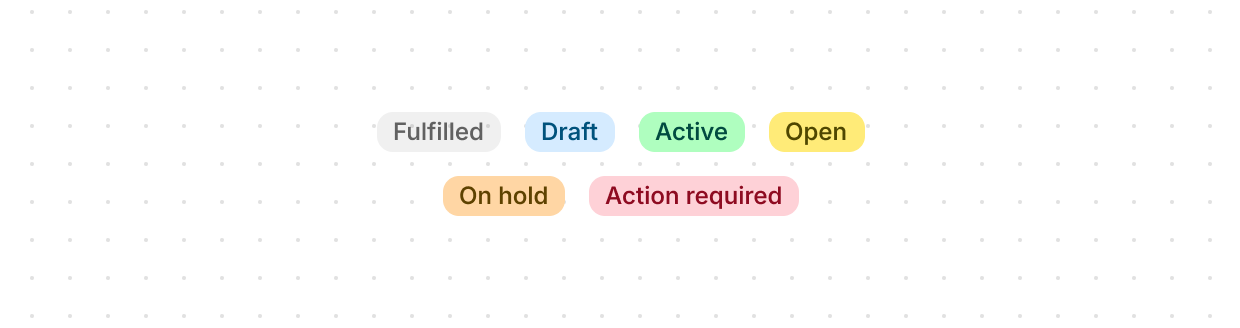
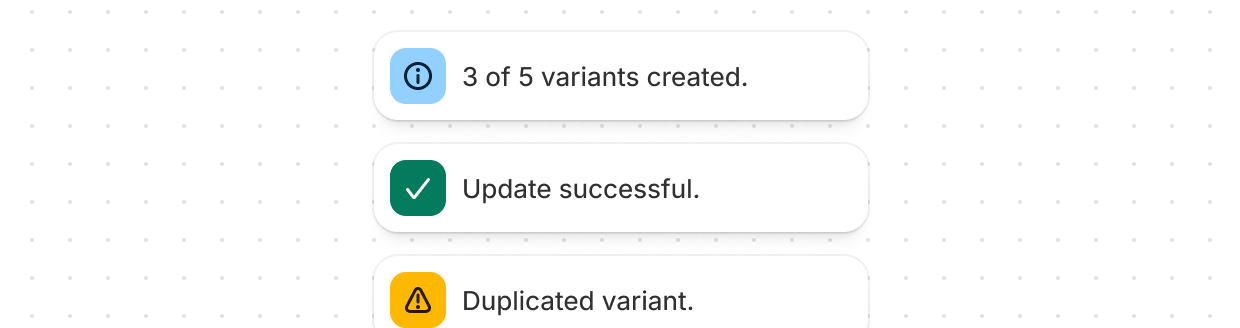
Anchor to Feedback and status indicatorsFeedback and status indicators
Feedback and status indicators communicate system states, progress, and important information to users.
Anchor to FormsForms
Forms capture and validate user input with specialized field types optimized for different data collection needs in the Shopify admin.
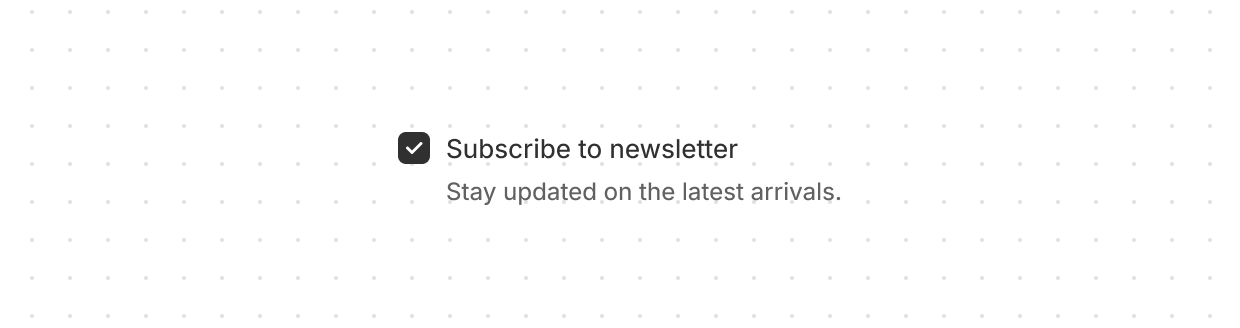
Checkbox
Capture user selections, such as agreeing to terms or choosing multiple items from a list.
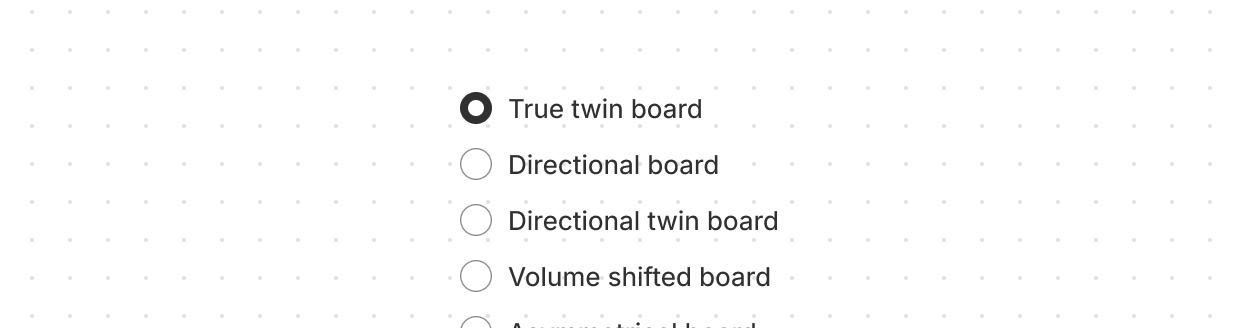
Choice list
Present multiple options for single or multiple selections.
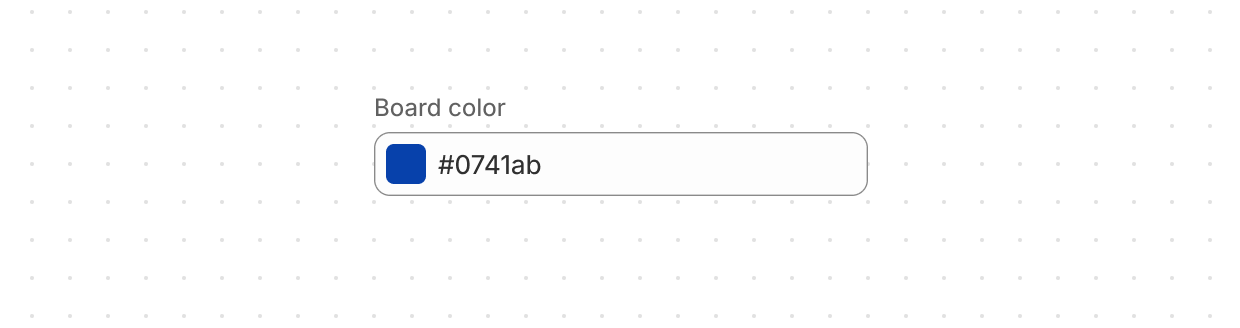
Color field
Capture color selections with a color picker or text input.
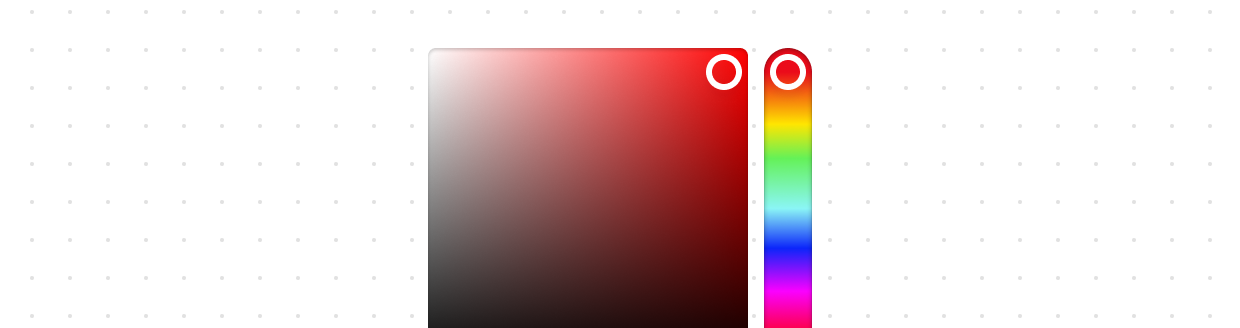
Color picker
Enable users to select colors from a color palette.
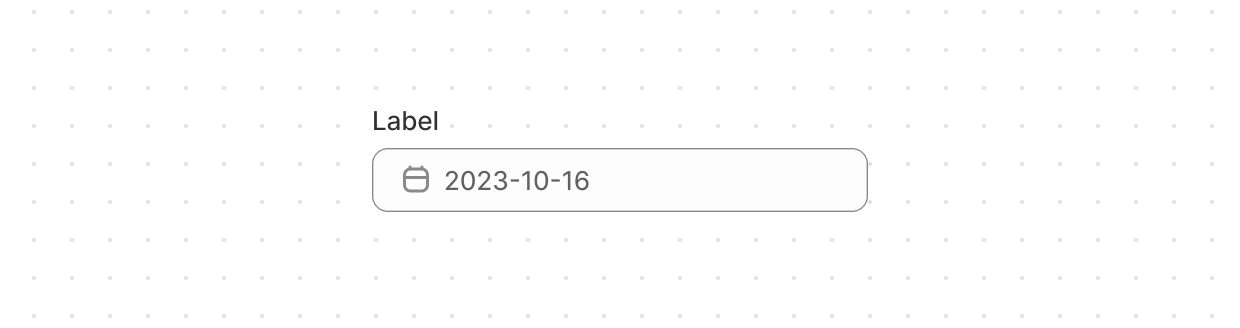
Date field
Capture date input with a consistent interface for date selection and proper validation.
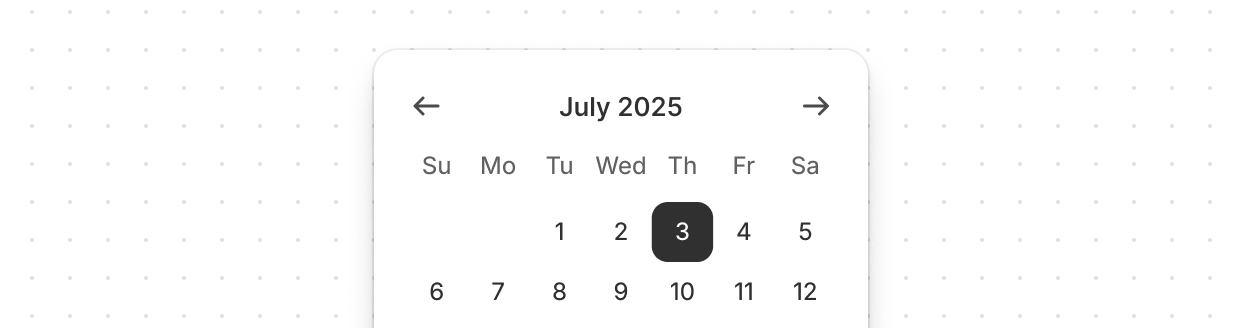
Date picker
Allow merchants to select a specific date using a calendar-like picker interface.
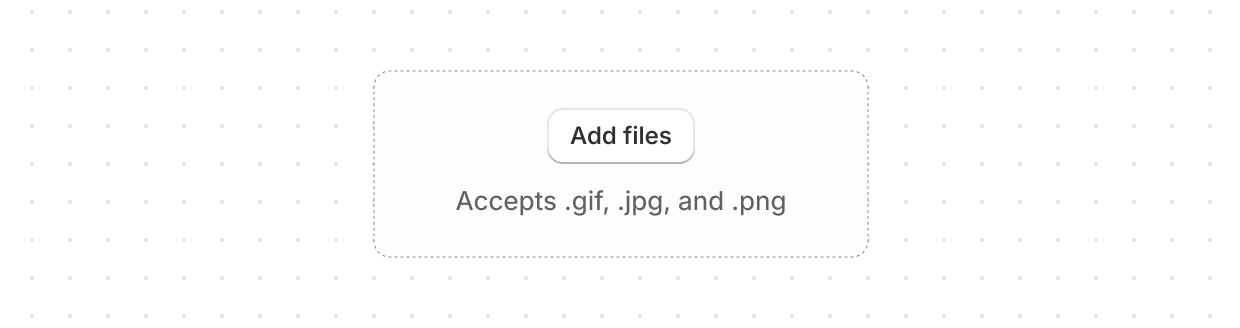
Drop zone
Accept file uploads through drag-and-drop or button activation.
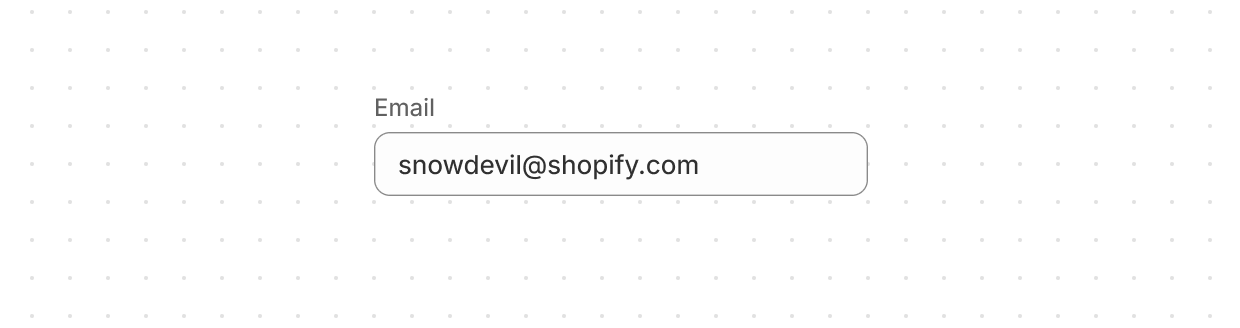
Email field
Capture email address input from customers with built-in validation.
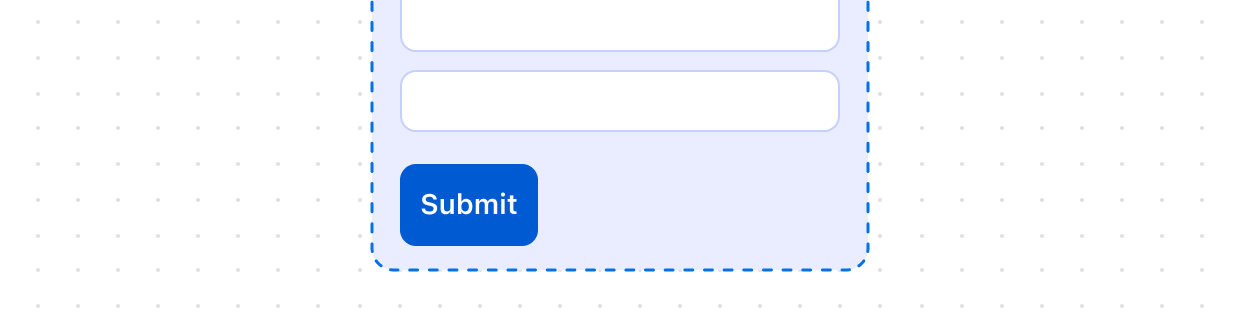
Form
Wrap form controls and enable implicit submission when users press Enter.
Function settings
Configure metafield settings for Shopify Functions with native save bar integration.
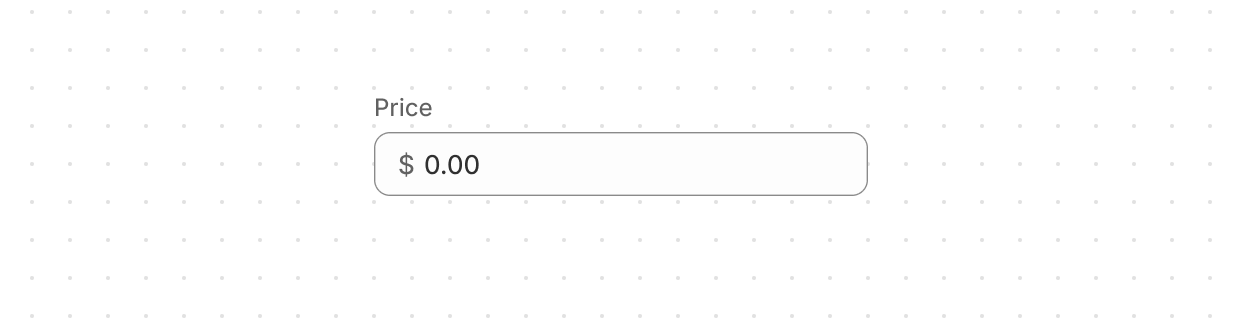
Money field
Capture monetary values with built-in currency formatting and validation.
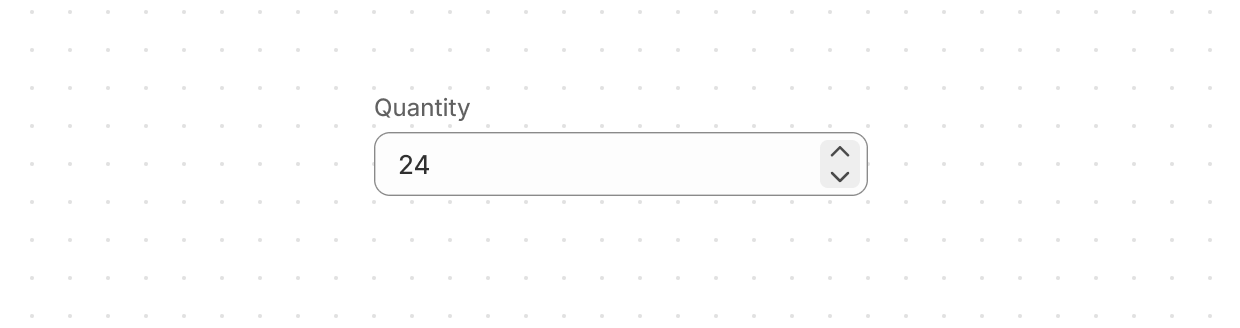
Number field
Capture numeric input with built-in validation.
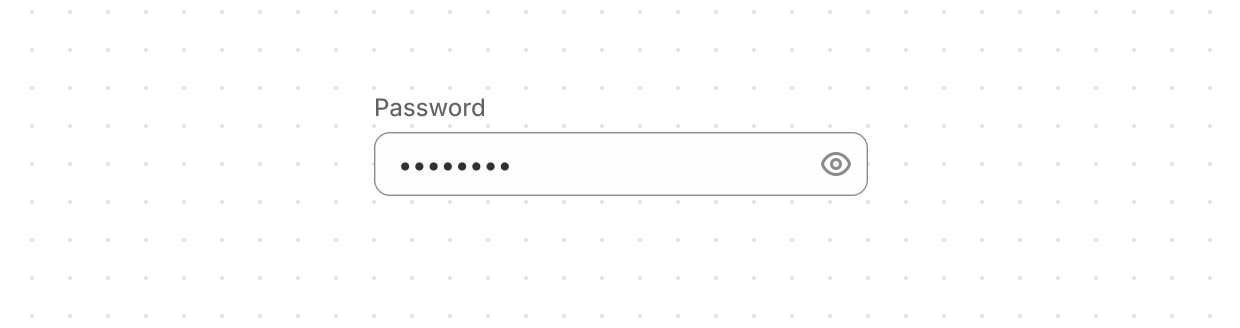
Password field
Securely capture sensitive information.
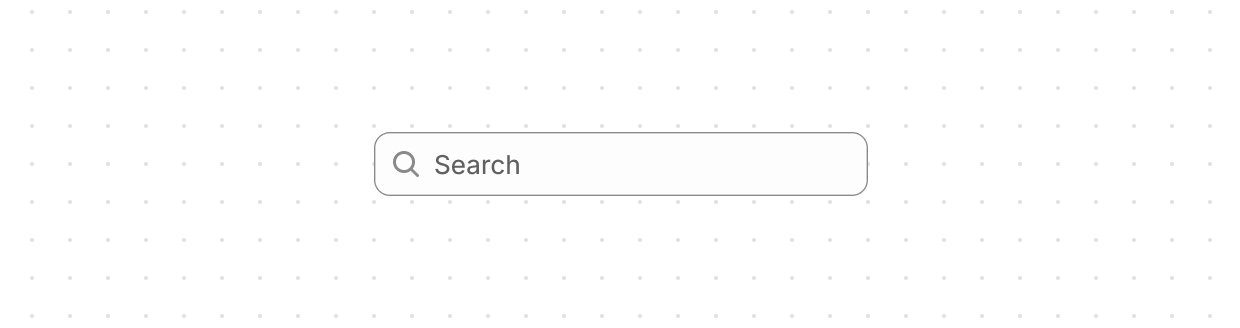
Search field
Capture search terms using a single-line input field.
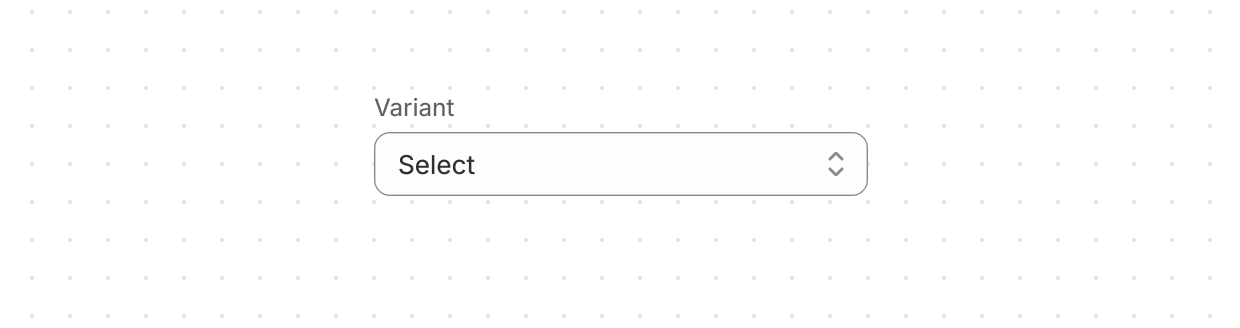
Select
Enable users to pick one option from a dropdown menu.
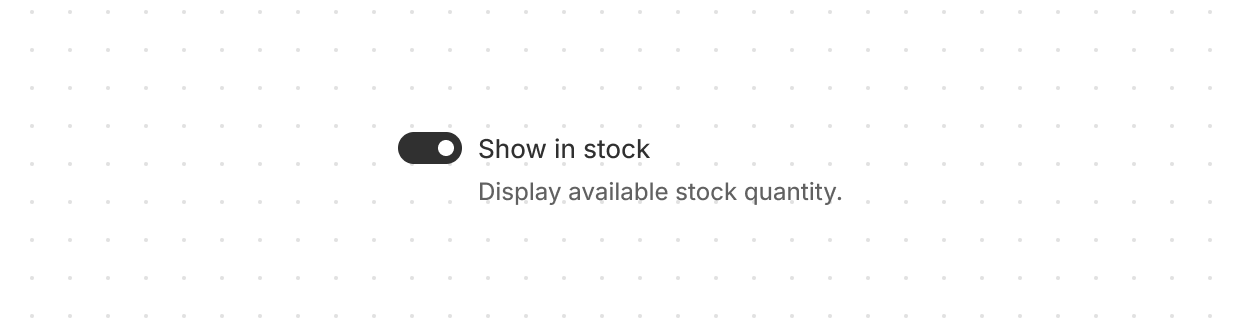
Switch
Toggle options on or off.
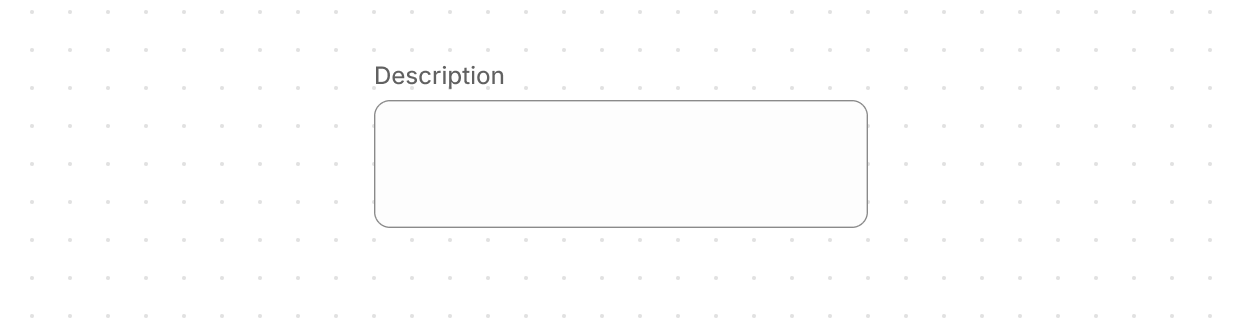
Text area
Capture longer text content with a multi-line, resizable text input area.
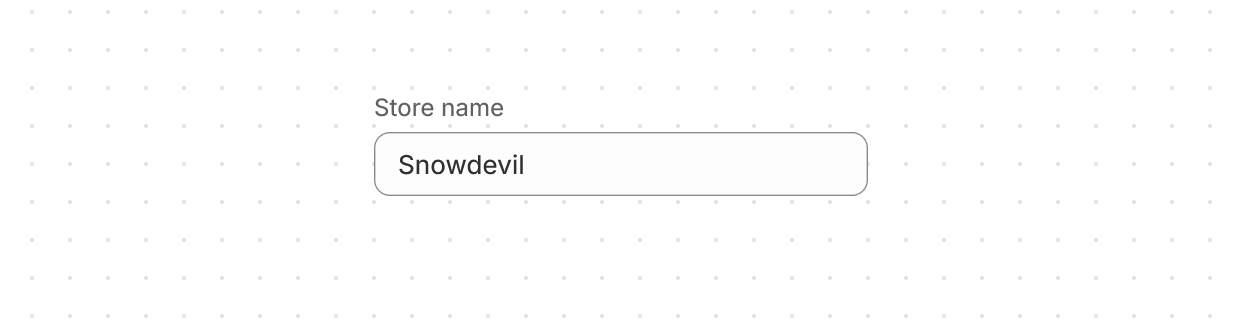
Text field
Capture single-line text input.
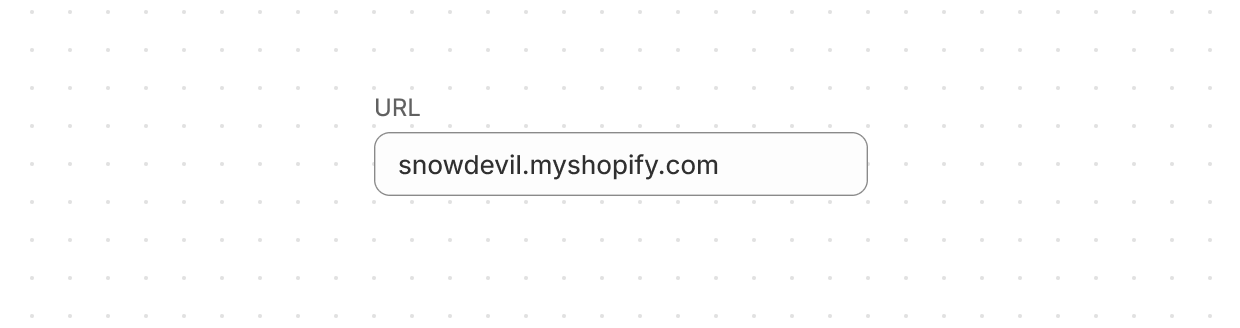
URL field
Capture URLs with built-in formatting and validation.
Anchor to Layout and structureLayout and structure
Layout and structure components organize content hierarchically and spatially, creating clear visual relationships in Shopify admin interfaces.
Box
Display a generic container with consistent spacing and styling.
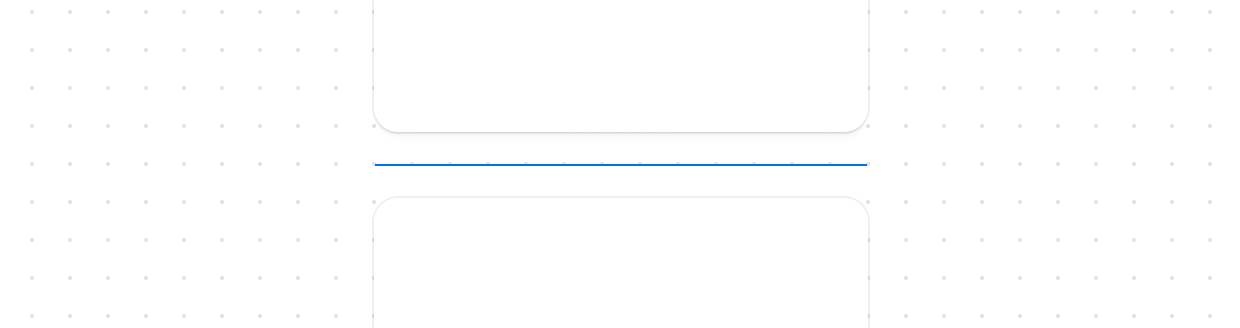
Divider
Create visual separation between content sections.
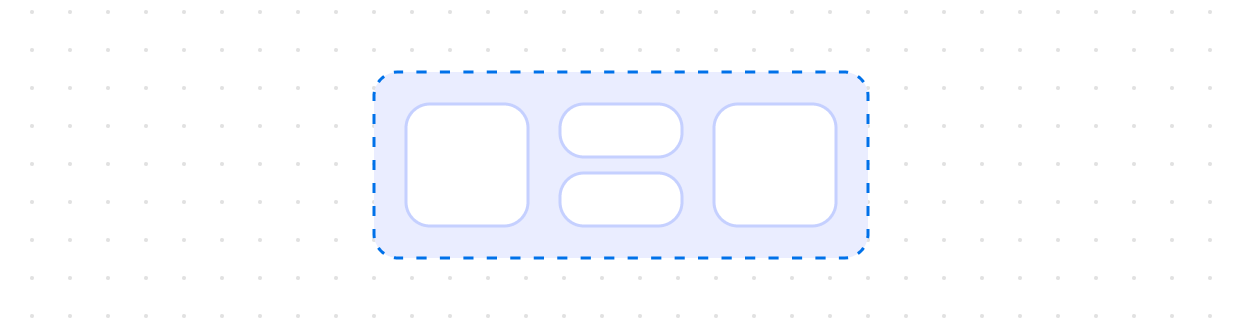
Grid
Organize content in a matrix of rows and columns to build responsive layouts.
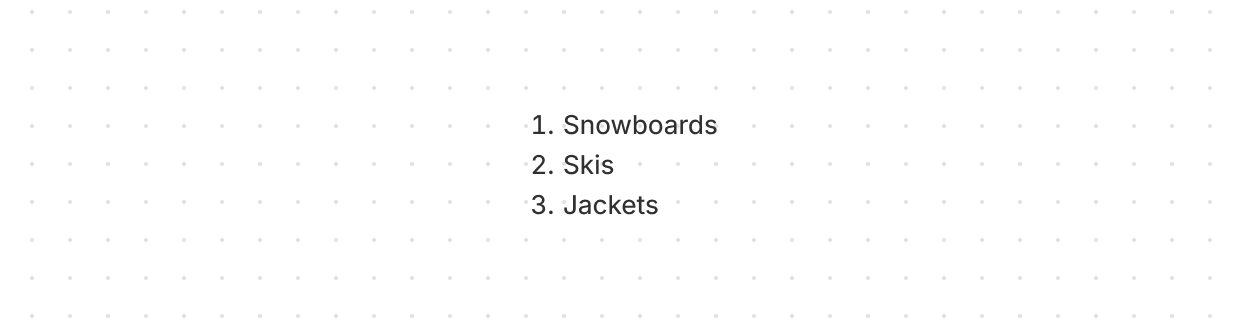
Ordered list
Display a numbered list of items.
Query container
Manage loading and error states for data queries.
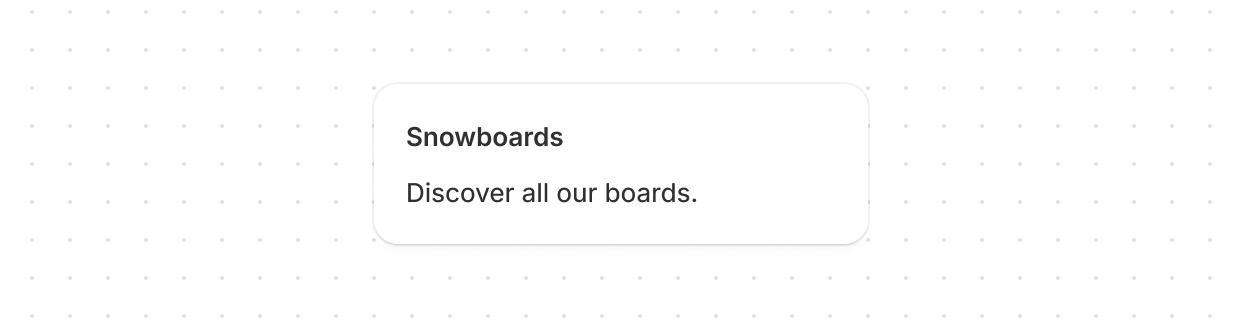
Section
Group related content into clearly-defined thematic areas.
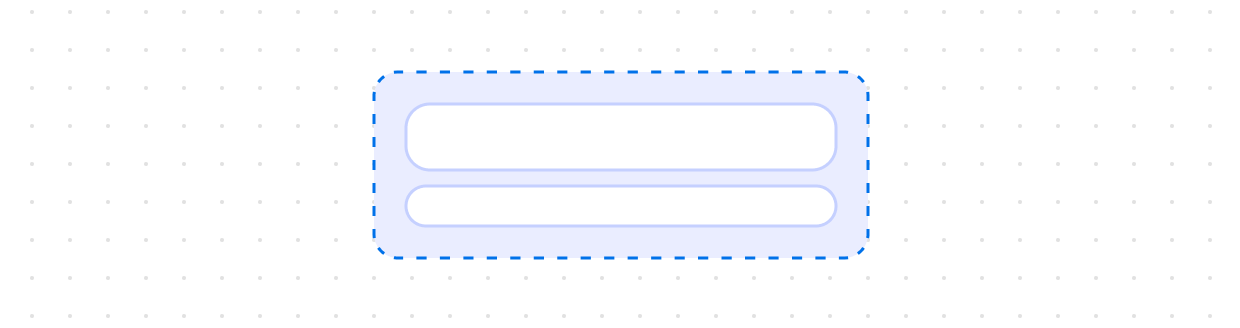
Stack
Organize elements horizontally or vertically along the block or inline axis.
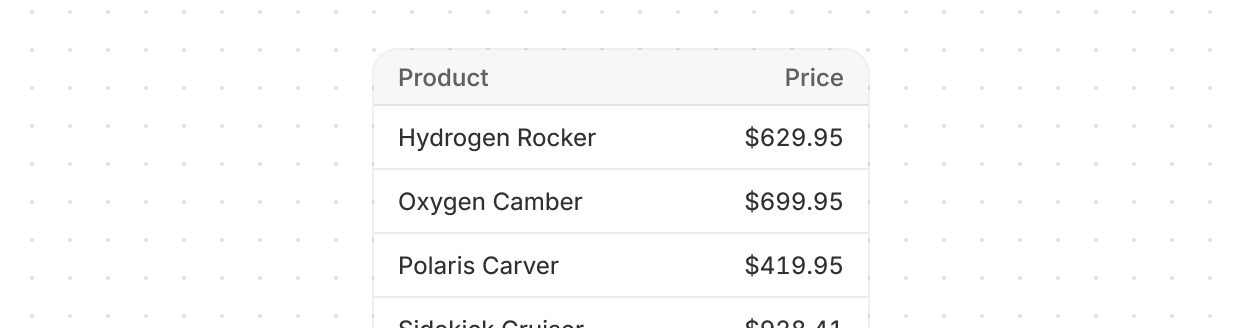
Table
Display data in rows and columns.
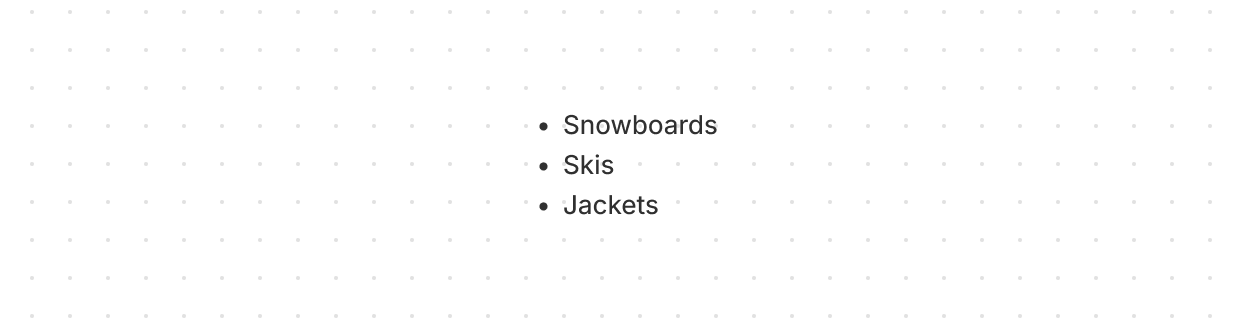
Unordered list
Display a bulleted list of items.
Anchor to Media and visualsMedia and visuals
Media and visuals display images, icons, and graphical elements that enhance comprehension and visual communication in the Shopify admin.
Avatar
Display a user's profile image or initials.
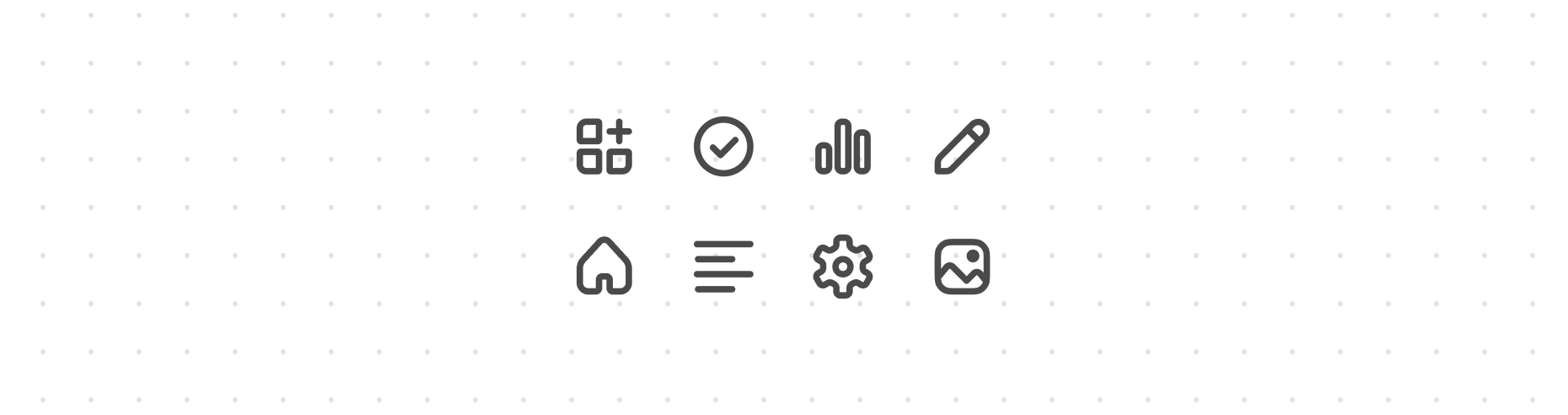
Icon
Display standardized visual symbols to represent actions, statuses, or categories consistently.
Image
Add visual content to the interface and customize the presentation of visuals.
Thumbnail
Display small preview images representing content, products, or media.
Anchor to Settings and templatesSettings and templates
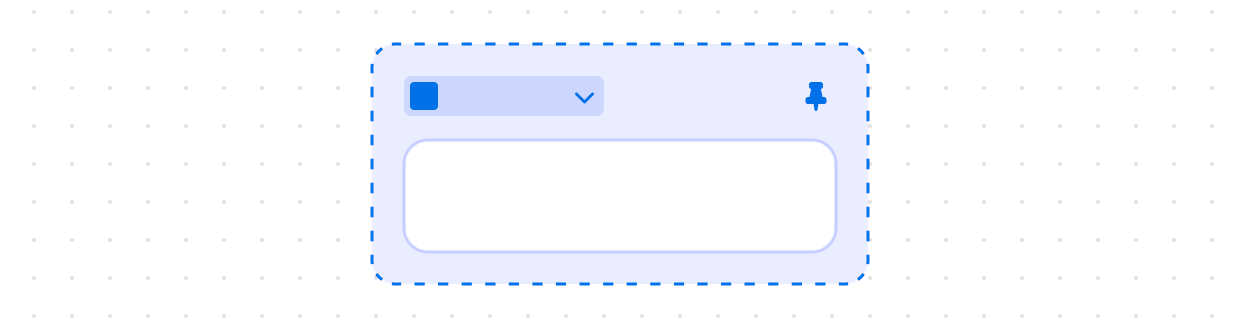
Settings and templates provide specialized components for configuring extension behavior and integration with Shopify admin contexts.


Anchor to Typography and contentTypography and content
Typography and content components present textual information with appropriate hierarchy, emphasis, and styling for clear communication.
Chip
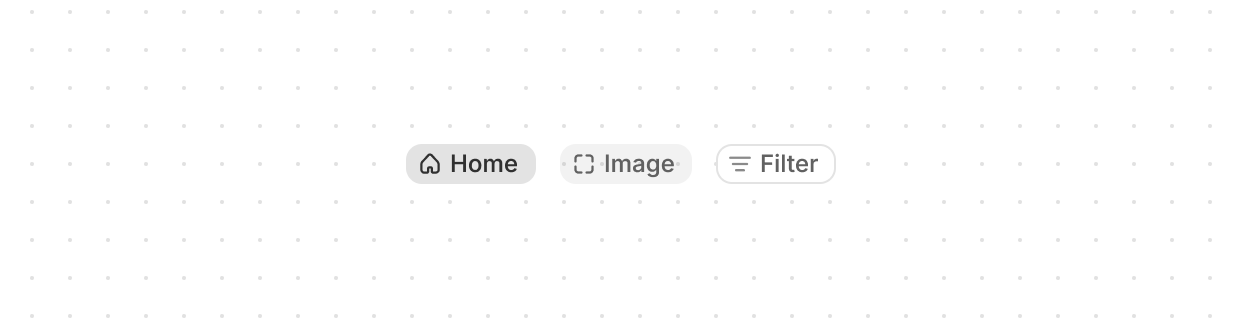
Display user-supplied keywords that label, organize, and categorize objects.
Heading
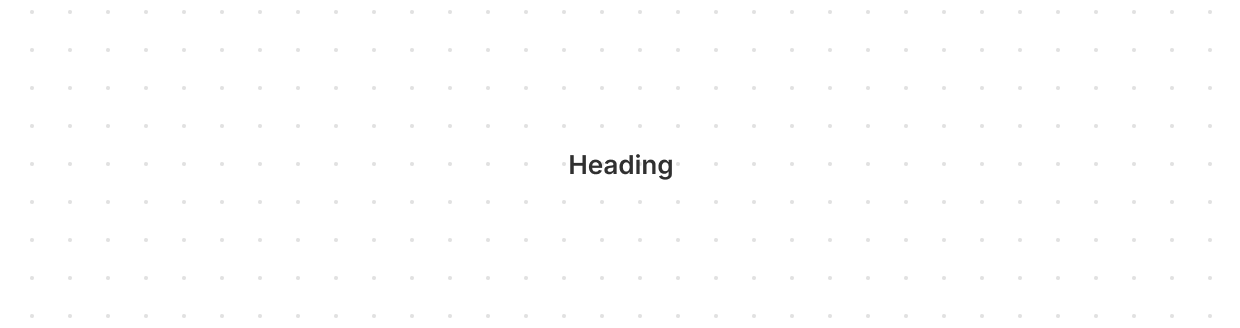
Render hierarchical titles to communicate the structure and organization of page content.
Paragraph
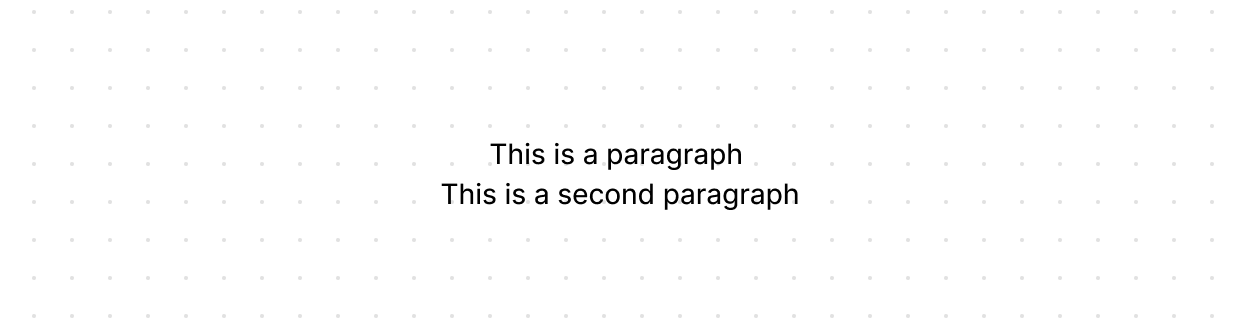
Display blocks of text that can contain inline elements such as buttons, links, or emphasized text.
Text
Display text with specific visual styles or tones.
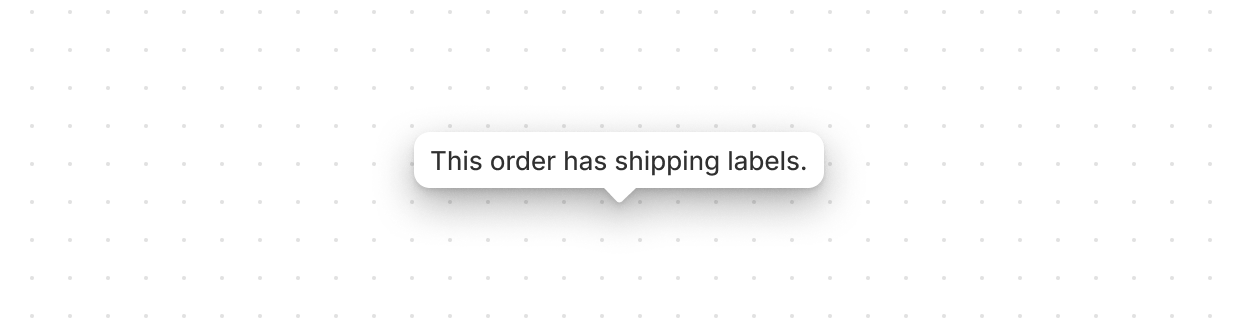
Tooltip
Display additional information in an overlay on hover or focus.