Version 2025-07 is the last API version to support React-based UI components. Later versions use web components, native UI elements with built-in accessibility, better performance, and consistent styling with Shopify's design system. Check out the upgrade guide to upgrade your extension.
UI components
These components are built with remote-ui. For the equivalents used in newer API versions, see web components.
UI components are the building blocks that you use to display data and trigger API functions in POS UI extensions. These components follow Shopify's design system and render optimized interfaces for retail workflows in the POS app on iOS and Android devices.
Your target determines which components you can use because different locations in POS have different interface requirements and constraints.
Anchor to ActionsActions
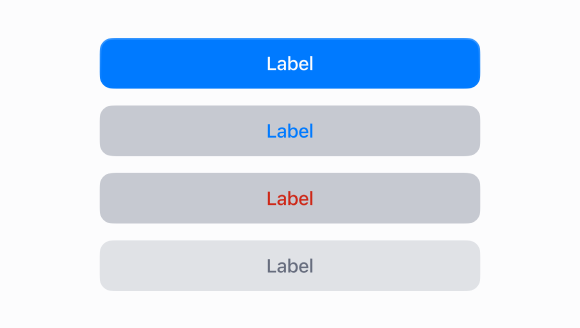
Actions trigger retail operations through quick, touch-based interactions like applying discounts, confirming payments, and initiating workflows.
Anchor to Feedback and status indicatorsFeedback and status indicators
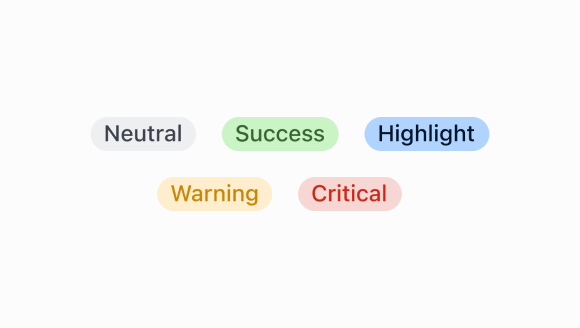
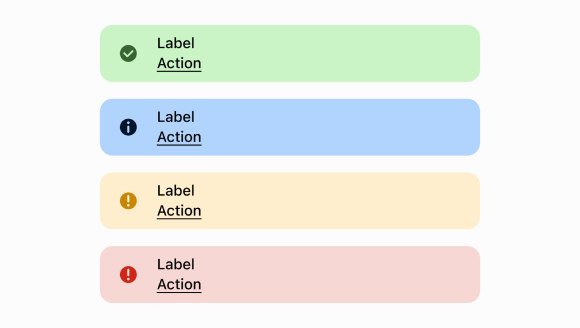
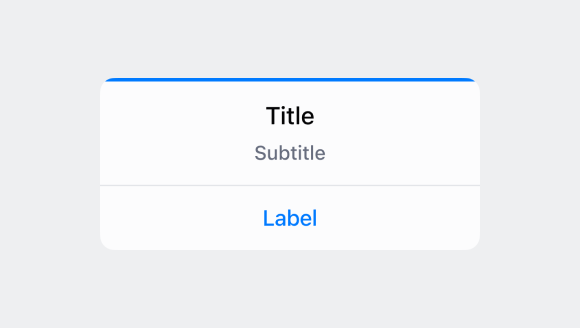
Feedback and status indicators keep staff informed about transaction status, errors, and confirmations during retail operations.
Anchor to FormsForms
Forms capture data during transactions with built-in validation and formatting optimized for mobile touch interfaces.
Date
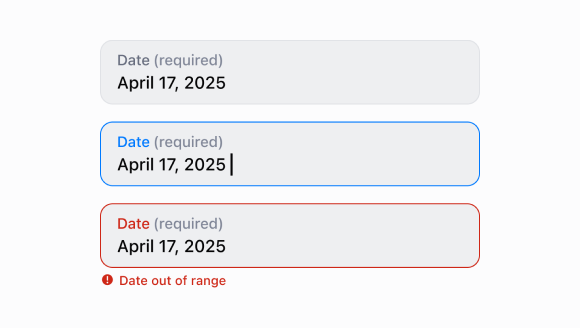
Capture date input with a consistent interface for date selection and proper validation.
Date
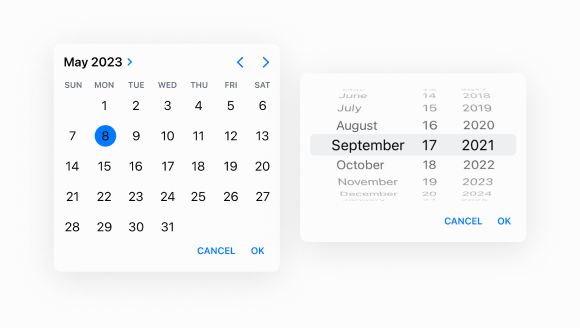
Allow merchants to select a specific date using a calendar-like picker interface.
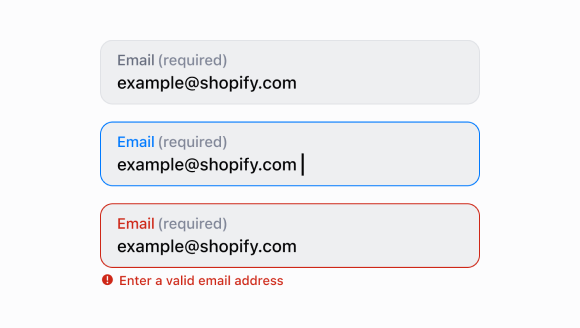
Email
Capture email address input from customers with built-in validation.
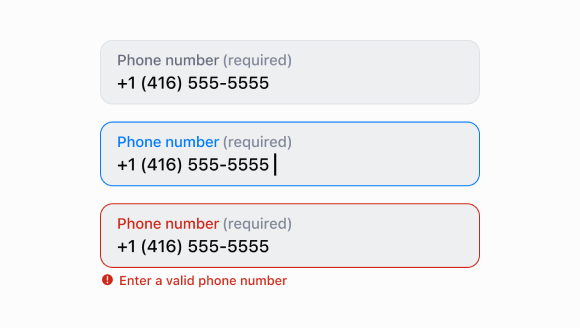
Number
Capture numeric input with built-in validation.
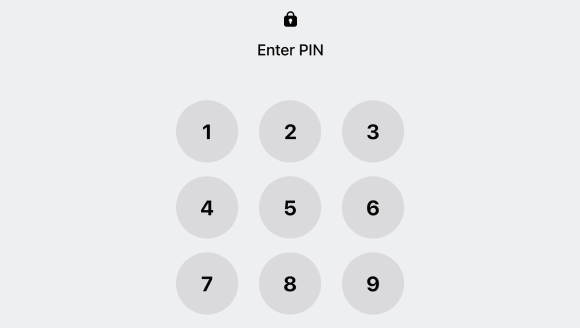
Pin
Provide a secure numeric keypad interface for PIN entry and validation.
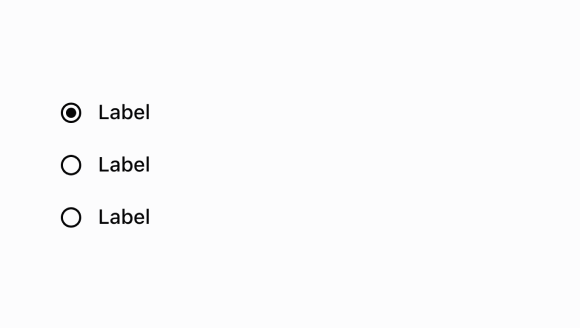
Radio
Present radio button options for single selection from a list of string values.
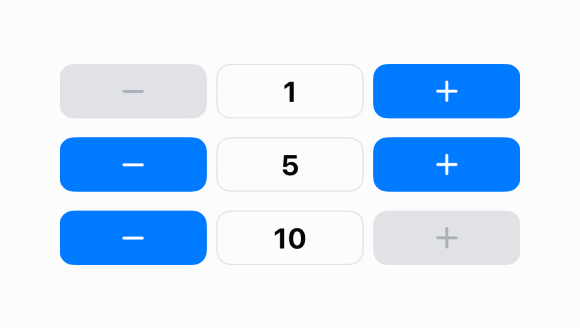
Stepper
Provide increment and decrement controls for numeric values with visual feedback.
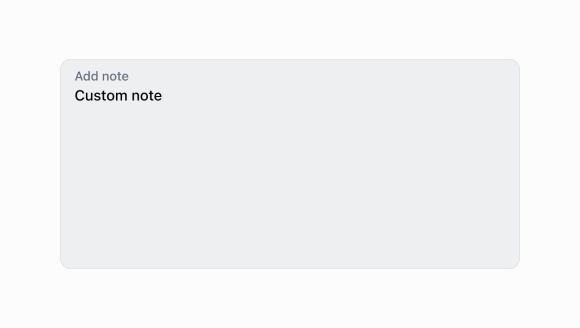
Text
Capture longer text content with a multi-line, resizable text input area.
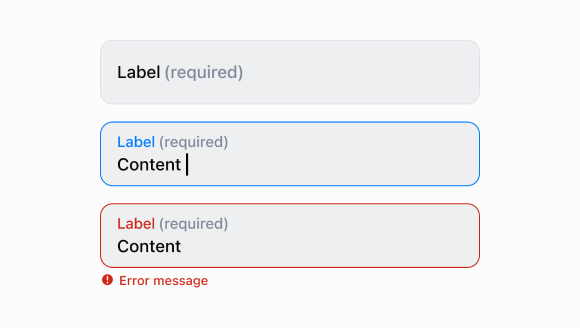
Text
Capture single-line text input.
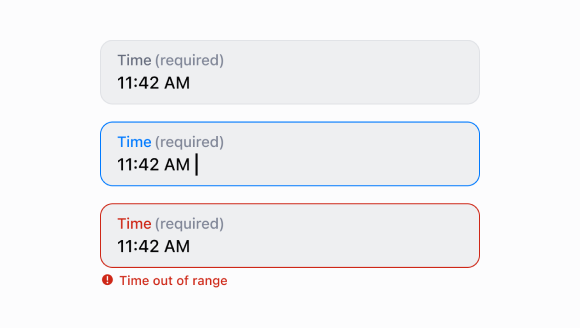
Time
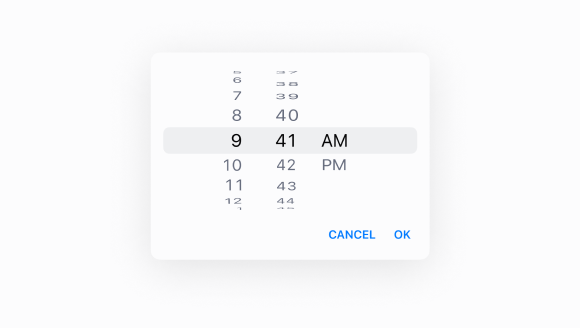
Capture time input with a consistent interface for time selection and validation.
Time
Allow merchants to select a specific time using an interactive picker interface.
Anchor to Layout and structureLayout and structure
Layout and structure components create consistent visual hierarchy and spacing, presenting content clearly across different device sizes.

Box
Display a generic container with consistent spacing and styling.
List
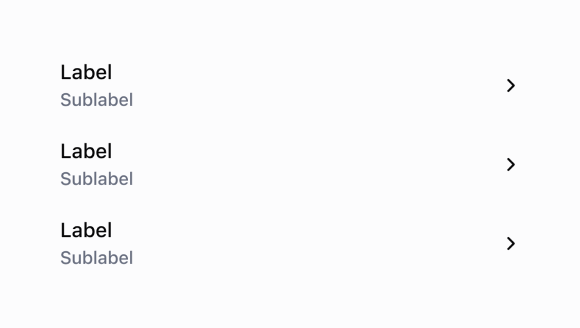
Display structured data in rows with rich content including labels, subtitles, badges, images, and interactive elements.
POS
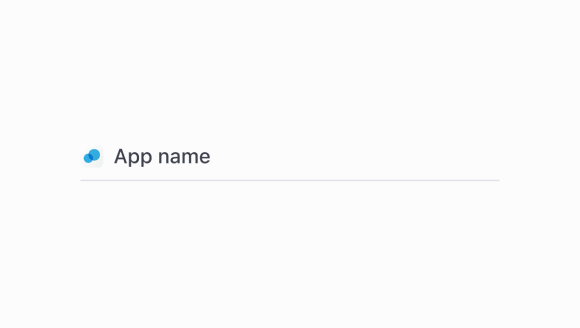
Create a container to place content with an action button.
POS
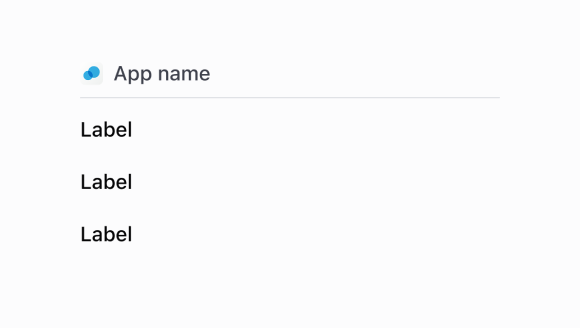
Render individual rows within a POSBlock container.
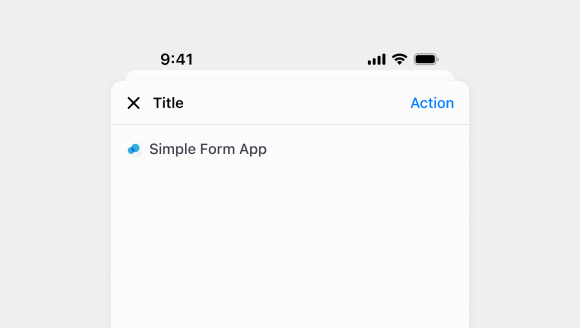
Screen
Define full-screen views within modals with navigation titles and back button support.
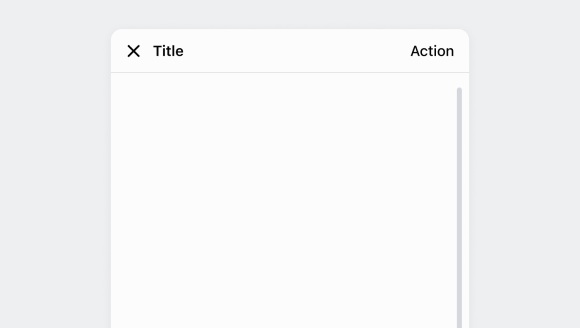
Scroll
Create a scrollable container for content that exceeds the available display area.
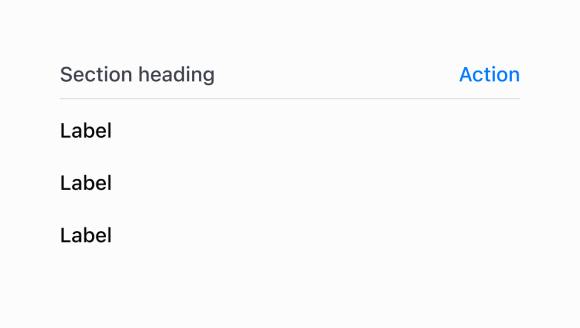
Section
Group related content into clearly-defined thematic areas.
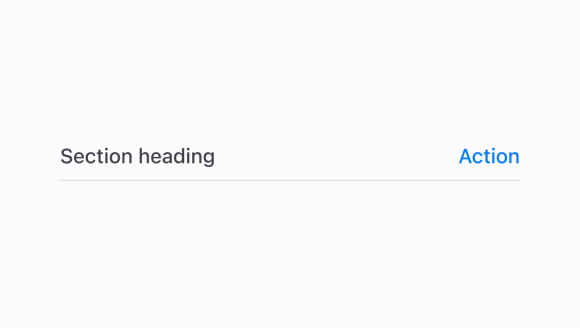
Section
Display a title with an optional action button and divider line.
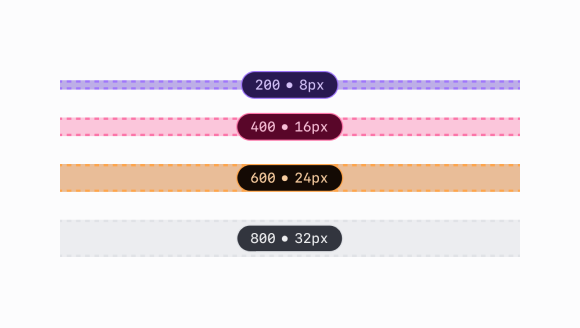
Spacing
Apply consistent spacing to maintain visual balance and touch-friendly layouts.
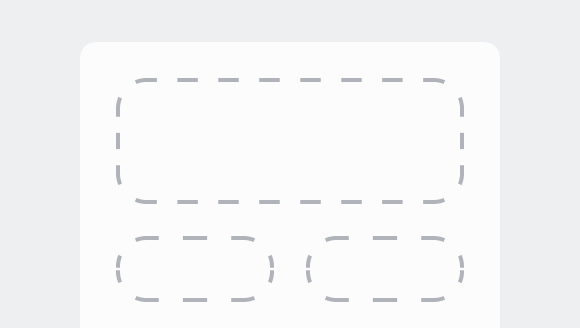
Stack
Organize elements horizontally or vertically along the block or inline axis.
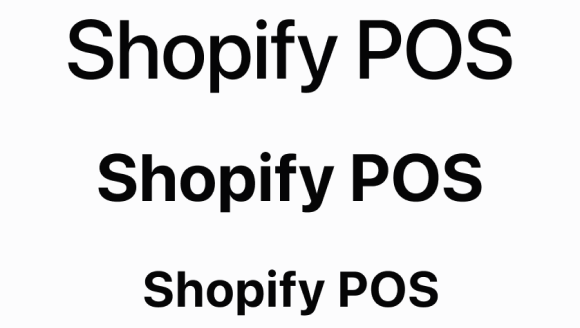
Text
Display text with specific visual styles or tones.
Anchor to Media and visualsMedia and visuals
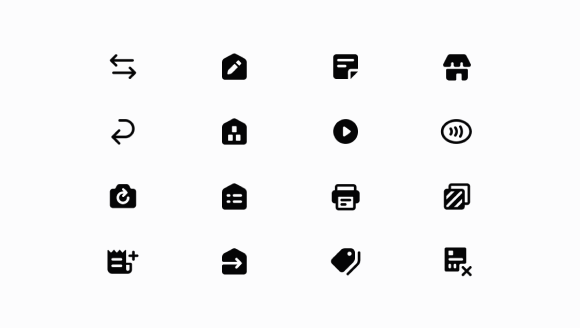
Media and visuals display product images, icons, and branding elements that help staff identify products and communicate information.
Navigation and content components help staff find products, manage information, and navigate through retail data.
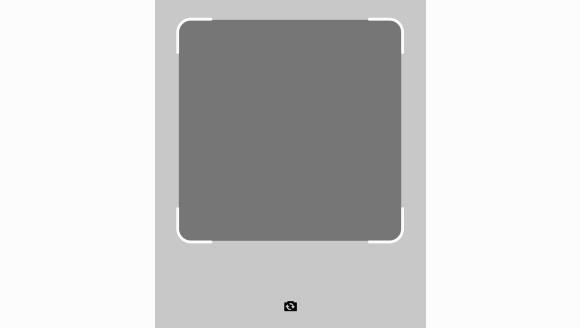
Camera
Provide camera-based scanning functionality with optional banner messaging.
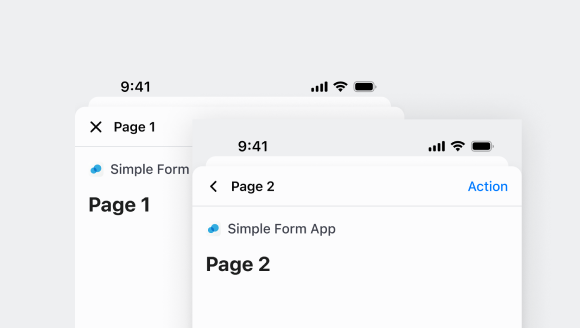
Navigator
Manage navigation between multiple Screen components within a POS UI extension.
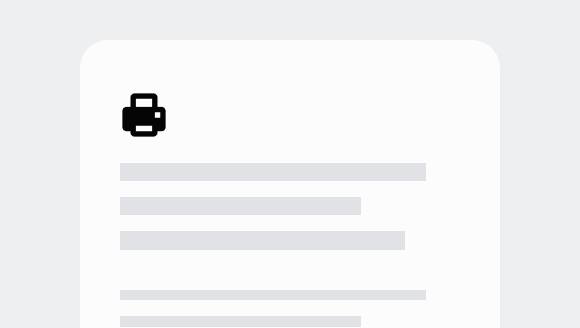
Print
Display a preview of printable content from a specified source URL.
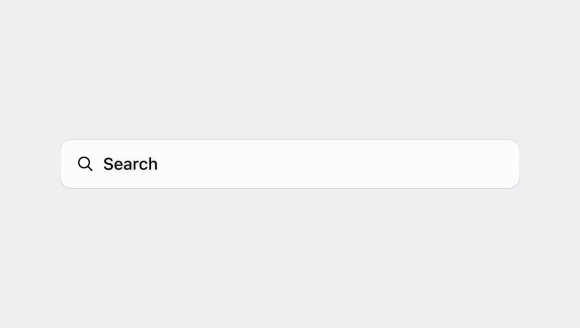
Search
Provide a text input field optimized for search with automatic search icon and change handling.
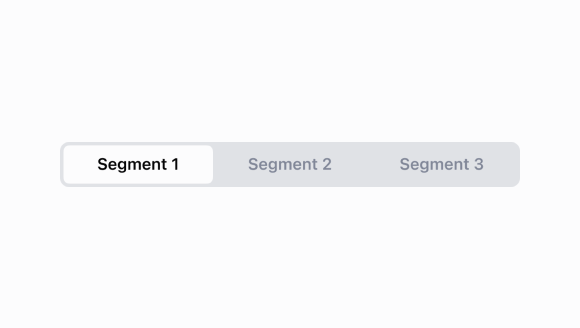
Segmented
Display a horizontal row of segments that allow users to switch between different views or filter content.